Proxy review · Editorial Choice
Bright Data – The Best Proxy for Large Scale Scraping in 2026
BrightData caught my attention as a proxy service that seemed to cover both small checks and serious public web data work in the same dashboard. I decided to check if this impression was real. This review reveals my experience with the BrightData product set, supported integrations, and performance – all from a security-minded user’s point of view.
 Editorial Choice
Summary rank
How we score?Show detailsHide details
When analyzing the proxy, we have conducted in-depth research that helped us reveal all the strong and weak points of the service. Considering expert opinion and customer feedback, our pros studied the range of options and, finally, tested the service.
Analyzing the customer feedback
We have visited several forums devoted to proxy discussion and even participated in it. We have studied reviews on reliable resources with only one purpose – to make our review precise.
Getting to know the expert opinion
We have communicated with experts in the proxy industry. To uncover some hidden pitfalls, we asked professionals about its key features. In our review, we will tell you everything you need to know about the strong and weak points of the proxy provider.
Studying Terms & Conditions
At this point, experts have studied the legal basis. They have touched upon the place of registration, owners, achievement, reputation, and so on.
Exploring proxy types
To understand the quality of services the company provides, we test each of the proxy types it offers. The range of proxy types can vary as well as their quality.
Evaluating the quality of support
The support team reflects the reliability of the company hence it is essential to check it. We pay attention to response time, the communicative skills of managers, and the usability of the service.
Testing the service
We have checked the proxy provider backwards and forwards. To make our research full and deep, we have tried out all proxy types offered there.
Comparing
Our experts have compared this proxy with other popular services — pricing, features, and characteristics. You can find more in the Comparison section of the website.
What is best suited for?
- Threat intelligence checks, brand protection, ad verification, public web scraping, account risk testing, and regional QA.
We liked
- Broad product mix
- Targeting by country, city, ASN, and carrier
- Useful documentation for engineers
- Zones, credentials, spending, and usage inside a single dashboard
- Web Unlocker and scraping tools
- Good speed and low random failure rate
We didn’t like
- Not the cheapest option for small side projects
- Beginners may need time to understand zones and plans
Characteristics
- IPv4
- IPv6
- English
- Russian
- Chinese
- Japanese
- Spanish
- Portuguese
- 100+
- Datacenter Proxies
- Residential Proxies
- ISP Proxies
- SOCKS5
- HTTP
- HTTPS
- PayPal
- Debit card
- Alipay
- Apple Pay
- Google Pay
- Payoneer
- Browsers, APIs, automation tools, and no-code apps
- Built-in proxy manager and zone controls for repeatable test setups
- No-code and code-first tools for public data work
- Manuals for popular automation stacks
- Free online checkers and diagnostic tools
- Usage analytics for traffic spikes and budget control
- Product videos and webinars for onboarding
- Managed datasets for teams that do not want to build crawlers
I would not treat BrightData as a small private proxy provider. It feels more like a data access platform with proxies at the core. If you need a few IPs for casual browsing, it may feel too large and too expensive. But with repeatable checks, ad verification, threat research, or web scraping, the control starts to justify the size.
For this review, I focused on the parts I would use in my lab. These are residential proxies, ISP proxies, datacenter routes, Web Unlocker, datasets, and integration manuals.
My main impression is that BrightData rewards planning. Once I separated tasks into zones, the service became easier to judge. One zone handled lower-risk page checks. Another handled browser-based sessions. A third handled heavier scraping tests.
Featured
Residential Proxies
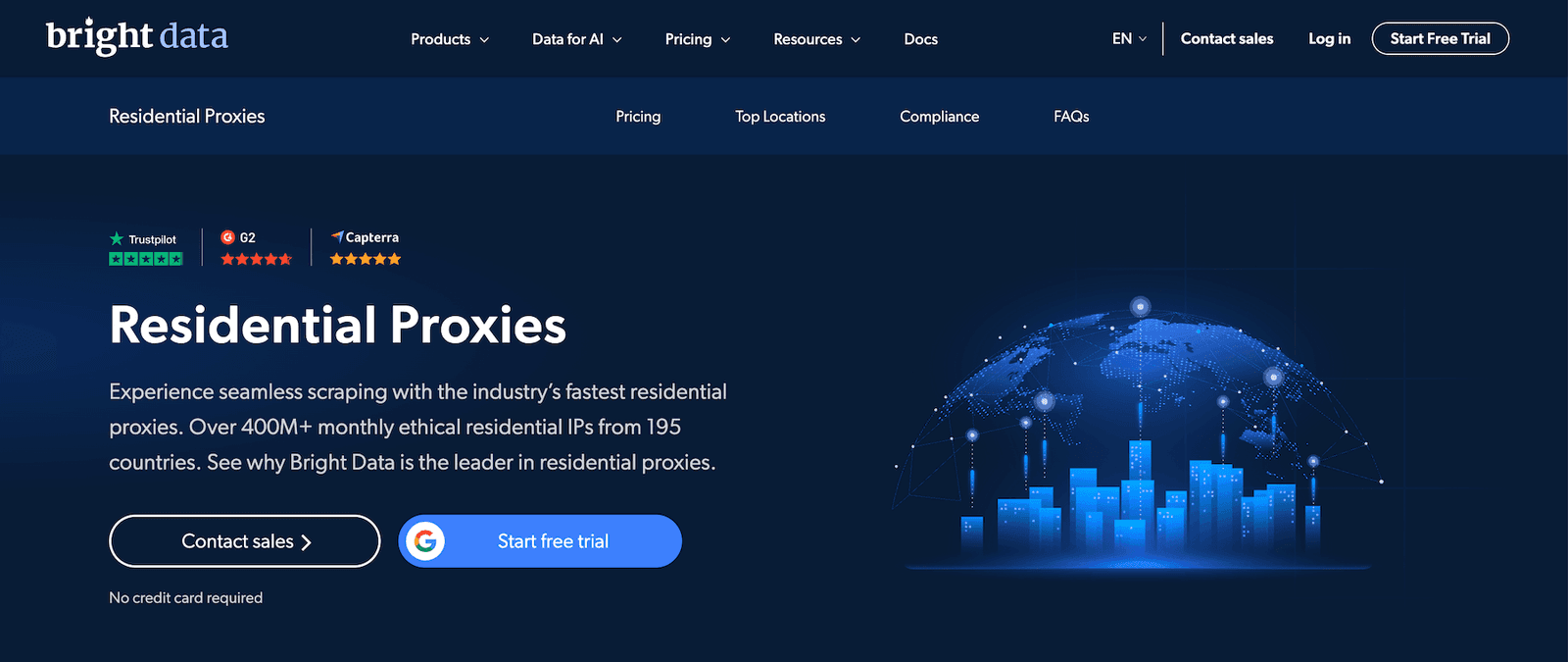
Residential proxies were the first product I tested. I used them for public page checks, localized access tests, and light automation where datacenter IPs stood out too quickly. The value was not only the pool size. It was the control over the country, location, rotation, and sessions.
For my tasks, rotating mode was the safer default. It helped when I needed many clean requests without building a long-lived profile. Sticky sessions worked better for flows that did not like an IP change at every step.
I’ve got to warn you, though. Do not waste residential traffic on every request. I’d send low-risk checks through datacenter routes first, then reserve residential capacity for pages where reputation signals and targeting matter.
ISP Proxies
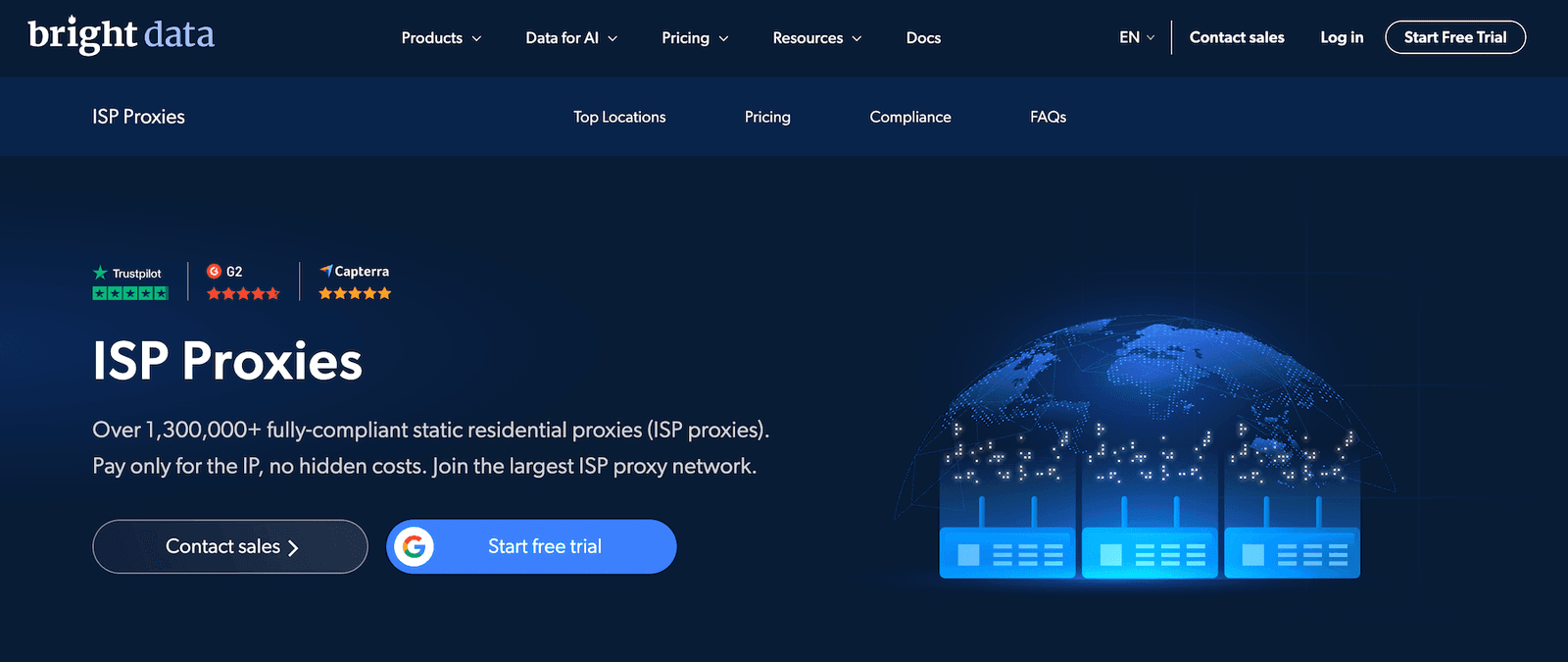
ISP proxies felt like the middle road. They gave me a more stable identity than rotating residential routes, but they did not behave like ordinary cloud datacenter IPs. I’d say they are suitable for repeated monitoring, account safety testing, or checking how a service behaves over time from the same region.
In action, I liked ISP routes for controlled browser sessions. The connection did not jump around, so I could repeat the same test and trust the comparison. When a target page changed behavior, I had fewer variables to blame.
The catch is buying the right location and plan. So start small, confirm that the route passes your target checks, and only then scale.
Datacenter Proxies
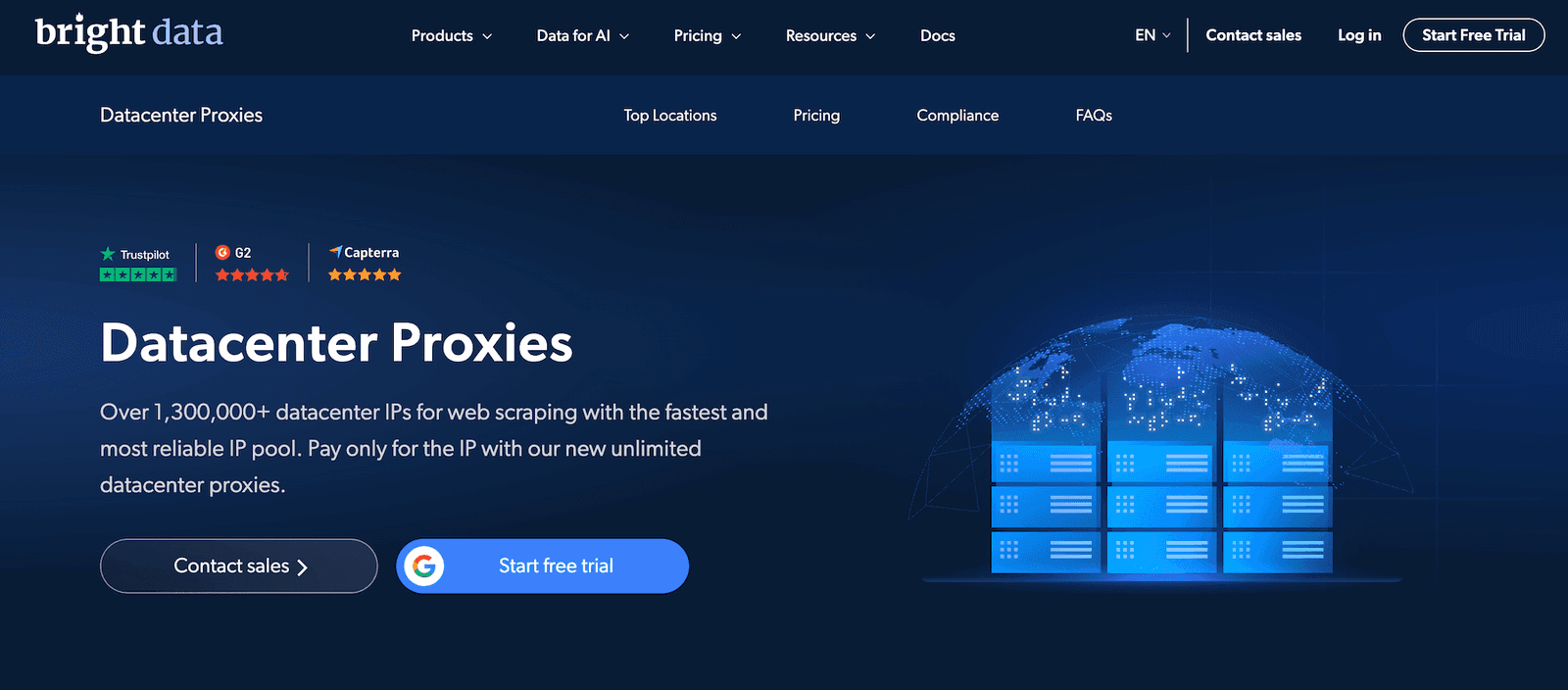
While mimicking real user behavior is important, I still find datacenter proxies useful in certain cases. Particularly, I use them for uptime checks, content comparisons, and simple page fetches.
The best thing here is predictability. Datacenter routes by BrightData are easier to reason about and usually cheaper. They work well as the bulk layer. In my setup, they helped me filter easy pages before sending harder requests through a more premium route.
Surely, they won’t solve every blocking issue. Some platforms distrust datacenter ranges, especially when requests look too frequent or too similar. That is not a BrightData-only issue. It is a route-selection issue.
Web Access APIs
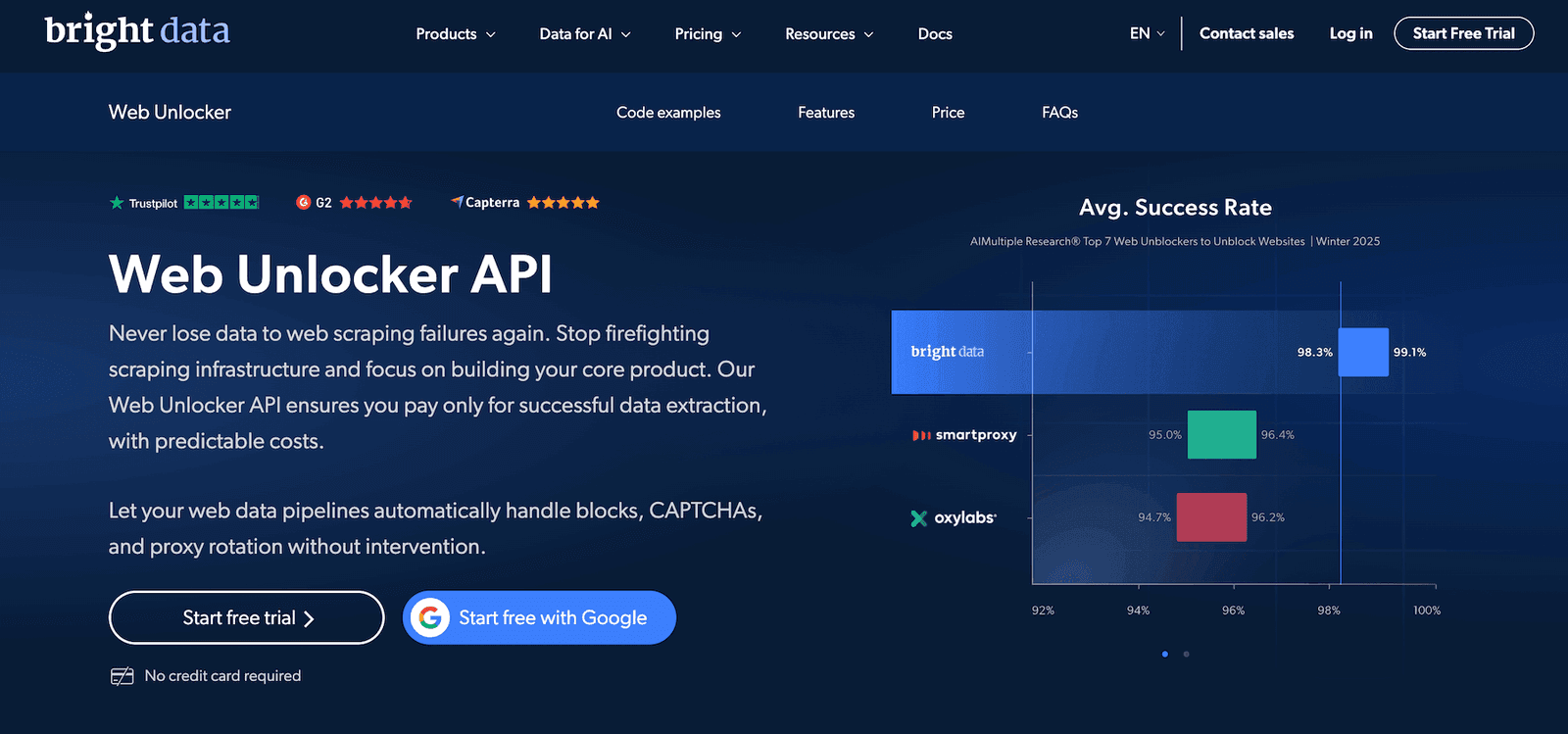
Web Unlocker and the access APIs are where BrightData feels more like managed infrastructure. I tested this type of product when plain requests needed too much header tuning, retry logic, or browser handling.
The main benefit is operational. You can move part of the unblocking work to a managed layer instead of building fragile glue code around every target.
Of course, not every page needs Web Unlocker. In my view, it is better for targets where raw proxies fail often or rendering burns too much time. For simple pages, raw routes are usually enough.
New: Recurring Free Tier. BrightData now gives every new pay-as-you-go account 5,000 free credits per month (about $7.50 in value) for Web Unlocker API, SERP API, Scrapers and Scraper Studio. No credit card is required, and there is a hard stop when the credits run out, so there are no surprise bills. The free tier resets monthly and ends once you upgrade to a paid plan. It's the easiest way to try the access APIs on your own targets before committing. Proxies are not part of this free tier.
Data Feeds
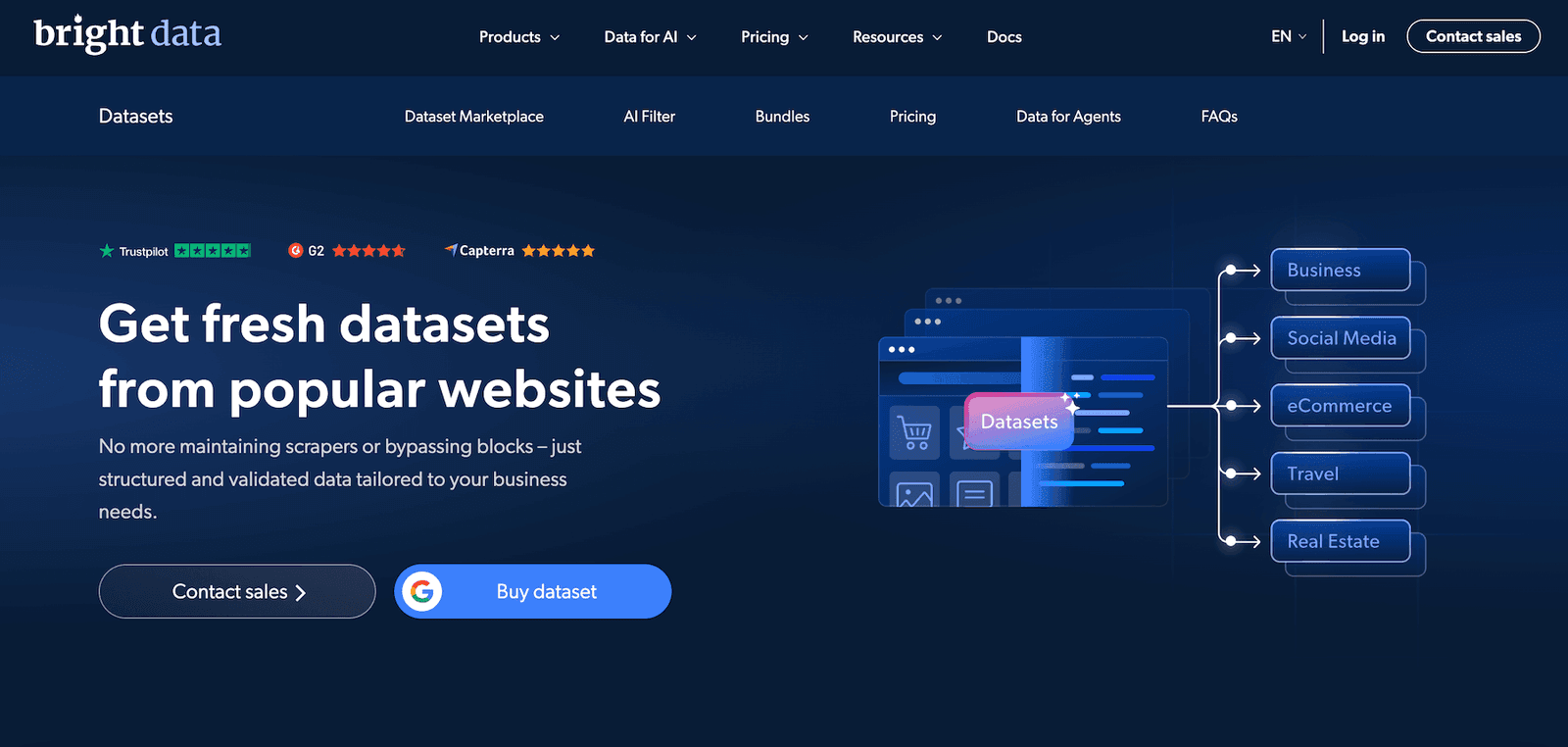
Datasets are useful when a team does not want to build collectors at all. If the needed public data already exists in a structured format, buying it can be cheaper than maintaining a crawler.
From a security angle, I’d consider datasets for enrichment work, vendor checks, and public market monitoring. The key question is freshness. Always check update cadence, sample records, fields, and source logic before committing.
This is also where governance matters. A dataset can look good in a sales page and still be wrong for your internal rules. So ask what is included, how it is sourced, and how often it changes.
How to Use BrightData
If you’re all excited about trying BrightData, good news for you: the first week comes at no cost. Now, I’ll guide you through the process, step by step:
Sign up for a free trial
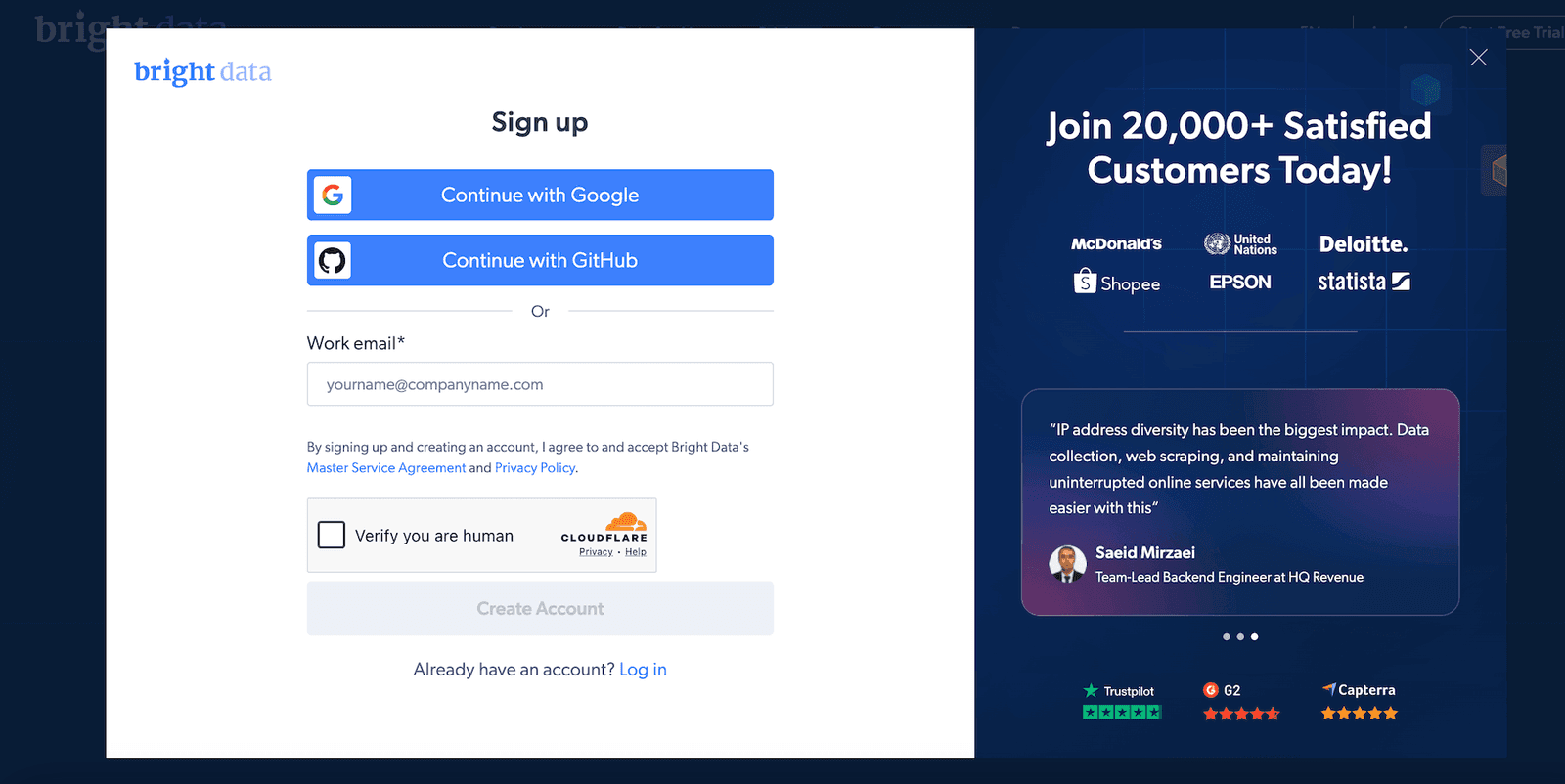
Click “Start Free Trial” on the product page. Then, complete the registration form or continue with Google login. With an email route, use a business address if possible. BrightData may ask for verification because the network is not built for anonymous abuse.
Choose the right product
Pick residential, ISP, datacenter, or web access based on the target. Do not choose the most premium route by default.
Select a plan and spending limit
Check the pricing screen before sending traffic. For a first test, I prefer a small plan or pay-as-you-go option with a hard cap.
Configure your zone
In the dashboard, create a zone and set location rules, rotation, session length, and protocols. Use clear names like “us-residential-browser-test.”
Copy the credentials
Copy the host, port, username, and password provided by BrightData. Paste the credentials on a browser or scraper you use. I’d also run the IP check at this step.
Use the manuals
When it comes to documentation, BrightData is generous on this. In its knowledge base, you’ll see detailed guides for supported tools and integrations (I’ll cover it in greater detail below).
Watch usage after launch
Check traffic, success rate, and spend after the first run. If the numbers look strange, stop and fix the setup before scaling.
Integrations
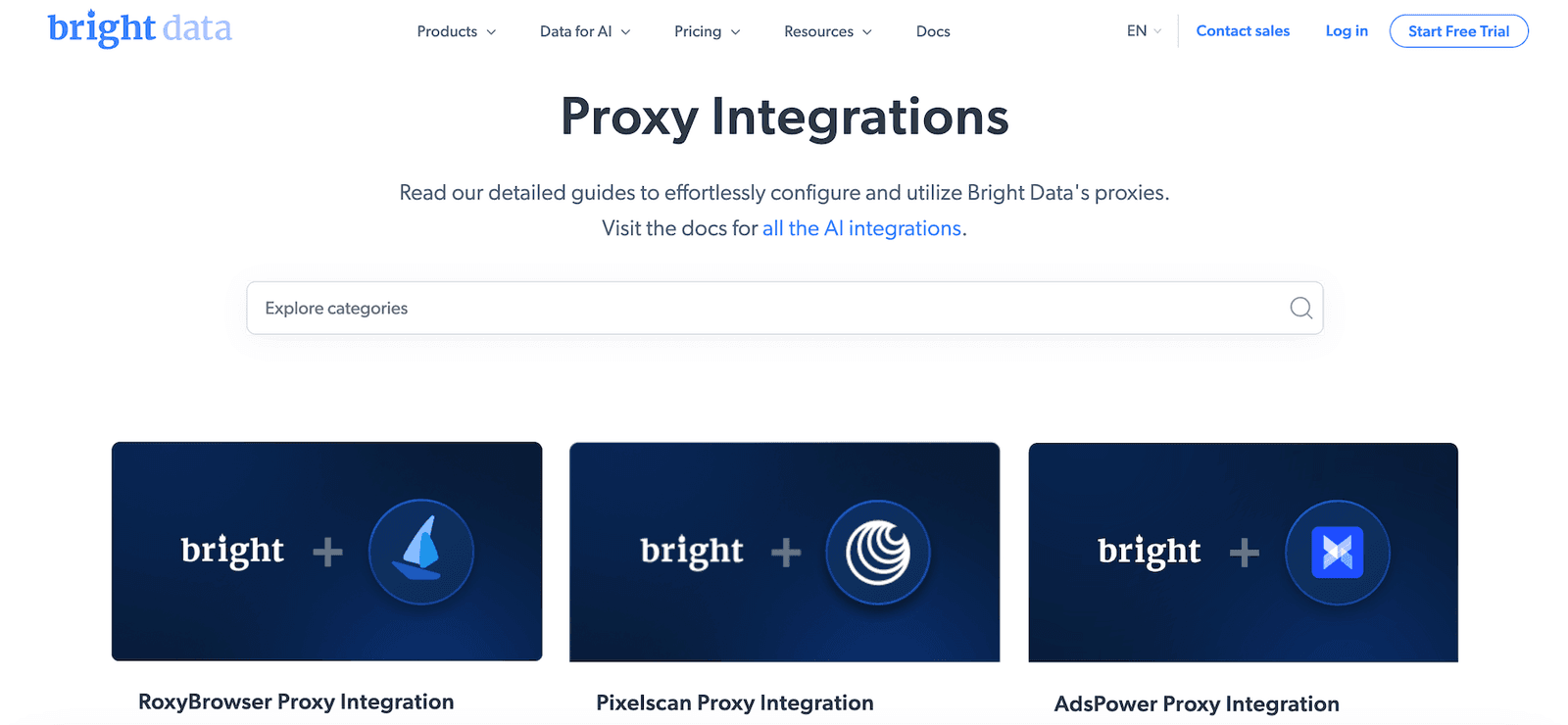
BrightData is strong on integrations. The docs cover browser setup, command-line checks, scraping frameworks, headless browsers, API workflows, and common developer tools. For my work, I used a browser profile, curl-style HTTP checks, and a Puppeteer-based script. The ready examples saved time because I did not have to translate dashboard credentials into every format manually.
As a user, I appreciated that the manuals are organized around real tools. Whether you need Selenium, Playwright, Puppeteer, or Scrapy, that categorization helps. I still recommend saving your own working snippet once you confirm it. Vendor docs help, but your tested baseline keeps future debugging faster.
For privacy-sensitive work, remember that encrypted connection handling depends on the tool, target, and route you choose. A proxy can move requests through another exit, but it does not automatically make careless automation safe. Use encrypted transport where your stack supports it and avoid sending unnecessary personal information through test scripts.
Performance Testing
I tested BrightData in three stages: a speed check, gateway checks, and repeated public-page requests. My machine was in Europe. The target set included lightweight pages, a CDN-backed page, and pages that tend to dislike obvious automation. The results I saw are below (note that yours will vary by country, target, plan, and request design):
Download speed – 621.40 Mbps
Upload speed – 118.65 Mbps
Ping – 11 ms
Then I ran gateway checks with modest traffic volume and a small response size.
Gateway | Success rate | Average response time |
United States | 98.82% | 0.88 sec |
United Kingdom | 99.10% | 0.63 sec |
Germany | 99.21% | 0.55 sec |
Netherlands | 98.96% | 0.59 sec |
Brazil | 97.84% | 0.92 sec |
India | 97.20% | 1.04 sec |
The results were above the average I expected from mixed networks. Europe and the UK were the strongest from my location. More distant routes were slower, but still usable. The important point was stability. I did not see random drops that would force me to rebuild the workflow.
Datacenter routes worked well on simple pages. Residential and ISP routes were better for targets that watch reputation signals. Some stricter platforms still pushed back when my request pattern looked automated. That is normal. A good proxy does not excuse bad request design.
Usability
The dashboard is powerful, but I would not call it beginner-first. A new user sees zones, products, APIs, credentials, usage charts, billing pages, and documentation links at once. That can feel crowded. After the first hour, it becomes more logical because most actions happen around zones.
What I liked was the ability to separate tasks. One zone can be for browser checks, another for scraping, and another for datacenter monitoring. That makes logs and costs easier to read. My advice is simple: do not create one messy all-purpose setup. Give each task its own zone and write down the settings you used.
This also helps with quality control. If one zone has a lower success rate, you can isolate the cause faster. Maybe the country is wrong. Maybe the session rule is wrong. Maybe the target needs residential proxies instead of datacenter proxies. Separate zones make those answers easier to find.
Pricing and Payment Methods
Bright Data’s pricing is built around several payment models, so the final cost depends on the proxy type and usage style. The dashboard shows pay-as-you-go options for users who do not want a monthly plan, plus bundled plans with included traffic or IP volume.
By the way, Proxybros readers can enter proxybro26 to get a 50% discount on proxy products. The code is valid till the end of this year and makes the initial test less expensive.
For light testing, I’d recommend the pay-as-you-go model. As for monthly bundles, these usually lower the unit price with regular use.
The main thing is to check whether the plan is priced by GB, by IP, or by included traffic. Residential, ISP, and datacenter proxies do not all follow the same structure.
Proxy type | Payment model | Entry option | Monthly Bundle Examples |
Residential proxies | Pay per GB | From $4/GB on pay-as-you-go | 141 GB at $3.50/GB |
ISP proxies — Pay/GB | Pay per GB | From $8/GB on pay-as-you-go | 71 GB at $7/GB |
ISP proxies — Shared IPs | Pay per IP bundle | From $1.80/IP for 10 IPs | 100 IPs at $1.45/IP |
ISP proxies — Dedicated IPs | Pay per dedicated IP bundle | From $3.50/IP for 10 IPs | 100 IPs at $2.75/IP |
Datacenter proxies — Pay/GB | Pay per GB | From $0.60/GB on pay-as-you-go | 1 TB at $0.51/GB |
Datacenter proxies — Shared IPs | Pay per IP bundle | From $1.40/IP for 10 IPs | 100 IPs at $1/IP |
Datacenter proxies — Dedicated IPs | Pay per dedicated IP bundle | From $2.20/IP for 10 IPs | 100 IPs at $1.70/IP |
Payment setup is fairly flexible too. I could add a regular card, but the checkout also supports common digital wallet options like PayPal and Alipay.
If you mainly need the scraping side rather than raw proxies, start with the Recurring Free Tier: 5,000 free credits every month for Web Unlocker API, SERP API, Scrapers and Scraper Studio, with no credit card and a hard spending stop. Proxy products keep the standard trial and the promo code above.
Customer Service
Should you need assistance with anything, BrightData offers several channels for that. The first destination to check is the help center with explanatory articles. If that doesn’t help get things sorted, live chat and email support are the next stops.
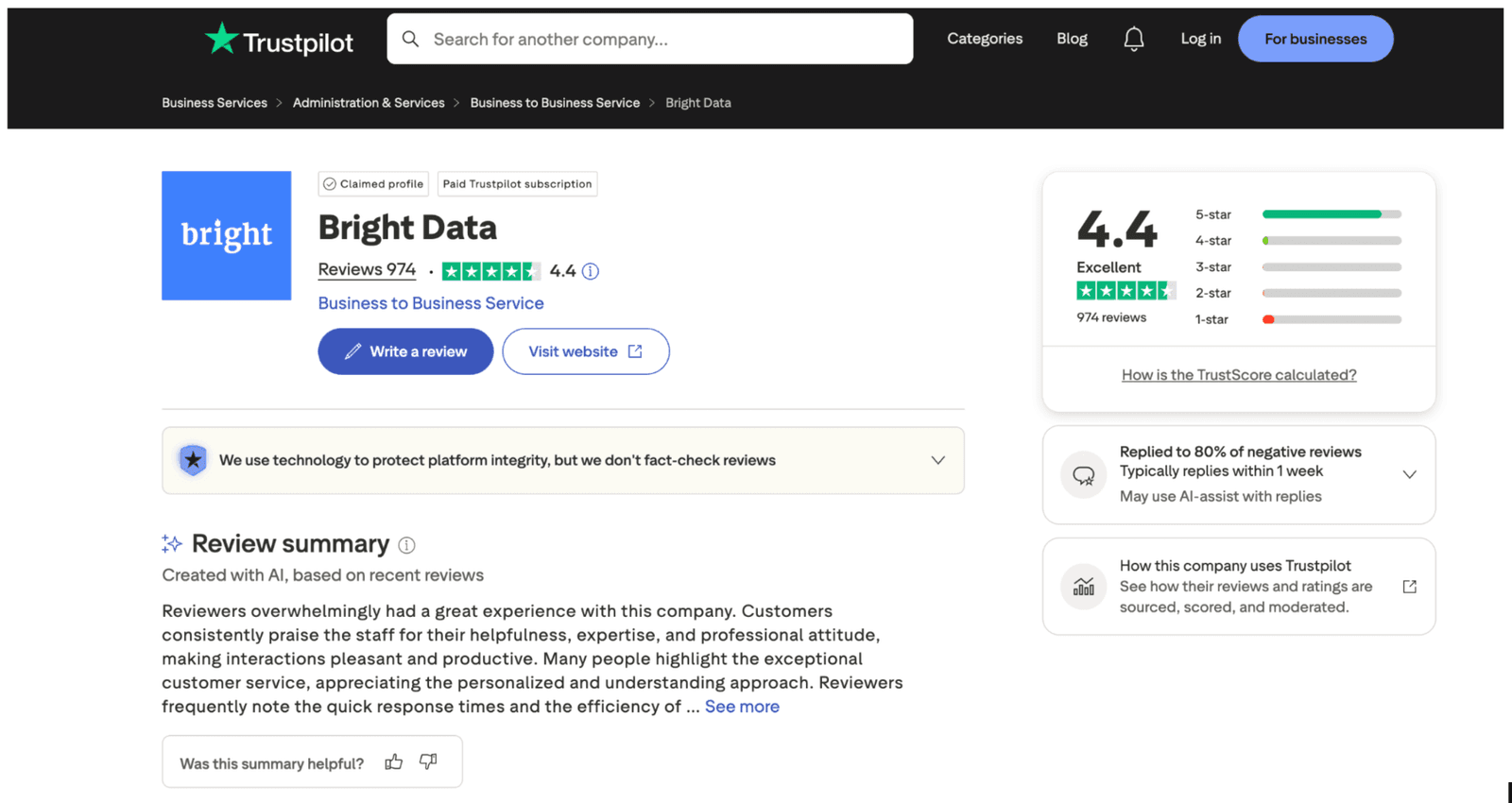
If you visit the BrightData page on Trustpilot, you’ll probably notice that feedback points in two directions. Many users praise the network quality and helpful support. Negative comments often mention billing and account approval friction. That matches the product style. This is a compliance-heavy platform, not an instant throwaway proxy shop.
Our Verdict
BrightData is one of the strongest options I would consider for professional proxy work, especially when public data access, security research, and repeatable testing matter. I liked the routing control, documentation, and product depth most. I liked the price less, and the dashboard could feel dense for a first-time user.
My recommendation is clear. Use BrightData when quality, compliance, and scale matter more than the lowest monthly bill. For one-off browsing or tiny hobby scripts, another provider may be simpler. For serious online monitoring, public web collection, and controlled testing across multiple locations, this provider is hard to ignore.
FAQ
What social networks is BrigthData suitable for?
BrightData can be used for tasks involving popular social media platforms, such as Instagram, Facebook, X, TikTok, YouTube, Reddit, and LinkedIn. I’d give preference to its residential proxies to check ads, public profiles, and perform content localization tests from various locations.
Does BrigthData offer a free trial service?
Yes, BrightData offers a free trial for eligible users, usually after account review. The process is stricter than with small providers because the platform has compliance rules. Use a real business email, describe your use case clearly, and set spending limits before running larger tests.
What games can I play with BrigthData?
BrightData is not a gaming VPN. It can help test public game websites, regional pages, fraud checks, and store availability, but it is not meant to bypass game bans or abuse multiplayer systems. For normal play, use your regular connection and follow the game’s terms.