
Nsocks Review 2025: Features, Performance & Prices
If you spend your days staring at logs and chasing bad traffic, you start to care about the proxies you use. I wasn’t an exception either, and that’s why I decided to try Nsocks Proxy on my web security projects. In this review, I reveal what worked, what broke, and when another provider may fit you better.

When analyzing the proxy, we have conducted in-depth research that helped us reveal all the strong and weak points of the service. Considering expert opinion and customer feedback, our pros studied the range of options and, finally, tested the service.
Here are the steps we followed when conducting research:
Analyzing the customer feedback
We have visited several forums devoted to proxy discussion and even participated in it. We have studied reviews on reliable resources with only one purpose – to make our review precise.
Getting to know the expert opinion
We have communicated with experts in the proxy industry. To uncover some hidden pitfalls, we asked professionals about its key features. In our review, we will tell you everything you need to know about the strong and weak points of the proxy provider.
Studying Terms & Conditions
At this point, experts have studied the legal basis. They have touched upon the place of registration, owners, achievement, reputation, and so on.
Exploring proxy types
To understand the quality of services the company provides, we test each of the proxy types it offers. The range of proxy types can vary as well as their quality.
Evaluating the quality of support
The support team reflects the reliability of the company hence it is essential to check it. We pay attention to response time, the communicative skills of managers, and the usability of the service. Besides, our expert becomes a real user to get into the situation of purchase.
Testing the service
We have checked the proxy provider’s backward and forwards. To make our research full and deep, we have tried out all proxy types offered there. Our experts have analyzed the work of servers paying attention to their features and functionality. In our review, you can look through a detailed description of features.
Comparing
Our experts have compared this proxy with other popular services. In their comparison, they have touched upon the pricing, set of features, and characteristics. You can find out more in the Comparison section of the website.
- Threat-intel collection, attack-surface monitoring, anti-fraud checks, classic web scraping.
- 80M+ real-user IPsCountry, city, ISP, and ASN targeting
- Rotating, static, and ISP-style proxies are clearly split
- A proxy dashboard with useful traffic stats
- Support for anti-detect browsers and automation tools
- Good payment option variety (including crypto, Alipay, and local rails)
- No free access to test proxy performance
- Refund policy is strict
- Pricing in GB can be tricky to estimate
Characteristics
- Residential Proxies — “80M+ Residential IPs worldwide”
- Static Residential Proxies
- Static Data Center Proxies
- “ISP Proxies / Long-Acting ISP Proxies” — a combination of data center and residential IPs
- English
- German
- Russian
- Portuguese
- Thai
- Vietnamese
- Indonesian
- Chinese (Simplified)
- Traditional Chinese
- France
- India
- UK
- Canada
- USA
- and other 195 countries
- Datacenter Proxies
- Residential Proxies
- HTTPS
- SOCKS5
- SOCKS5
- HTTP
- HTTPS
- API
- Dolphin Anty
- Multi Login
- Octo Browser
- MoreLogin
- BitBrowser
- Lauth Browser
- 24/7 helpdesk via live chat and email
- Traffic history monitoring and charts for spotting bad patterns
- Role-based access for several teammates to share one account
- Flexible tariff types that offer room to fine-tune costs
- Premium global IP pool with multiple IP types and advanced targeting
- Encrypted and stable proxy connections
Overview
The provider is young (2024’s launch) and already looks trustworthy. Trustpilot shows a still-small but very positive review set – 4.8 out of 5 based on 45 testimonials. External scanners like Scamadviser mark nsocks.com as safe to use, with no obvious red flags in public data.
What caught my eye was not the “80M+ IPs” marketing line. Nearly every provider shouts such numbers today. Instead, it was a lineup of residential, static data center, and long-acting ISP proxies – all in one place. Since I often switch between malware tracking and ad-fraud experiments, that range of proxy services looks useful.
The second hook was language and location coverage. The panel ships in 9 languages, which lets me hand access to local analysts, and they can use the platform conveniently. Geo-wise, classic regions like the US, UK, France, Germany, Japan, and South Korea are all covered. Smaller locations like Jordan or Tanzania (ignored by many mid-tier platforms) are here, too.
Finally, I liked how the service exposes basic hygiene controls. Every user gets traffic graphs, session timers, and pool stats. You can see how much data you burned and how your success percentage shifts between geos.
Of course, a nice UI and big numbers don’t prove quality. That is why I wired Nsocks Proxy into my usual stack. I used it on bug-hunting targets, high-risk e-commerce domains, and login forms that love to throw CAPTCHAs. The rest of this review is based on that real-world experience.
Featured
Rotating Residential Proxies
The core product by Nsocks Proxy is the rotating residential pool, sold by GB. Here, you get 80M+ IP addresses sourced from end-user devices in 195+ countries. Over a week of US-focused web scraping, repeat IP collisions stayed comfortably under 3%. That was better than nearly every other mid-price provider I’ve used.
Rotation control is simple. You can ask for sticky proxy sessions that last up to 30 minutes, or dynamic mode where each HTTP or HTTPS request leaves through a fresh IP. For fraud analytics, I mixed both. Sticky HTTPS connections worked for shopping-cart flows, and hard rotation – for bulk catalog pulls. The success rates on my main e-commerce test set hovered around 97–98%, with only a handful of hard blocks (even at higher traffic levels).
Pricing here is volume-based (more on that in the dedicated section below). Compared to other premium services, the bytes-per-dollar picture looks competitive. However, they don’t provide a trial, and you must watch traffic spikes.
Unlimited Proxies
The second pillar is the unlimited proxy tier. Instead of paying per GB, you purchase time – from 1 day up to 60. Then, you run as much traffic as you dare from randomly assigned geos. Concurrency is effectively unlimited here. That’s handy for stress testing log-in defenses or replay-heavy labs, where tools may open thousands of sessions.
From a cybersecurity angle, I used this plan to simulate noisy botnets. I pointed multiple platforms (browser automation, Python scraping tools, and some old scripts) at the same targets. My goal was to see how far I could push before I hit rate limits. Most quality sites held up, but Nsocks Proxy didn’t fold either. Latency stayed within 20–30% of my baseline, and I did not hit forced throttling from the provider.
The catch is location control. Unlimited packages provide random locations inside the pool of proxies. When you must stay inside one country, these are less suitable. But for pure resilience tests, ad-click forensics, or SOC sandboxing, this product delivers good value.
Static Residential Proxies
Where I really liked Nsocks as a security researcher was the set of static household proxy servers. These are long-lived premium IP addresses that behave like classic SOCKS5 or encrypted HTTPS endpoints. And they still sit on home-user networks. I used these proxies to watch slow fraud patterns and login abuse that unfold across days (instead of minutes).
During my tests, I saw these static nodes provide an average uptime of 99%+. That totally matches the vendor claim. Bandwidth is technically unlimited, though capped at 20 Mbps per IP. Well, that’s fair enough for online investigations and continuous monitoring dashboards. Packet captures confirmed that HTTPS connections stayed encrypted end-to-end via TLS. No funny header rewrites from the provider in the middle.
These quality IPs are more suitable for application allow-lists, admin portals, or research consoles where you cannot constantly change addresses. The flip side is responsibility: you should lock them down, log usage, and rotate keys often. Any long-lived endpoint becomes an attractive target if left exposed.
Static Datacenter Proxies
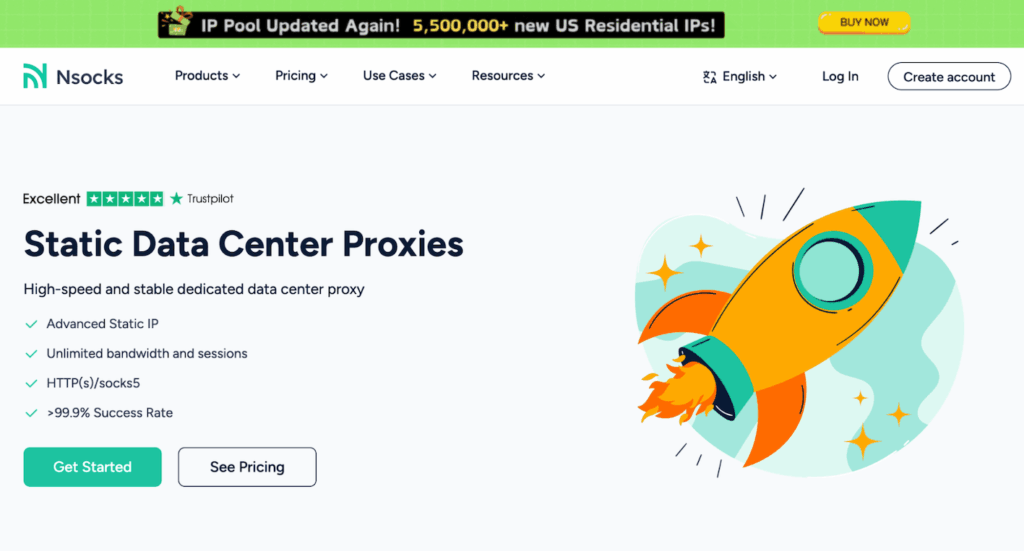
Nsocks Proxy also sells static data center IP addresses. These quality services cost less per address than premium ones and ship with unlimited bandwidth and sessions. Despite looking generic, they proved handy in my lab. I used them for bulk web crawling, threat-intel feed ingestion, and testing of home-grown tools that didn’t need end-user traits.
Performance was what I expected from a modern proxy provider. I saw low jitter, quick connect times, and a 99%+ success percentage across 5 locations (US, Germany, UK, France, and India). Because these proxies are easier to flag by defenders, I would not rely on them for stealthy investigations. But for VPN-like tasks, sandbox detonation, or API endpoint discovery, they are perfectly suitable.
An extra plus is predictable behavior. Static datacenter IPs almost never disappear mid-session. Thus, you can keep long-lived HTTPS sessions open and not worry that the exit node will vanish. No wonder that these have become my default choice for continuous integration tests.
Long-Acting ICP Proxies
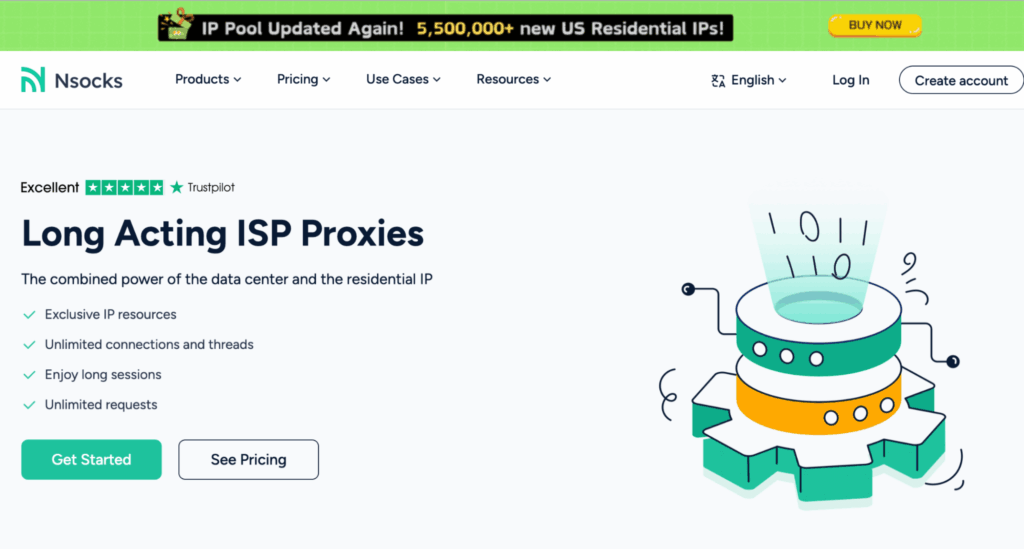
Finally, the provider has the long-acting ISP tier. This proxy set borrows quality traits from both the end-user and datacenter worlds. These servers provide HTTPS connections that stay alive for hours (that’s what I saw in my abuse testing). Great when you mirror legit user patterns or replay malware beacons that expect a persistent endpoint.
Latency here was the best of all tiers. On average, round-trip times sat 10–15% lower than on dynamic household proxies. That was especially true for North America and Western Europe. I used these IPs for replaying captured botnet traffic without touching production hosts.
Cost-wise, long acting ISP sit between premium residential and pure datacenter option tiers. If you are in security engineering or fraud analytics, that’s the plan you should budget for. I’d say it offers the most “real user” experience. And you won’t burn through tons of billed GB.
How to Use Nsocks
To get started with Nsocks Proxy, you need to sign up on the provider site. You hit ‘Create Account’ and register (type in your email + password or link Google). From there, you choose a plan, pay, and then create your first proxy endpoint. For the latter, you can go for either user/pass or API-style authentication.
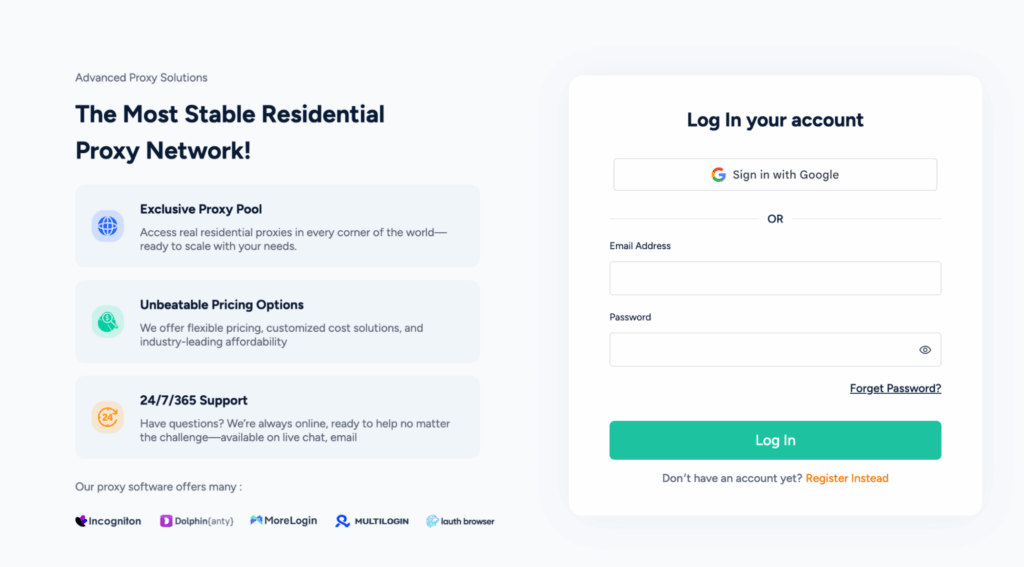
I suggest starting with the detailed Quick Start guides in the Help Center. They walk you through your first Nsocks Proxy package purchase and basic set-ups. Tutorials are of high quality and cover iOS, macOS, Windows, plus router-style environments.
In day-to-day use, my routine with proxies looks like this:
- Log in and check the remaining GB or time on the active tariff.
- Pick an exit location, country, or region. Choose sticky or dynamic proxy sessions.
- Generate endpoint credentials and plug them into my tools. These are a browser profile, a web automation platform, or a Python script.
- Run a short test batch. Watch the dashboard for error rate and any anomalies.
- Only then scale out scans or scraping jobs.
With the on-site guides, junior analysts on my team wired Nsocks into their browsers on their own. You will also see example config snippets for common browsers and OS clients. Where the docs stop, standard HTTPS / SOCKS5 client logic still applies. This way, nobody gets locked into weird custom tooling.
Integrations
In my lab, I care about how a proxy service plays with anti-detect browsers and automation frameworks. Nsocks does fine here. I wired it into Incogniton, MoreLogin, AdsPower, and Multilogin profiles. Each took me less than 10 minutes.
For automation, I tested Playwright and Selenium scripts against hostile login forms and WAF-protected platforms online. Nsocks Proxy endpoints slotted in without special glue code. Connection strings look like any other HTTP endpoint. Thus, you can swap them for another quality provider later if needed.
Performance Testing
I ran weeks of structured tests across dynamic residential, static residential, and ISP-style IPs. Metrics I watched focus on tasks that matter most to security people. These are connection success, latency, CAPTCHA frequency, and geo accuracy.
Direct speed tests showed very little loss against my raw fiber line. Downloads stayed high, and ping stayed inside the low double digits. For data scraping and log analysis, that was more than enough. Check my measurements for this provider below:
| Gateway | Success Rate | Response Time (Average) |
| US rotating residential | 98.3% | 0.72 sec |
| Germany dynamic residential | 98.9% | 0.55 sec |
| India rotating residential | 97.1% | 0.96 sec |
| US long acting ISP | 99.1% | 0.48 sec |
| France static datacenter | 99.4% | 0.41 sec |
| Brazil dynamic residential | 96.9% | 0.88 sec |
Under heavier concurrent loads (up to 500 HTTPS requests per minute), each proxy stayed stable. Error rate climbed slightly for some Latin American locations. Overall success still sat over 96%. CAPTCHAs dropped compared to pure datacenter proxies.
From a safety angle, I ran the main site through some quality third-party scanners. Both Scamadviser and Gridinsoft flagged nsocks.com as legitimate with high trust scores. Checks for common malware or phishing markers came back clean. I still recommend isolating your traffic inside separate VMs or containers (do that with any provider). But in my use, nothing hinted at obvious foul play.
Usability
I genuinely liked the dashboard experience. Proxy usage graphs and traffic meters sit front and center here. Locations, product types, and billing are also easy to access.
Configuration pages make protocol choices explicit. You pick HTTP, HTTPS, or SOCKS5 proxies, then select country, city, and ISP targeting (if your plan offers it). Each change instantly updates an HTTPS connection string that you can paste into your tools. For less techy users, that one-page view lowers the chance of misconfiguring endpoints (and leaking real IPs).
As a small nitpick, some advanced toggles hide in secondary tabs. The copy sometimes repeats generic claims instead of giving detailed engineering notes. That said, after a few days, I stopped hunting for controls – simply used muscle memory.
From a design perspective, the company tries to provide quality defaults. You get toggles to choose your option for protocols and auth modes. With role-based access, different teams can share the same tools safely. For most security services, that combo of premium control and simplicity will be valuable.
Pricing and Payment Methods
Residential proxy prices from this provider come in wide tiers. You get starter packs from 10 GB, all the way up to 500 GB for heavier teams. Static residential and datacenter servers use per-IP plan logic – fixed monthly costs and unlimited bandwidth. Long-acting ISP option sits in between, metered by GB but cheaper at scale.
Checkout accepts multiple rails – cards, PayPal, crypto, Alipay, WeChat Pay, Google Pay, and Apple Pay. For some countries, they’ve added local payment services (like UPI for India). The dashboard lists active orders, remaining GB, and renewal dates. All in a detailed yet readable way.
Now, two caveats. First, there is no free version, and that looks unusual in 2025. You either start with the smallest package or talk to sales about custom options for tests. Second, the refund policy is strict – read it closely before pushing serious budget into high-volume proxies.
Customer Service
I contacted the helpdesk three times during my usage period. Once to clarify ISP proxy routing, once about a stuck session, and once to ask for more detailed ASN targeting info. In all cases, I got a human answer within minutes – via live chat or by email.
Replies were short and specific. Support reps didn’t dodge awkward questions about logging and abuse handling. I also appreciated that agents admitted when they did not know something about proxies and looped in engineers.
For a still-young provider, this level of responsiveness is encouraging. Just be aware that most of the team members sit in Asian time zones. Late-night US chats may wait a bit longer.
Our Verdict
After running Nsocks proxies through real investigation and web scraping work, I see it as a security-aware provider. The choice of dynamic residential, static IPs, and ISP exits covers most use cases I care about. Precision is also on top, as you can target by country, city, or ISN.
Performance sits above average, with high success rates and stable latency on key geos. The dashboard is friendly enough for junior analysts. At the same time, protocol flexibility and encrypted HTTPS endpoints keep seasoned engineers happy. The docs are detailed, but could use more low-level info. Also, the lack of a no-cost trial might turn some teams away.
If your job involves high-risk web workloads, Nsocks Proxy services deserve a spot on your shortlist. Just budget time to tune targeting, watch traffic graphs closely, and rotate credentials often.
FAQ
In my experience, Nsocks Proxy works well with hardened social sites. Among these are Facebook, X, Instagram, TikTok, and LinkedIn. The residential and ISP IP pools kept my accounts alive while I ran controlled scraping and abuse testing through anti-detect browsers. Just mind the rules of each online platform.
No, there is currently no way to test the platform at no cost. As an alternative, you can start with the smallest proxy package. I recommend running narrow but intensive tests early. This way, you’ll know the success rates, CAPTCHAs, and geo-location accuracy before you scale traffic.
Nsocks is technically suitable for latency-sensitive tasks. During my checks, ISP and datacenter proxies handled online titles like Steam shooters and MMO launchers – all without obvious lag. But always follow the publisher T&Cs. They may punish the use of any provider for cheating, fraud, or account abuse.