Provider shortlist · browser
Best Antidetect Browsers for 2025
Since many (well, some!) of you know me as a person with a keen interest in all things cybersecurity, writing this piece felt like a no-brainer. I did spend close to 63 hours writing, researching, and testing all the greatest antidetect browsers for this article, so you won’t have to.
How we score?Show detailsHide details
When analyzing the proxy, we have conducted in-depth research that helped us reveal all the strong and weak points of the service. Considering expert opinion and customer feedback, our pros studied the range of options and, finally, tested the service.
Analyzing the customer feedback
We have visited several forums devoted to proxy discussion and even participated in it. We have studied reviews on reliable resources with only one purpose – to make our review precise.
Getting to know the expert opinion
We have communicated with experts in the proxy industry. To uncover some hidden pitfalls, we asked professionals about its key features. In our review, we will tell you everything you need to know about the strong and weak points of the proxy provider.
Studying Terms & Conditions
At this point, experts have studied the legal basis. They have touched upon the place of registration, owners, achievement, reputation, and so on.
Exploring proxy types
To understand the quality of services the company provides, we test each of the proxy types it offers. The range of proxy types can vary as well as their quality.
Evaluating the quality of support
The support team reflects the reliability of the company hence it is essential to check it. We pay attention to response time, the communicative skills of managers, and the usability of the service.
Testing the service
We have checked the proxy provider backwards and forwards. To make our research full and deep, we have tried out all proxy types offered there.
Comparing
Our experts have compared this proxy with other popular services — pricing, features, and characteristics. You can find more in the Comparison section of the website.
To help you understand what’s important, I’ll say this – I focused on 6 main criteria to figure out which offers are great and which are just solid. Take a look:
Fingerprint Masking. The antidetect browser’s ability to hide unique identifiers like user agent, screen resolution, and plugins;
Proxy Integration. Seamless support for HTTP, SOCKS, and residential IPs to anonymize IP addresses;
Cookie Administration. Advanced browser tools to isolate, delete, or manage cookies effectively, preventing trailing;
User Agent Spoofing. Capability to emulate different devices, operating systems, and browser software to avoid exposure;
Encryption & Security. Implementation of encryption protocols within a browser to keep data and browser activity safe;
Ease of Use. Intuitive antidetect interfaces that cater to both beginners and advanced users.
Whether for privacy, cyber-security, or specific activities, these criteria are or, rather, should be crucial for anyone looking for real anonymity. My hands-on testing and expertise ensure the guide below provides reliable, actionable insights.
Best Anti Detect Browser List
GoLogin – Best Cost-to-Quality
AdsPower – Best for Automation Tasks
MoreLogin – Perfect for Team Usage
Multilogin – Best for Advances Users and Enterprises
Incogniton – Best for Small Businesses
OctoBrowser – Best for Multi-Accounting
Kameleo – Best for Advanced Browser Fingerprint Masking
What is an Antidetect Browser?
Before we proceed, I want to show you a definition of an antidetect browser:
It is a specialized tool designed to mask a user’s digital trace to ensure anonymity and prevent tracking by websites, advertisers, or malicious third parties.
Essentially, these programs make it very difficult for third parties to link online activity to a particular person or device by changing or obscuring certain characteristics (user agent, screen resolution, browser plugins, and IP address). Proxy support, cookie isolation, and user agent spoofing are some of the techy features that great antidetect browsers offer. Here’s a more detailed breakdown to help you understand the purpose of each:
Feature | Goal |
Fingerprint Masking | Hides unique browser and device details |
Proxy Integration | Routes traffic through incognito IPs |
Cookie Management | Prevents web stalking via stored cookies |
User Agent Spoofing | Emulates differing devices or browsing apps |
To sum it up, antidetect browsers are a must-have for users who wish for more anonymity.
Comparative Chart of Antidetect Browsers
Browsers | Price (Starting) | Free Trial | Free Plan | Proxies |
GoLogin | $49/month (100 profiles) | 7-day free trial | 3 profiles | Free datacenter proxies, custom |
AdsPower | $9/month (10 profiles) | 3-day free trial | 5 profiles | Custom account proxies |
MoreLogin | $9/month (10 profiles) | None | 2 profiles | Manual configuration |
Multilogin | $32/month (10 profiles) | None | None | Free residential proxies |
Incogniton | $19.99/month (10 profiles) | 2-month free plan (10 profiles) | 3 profiles | Socks5, datacenter, built-in |
OctoBrowser | €29/month (10 profiles) | None | None | Bulk proxy uploads |
Kameleo | €21/month | None | Available for testing | Manual configuration |
Top Anti Detect Browsers: Detailed Reviews
1. GoLogin – Best Cost-to-Quality
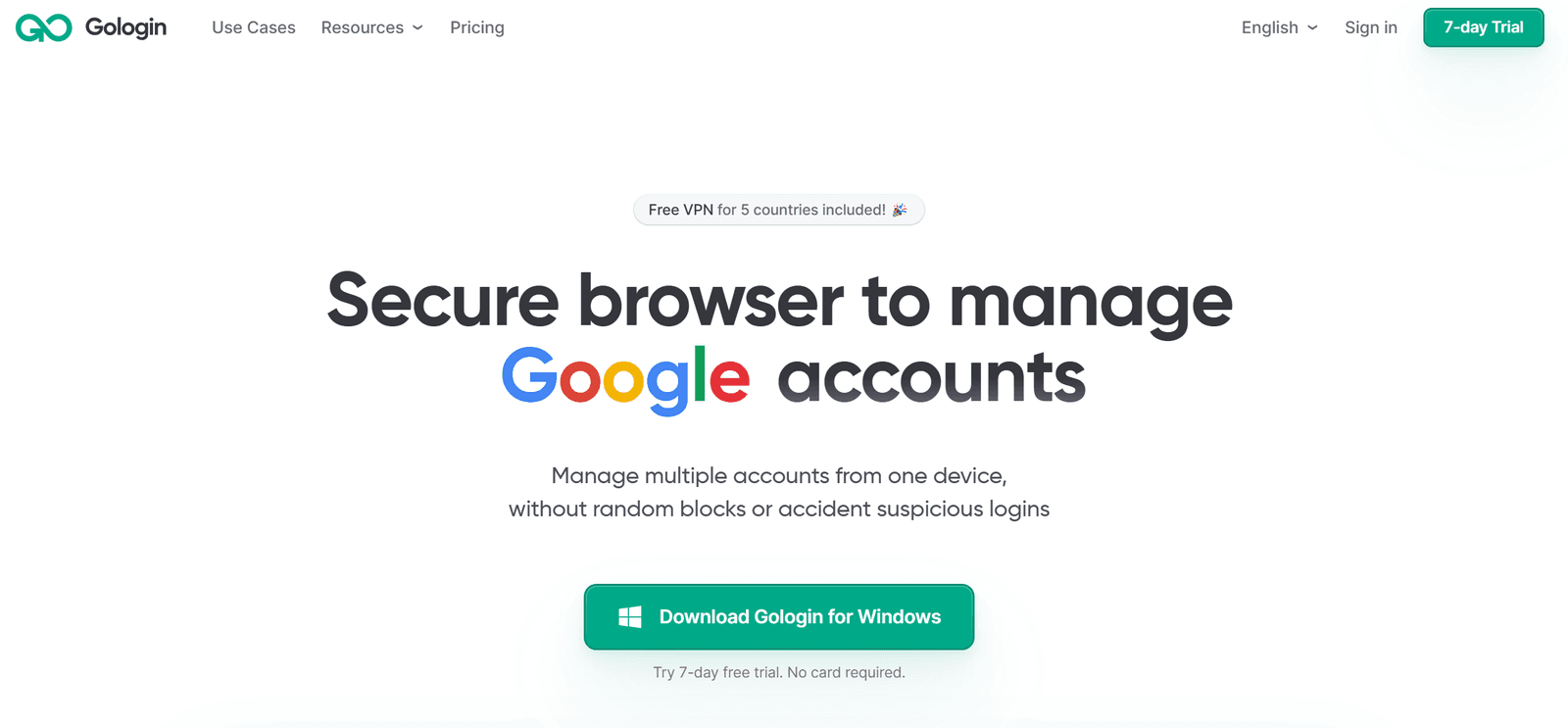
Key Facts:
Price: Starts at $49/month for 100 profiles (yearly subscription offers 50% discount).
Free Trial: 7-day free trial.
Free Plan: 3 profiles for free.
Payment Tools: Bank cards, PayPal, crypto.
Features:
Tor browser integration for bypassing censorship.
Fingerprint administration with over 50 customizable parameters.
Easy profile migration from other antidetect browsers.
Free datacenter IPs from the USA, UK, Canada, India, etc.
Minimalistic browser app UI.
Show detailsHide details
Who Is It For? As far as I can tell, GoLogin is an excellent tool for digital marketers first and foremost. Those who need to manage multiple social media or ad accounts without being detected are sure to appreciate its capabilities. It’s also ideal for web scrapers looking to collect either encrypted or non-encrypted data anonymously, thanks to its customizable fingerprint settings. Beyond that, privacy enthusiasts will appreciate the secure browsing experience enabled by Tor integration and fingerprint masking. Compatibility Broad scope of IPs is available with this antidetect browser, including complimentary datacenter IPs and, better yet, the option to employ custom gateways for further customization. It is a flexible option for those looking for confidentiality since it works well with VPNs. To further simplify the switch-over, the platform also lets users easily import their profiles from competing antidetect browsers like Dolphin Anty. It’s compatible with Windows, Linux, macOS, and Android (as an app). Costs
Plan | Monthly Price | Yearly Price | Profiles | Team Members | Sharing Limit | Cloud Profiles |
Professional | $49 | $294 | 100 | Not allowed | 10 | 1 |
Business | $99 | $594 | 300 | 10 | 100 | 2 |
Enterprise | $199 | $1194 | 1000 | 20 | 1000 | 3 |
Custom | $299 | $1794 | 2000 | 20 | 2000 | 4 |
Why You Should or Shouldn’t Choose GoLogin If you’re on a budget but need a reliable antidetect browser, GoLogin is the greatest choice on the market, hands down. Its free trial and affordable plans make it accessible. The Tor integration and fingerprint managing are standout features. For tasks like multi-account management, web scraping, or covert internet surfing, this antidetect browser delivers excellent value. As far as the negatives go, the dependency on its Orbita browser and limited complimentary proxy options could be dealbreakers for some.
2. AdsPower – Best for Automation Tasks
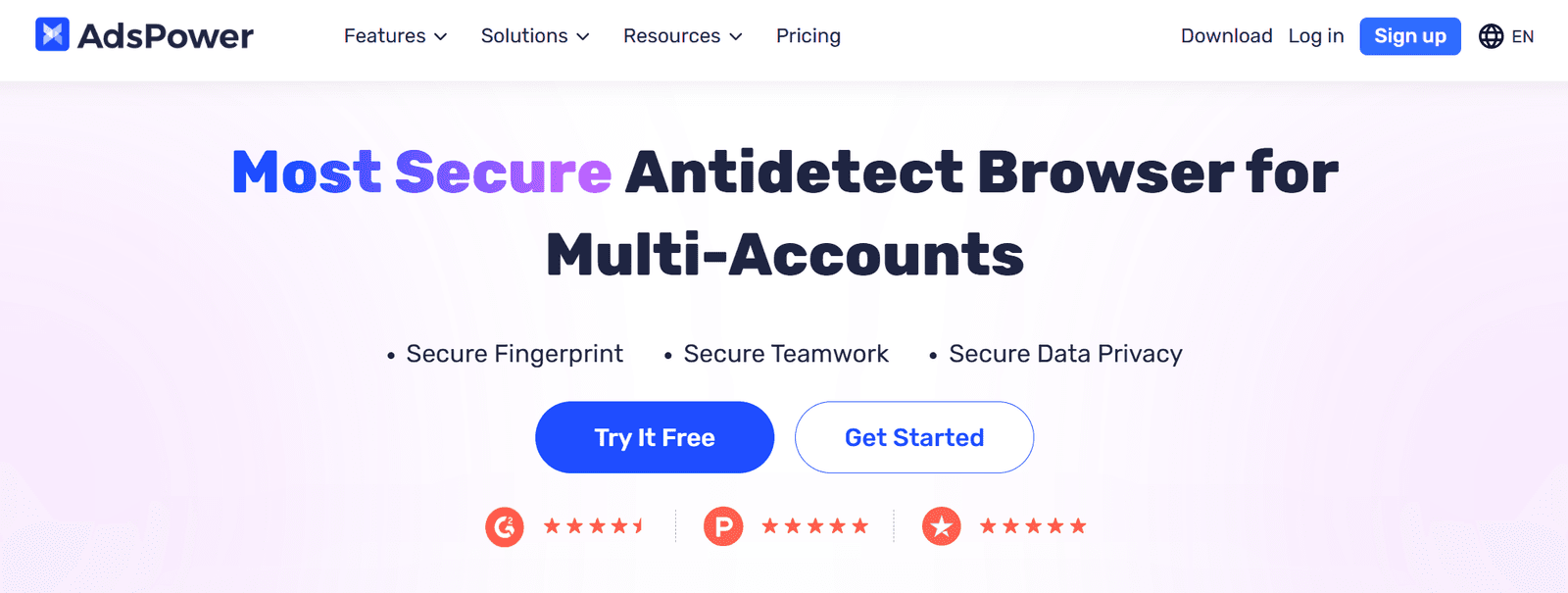
Key Facts:
Automation Features: RPA (robotic process automation) and Synchronizer for task administration across multiple profiles.
Free Plan: Includes 5 profiles and basic automation features.
Payment Tools: E-wallets, Trustly, bank cards, crypto
Show detailsHide details
Who Is It For? AdsPower is perfect for affiliate marketers who need to manage more than one account and automate repetitive tasks. Social media managers will appreciate the Synchronizer feature for coordinating actions across profiles. E-commerce professionals can use RPA automation to streamline marketplace operations. Compatibility This antidetect browser is compatible with all key operating systems, including Windows, macOS, and Linux. It provides customization options for antidetect software by integrating with SunBrowser and Firefox. The setup may be more complicated than with competitors, needing extra parameters such as IP checker and host, however it does allow gateway IPs. Costs
Plan | Monthly Price | Yearly Price | Profiles | Team Members |
Base | $9 | $59 | 10 | 0 |
Advanced | $36 | $238 | 100 | 0 |
Enterprise | $236 | $1558 | 1000 | 0 |
Team Collaboration | $186 | $1228 | 100 | 30 |
Large Team | $736 | $4858 | 1000 | 100 |
Why You Should or Shouldn’t Choose AdsPower If automation is your priority, AdsPower’s RPA and Synchronizer features are unmatched. The ability to automate tasks across profiles saved me plenty of time during testing. The free plan and 3-day trial make it easy to test its capabilities, and the competitive pricing with added discounts offers great value. The only downside I can think of is that the interface can feel clunky and overloaded with promotions.
3. MoreLogin – Perfect for Team Usage
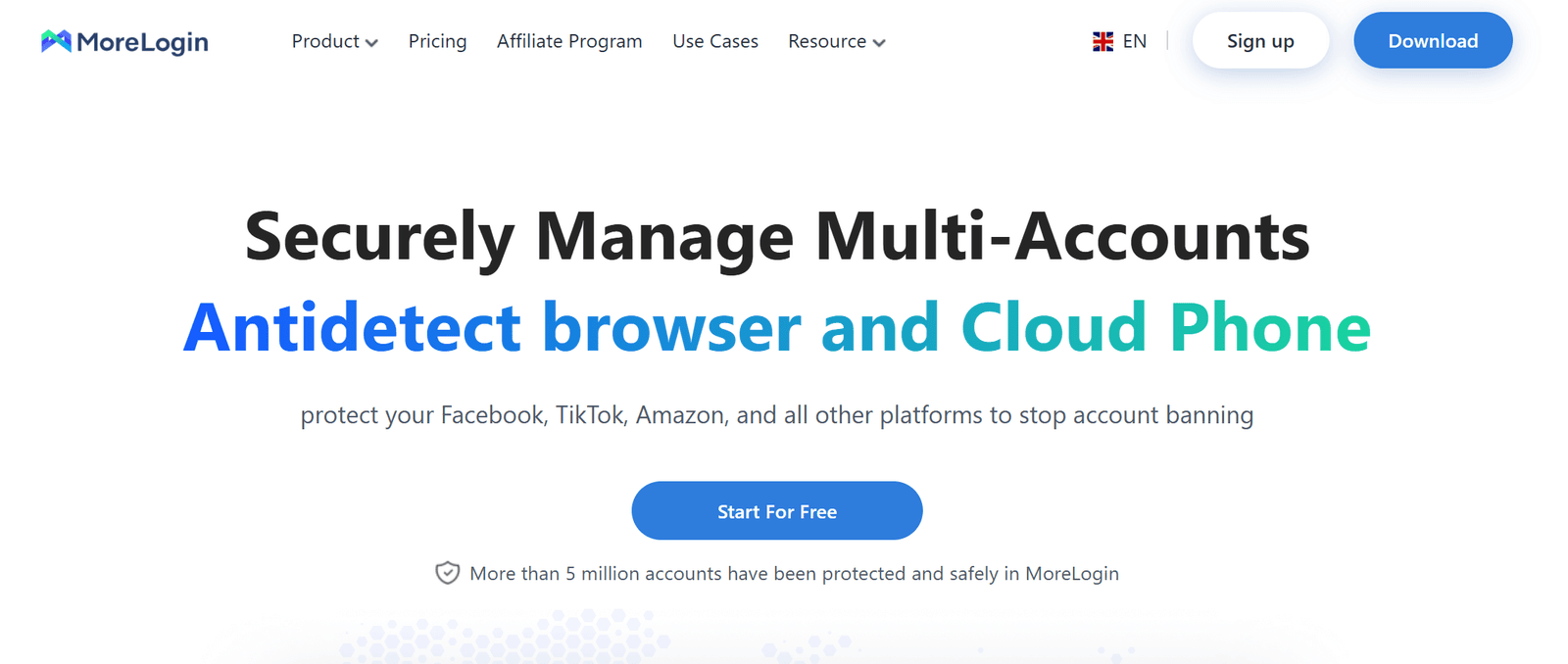
Key Facts:
Free Plan: Includes 2 profiles with team-sharing capabilities.
Pricing: Starts at $9/month for 10 profiles; 40% discount on annual plans.
Payment Tools: Bank cards, PayPal, crypto.
Features: Synchronizer, end-to-end encryption, profile administration, and startup page customization.
Show detailsHide details
Who Is It For? MoreLogin is perfect for freelancers and beginners who need a cost-effective solution for managing multiple profiles. It’s also a great pick for social media managers and affiliate marketers who require profile synchronization and team collaboration. The free plan with shareable profiles is a great, great starting point for smaller teams. Compatibility This antidetect browser supports Windows, macOS, Android (as an app), and iOS, but lacks LinuxOS support. It integrates seamlessly with Chrome and Firefox. While it allows proxy configuration, the process is manual and requires more effort compared to competitors. VPN compatibility is not explicitly mentioned, but is highly likely. Costs
Plan | Monthly Price | Yearly Price | Profiles | Team Members |
Pro | $9 | $65 | 10 | 2 |
Pro | $35 | $252 | 100 | 2 |
Pro | $160 | $1152 | 1000 | 2 |
Team | $175 | $1260 | 100 | 30 |
Team | $650 | $4680 | 1000 | 100 |
Why You Should or Shouldn’t Choose MoreLogin If you’re a freelancer or beginner needing team access, MoreLogin’s free plan with 2 shareable profiles is a great starting point. Its affordable pricing for larger teams and synchronizer feature make it a practical choice for managing multiple profiles efficiently. I did try all these great features with my crew and, well, the results were more than impressive! As far as the downsides go, I’d say that a lack of Linux support may deter a few folks here and there.
4. Multilogin – Best for Advances Users and Enterprises
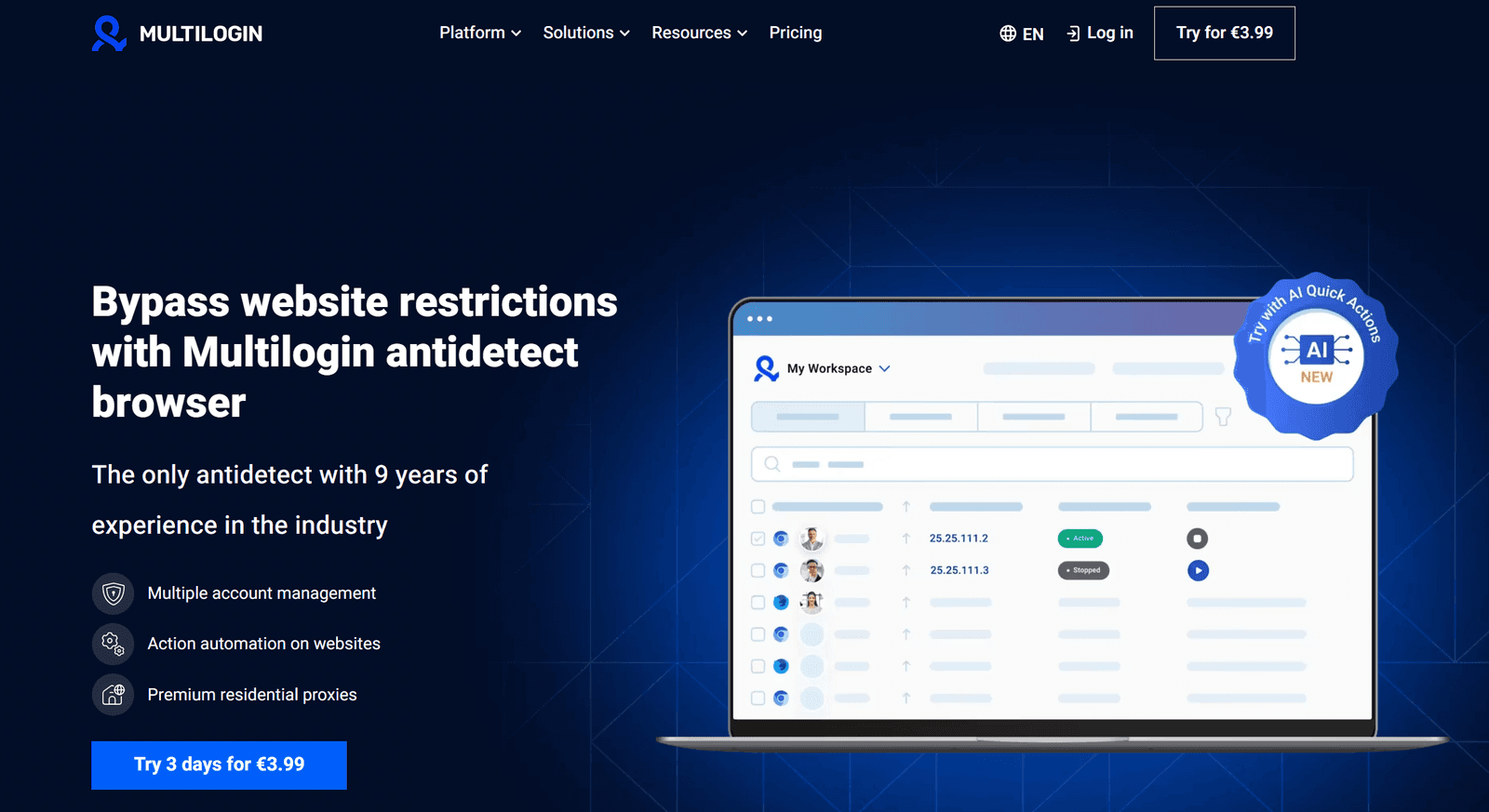
Key Facts:
Price: Starts at $32/month for 10 profiles.
Trial: No free trial for antidetect browser.
Payment Tools: PayPal, bank cards, and crypto
Features: Built-in proxy IPs, AI actions, headless antidetect software, cookie automation, secure AWS Cloud storage.
Show detailsHide details
Who Is It For? Multilogin is ideal for large businesses, developers, and advanced users. This has to do with certain features, including exceptional web scraping using frameworks like Selenium, Puppeteer, and Playwright, AI-powered bulk profile creation and online data population for automation, and several other perks. Most notably – multi-account managing as well as military-grade encryption and complimentary residential IPs. Compatibility Linux, Windows, and macOS are the supported operating systems. Moreover, extra residential proxies are included. Multilogin also supports Selenium, Puppeteer, Playwright for automation. Costs
Plan | Monthly Price | Yearly Price | Profiles | Team Members | Monthly Proxy Traffic |
Starter | $32 | $252 | 10 | 0 | 1 GB |
Solo | $88 | $780 | 100 | 0 | 5 GB |
Team | $176 | $1584 | 300 | Unlimited | 10 GB |
Why You Should or Shouldn’t Choose Multilogin Multilogin is suited for advanced users and enterprises needing AI-powered automation, robust security, and free residential IP masks. Its extensive fingerprint settings and headless browser optimization make it ideal for web scraping, automation, and multi-account management. I also really enjoyed their AWS Cloud storage, it really was a highlight. The lack of a free trial makes it difficult to evaluate before purchase, but it is what it is.
5. Incogniton – Best for Small Businesses
Key Facts:
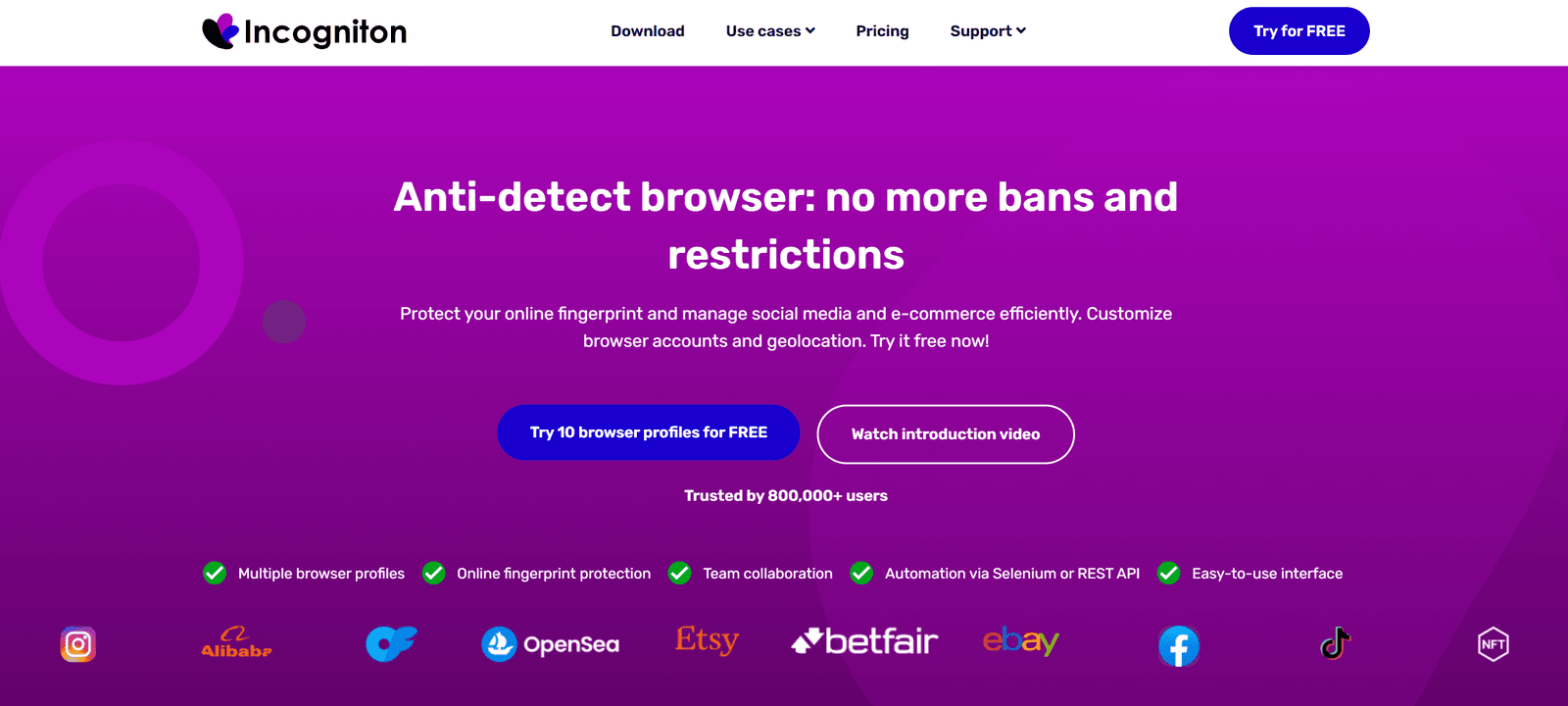
Price: Starts at $19.99/month for 10 profiles; 30% discount on 6-month plans.
Free Plan: Offers 10 profiles for 2 months, then 3 profiles permanently.
Trusted by: 800,000+ users.
Payment Tools: Bank cards, PayPal, and crypto.
Features: Synchronizer, bulk profile creation, Selenium/Puppeteer integration, and cookie supervision.
Show detailsHide details
Who Is It For? Based on my experience, Incogniton seems perfect for social media managers, affiliate marketers, and especially small businesses who need to:
Manage more than one account on platforms like Facebook, Instagram, or eBay;
Automate repetitive tasks;
Maintain privacy with unique browser fingerprints and proxy support;
Scale operations with bulk profile creation.
Compatibility Incogniton is fairly flexible, as it’s compatible with Socks5, datacenter, and built-in solid proxies. Beyond that, it integrates with Selenium, Puppeteer, REST API, and headless libraries. As far as operating systems go, we’re looking at Windows and macOS only. Costs
Plan | Monthly Price | Yearly Price | Profiles | Team Members |
Starter Plus | $19.99 | $167,88 | 10 | N/A |
Entrepreneur | $29.99 | $251,88 | 50 | N/A |
Professional | $79.99 | $671,88 | 150 | 3 |
Custom Package | $149.99 | $1259,88 | 500 | 10 |
Why You Should or Shouldn’t Choose Incogniton I think Incogniton is well-suited for those who need affordability and simplicity. The free plan with 10 profiles makes it a perfect starting point for small businesses. In fact, I already recommended this bad boy to one small business owner I know. The 30% discount on 6-month plans made it a no-brainer, really. Keep in mind: while it’s great for basic anti-detection, Incogniton may fall short for advanced users. No high-level fingerprint customization, robust trailing evasion, or the like.
6. OctoBrowser – Best for Multi-Accounting
Key Facts:
Price: Starts at €29/month for 10 profiles; annual billing offers discounts.
Free Plan: Not available
Payment Tools: Bank cards, crypto
Features: Real device fingerprints, 50+ customizable parameters, API automation, and bulk proxy uploads.
Show detailsHide details
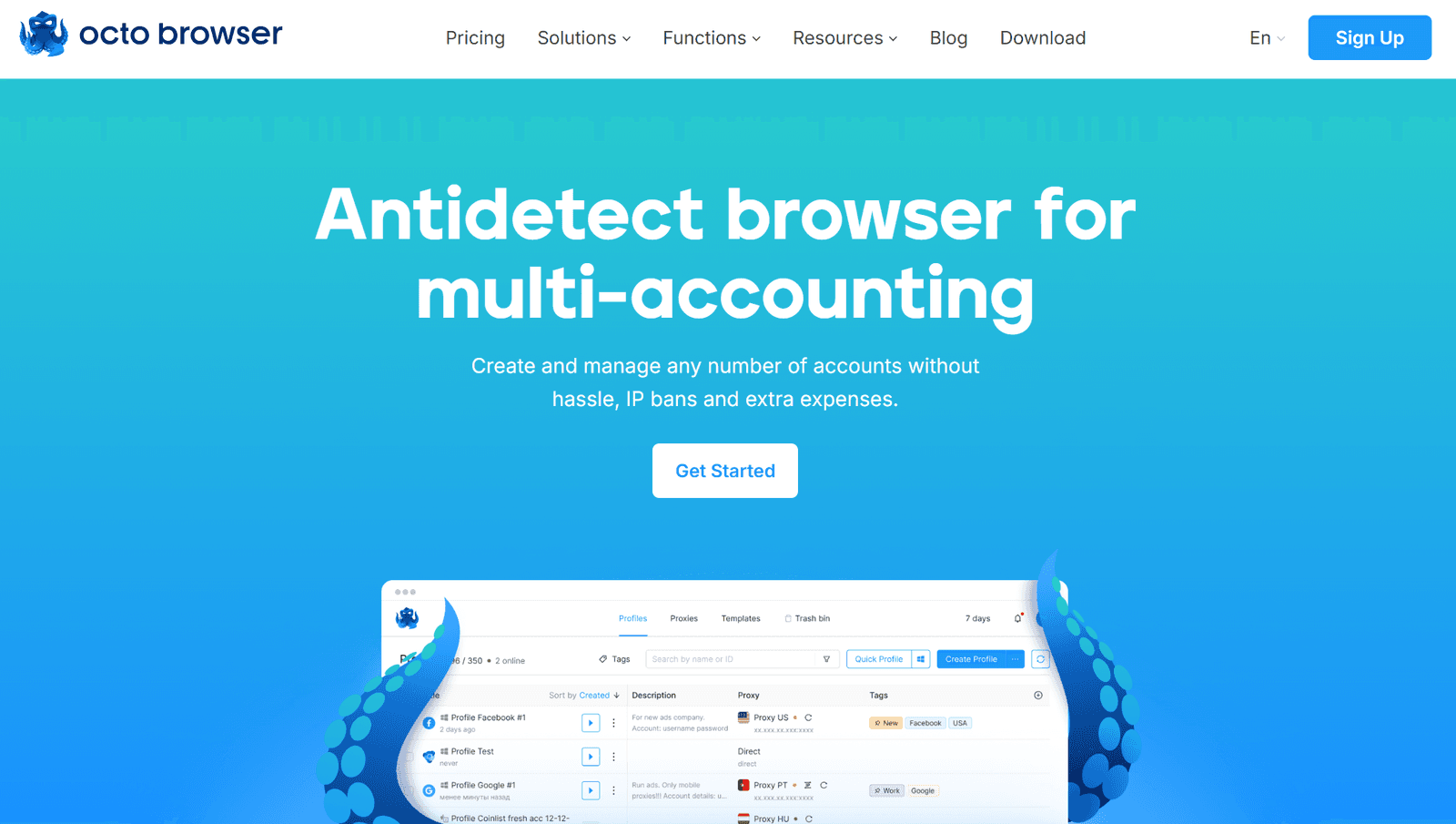
Who Is It For? OctoBrowser is perfect for affiliate marketers, e-commerce sellers, and digital agencies. Its biggest selling point, as you can see on the main page, is its multi-accounting prowess. With it, you can easily manage more than one account on platforms like Facebook or Google Ads. Compatibility Windows, macOS, and LinuxBeta are among the compatible systems. I personally loved the fact that it offers seamless integration with quality IPs as well, not to mention things like great API automation and bulk proxy uploads. Costs
Plan | Monthly Price | Yearly Price | Profiles | Team Members |
Starter | €29 | €252 | 10 | N/A |
Base | €79 | €672 | 100 | N/A |
Team | €169 | €1428 | 350 | 3 |
Advanced | €329 | €2772 | 1200 | 8 |
Why You Should or Shouldn’t Choose OctoBrowser If you’re interested in high-performance multi-account management, then it’s settled – OctoBrowser is where it’s at. The same goes for people who need advanced anti-detect capabilities, real device fingerprints, customizable browser parameters, and seamless proxy integration. As far as the downsides go, well, there’s the pricing and lack of a free trial.
7. Kameleo – Best for Advanced Browser Fingerprint Masking
Key Facts:
Price: Starts at €21/month for automation features; annual billing offers discounts.
Free Plan: Available for testing.
Payment Tools: Bank cards, crypto
Features: Realistic fingerprint masking, unlimited profiles on PC, mobile profile support, and local/cloud storage.
Show detailsHide details
Who Is It for? With its advanced fingerprint masking, this browser is great for marketers and web scrapers. Also, for teams that manage more than a single account and need to stay out of trouble on sites like Facebook and Google Ads. Using tools like Selenium, Kameleo lets users perform repetitive tasks, as I tested time and time again. Real efficient performance! The browser also supports safe teamwork by letting users share profiles and access information based on their roles. It also lets users scrape data efficiently by bypassing anti-bot systems like Cloudflare. Compatibility Windows, macOS, and Android are among the compatible operating systems. As far as browser app picks go, this one works very well with Firefox, Chrome, Safari, and even Edge. Custom-built browsers are also supported as well as integration with 100% safe private and paid IP masks. Costs
Plan | Monthly Price | Yearly Price | Profiles | Team Members | Automation |
Start | €29 | €252 | N/A | N/A | 2 parallel browser apps |
Solo | €59 | €540 | 20 | 0 | Unlimited local profiles |
Pro | €99 | €900 | 100+ | 3+ | Limited Local API access |
Scale | €199 | €1800 | N/A | N/A | 10+ parallel browser apps |
Why You Should or Shouldn’t Choose Kameleo As already mentioned, if you need advanced browser fingerprint masking, you need Kameleo. Its realistic browser-level masking, custom-built browsers, and mobile profile support make it ideal for advertisers, website scrapers, and teams managing multiple accounts. The higher pricing and complex customization options might deter budget-conscious users or beginners, though.
Why Use an AntiDetect Browser?
While specific usage statistics for antidetect browsers are scarce due to their very nature, it’s clear that their adoption has been notably increasing, especially among casual users. In case you’re someone who isn’t yet sure if an antidetect browser is the right solution for you, take a look at the most common reasons why people turn to them:
Preventing Tracking. Stops websites, advertisers, and analytics tools from collecting and linking your online activities back to your identity;
Bypassing Geo-Restrictions. Accesses region-locked content, services, or websites by masking the location of your browser;
Avoiding Account Bans. Allows users to effectively manage multiple accounts;
Enhanced Security. Protects against malicious actors by hiding sensitive device and browser details;
Incognito Testing. Enables developers or researchers to test a website or app without revealing their real identity or location;
Combatting Fingerprinting. Counteracts browser fingerprinting techniques used to uniquely identify users.
Blocks ads for a cleaner, distraction-free browsing experience.
Of course, this list is only the tip of the iceberg. There are many other use cases and reasons why an increasing number of users turn to antidetect browsers. Below, I’ll discuss the top 7 offers to give you an idea of just how useful antidetect browsers can be.
Tips to Choose Best Antidetect Browser
Using my top-7 is perhaps the easiest way to handpick a browser. However, if you want to do this on your own, remember that the most suitable choice depends on your specific needs, such as budget, automation capabilities, and team collaboration. Here are key tips to help you decide:
Define your goals. Determine whether you need it for multi-accounting, automation, or privacy.
Check pricing. Compare plans to ensure they fit your budget.
Look for automation features. Choose antidetect programs with Selenium, Puppeteer, or RPA support for advanced tasks.
Evaluate finger print customization. Opt for antidetect tools offering advanced fingerprint masking across sites.
Test proxies support. Ensure browser compatibility with residential, datacenter, or custom IPs.
Team collaboration. If working in a team, check for role-based access or shared profiles.
Free trial/plan. Try a free version of an antidetect browser to test functionality before committing.
Compatibility. Verify support for your OS (PC or mobile).
Ease of use. Consider user-friendly antidetect browser interfaces for smoother operation.
Scalability. Ensure the browser can handle increasing profiles or tasks.
Community feedback. Read reviews from third-party sites to gauge the reliability and performance of your browser.
Proxies for Antidetect Browsers
Just FYI, IP masks are essential for anti detect browsers to mask IPs and enhance anonymity. Choose between:
residential (real user IPs),
datacenter (faster but easier to detect),
mobile (simulate mobile app and non-app traffic).
Also, make a point to ensure compatibility with your antidetect browser, support for rotation, and reliable performance to avoid detection or IP bans.
Conclusion
After spending 60 hours testing 7 amazing antidetect browsers, it’s clear… I’m very tired. Also, GoLogin leads with $49/month for 100 profiles and Tor integration, perfect for marketers. AdsPower shines for automation, starting at $9/month, while OctoBrowser excels in multi-accounting but lacks a free trial. I hope this text will help you find the exact browser you need.