Provider shortlist · browser
Best Antidetect Browsers for Android
In today’s situation, it’s more important than, perhaps, ever to stay anonymous online as well as be able to get around different restrictions. So, I’ve decided to compile a selection of some of the most impressive Android browsers that can really help. With my background, you can call me something of an expert in the field of proxy and cybersecurity, so it “only” took me 20 hours to narrow down this list to 6 choices.
How we score?Show detailsHide details
When analyzing the proxy, we have conducted in-depth research that helped us reveal all the strong and weak points of the service. Considering expert opinion and customer feedback, our pros studied the range of options and, finally, tested the service.
Analyzing the customer feedback
We have visited several forums devoted to proxy discussion and even participated in it. We have studied reviews on reliable resources with only one purpose – to make our review precise.
Getting to know the expert opinion
We have communicated with experts in the proxy industry. To uncover some hidden pitfalls, we asked professionals about its key features. In our review, we will tell you everything you need to know about the strong and weak points of the proxy provider.
Studying Terms & Conditions
At this point, experts have studied the legal basis. They have touched upon the place of registration, owners, achievement, reputation, and so on.
Exploring proxy types
To understand the quality of services the company provides, we test each of the proxy types it offers. The range of proxy types can vary as well as their quality.
Evaluating the quality of support
The support team reflects the reliability of the company hence it is essential to check it. We pay attention to response time, the communicative skills of managers, and the usability of the service.
Testing the service
We have checked the proxy provider backwards and forwards. To make our research full and deep, we have tried out all proxy types offered there.
Comparing
Our experts have compared this proxy with other popular services — pricing, features, and characteristics. You can find more in the Comparison section of the website.
When assessing and ranking these browsers, I paid close attention to several important factors, be it security, functionality, compatibility, price, and many more. Read on to find out which browser will be a perfect fit for you.
Comparative Chart of Antidetect Browsers for Android
Mobile Browser/Feature | App | Multiple Profiles | User Customization | Pricing (Monthly) | Free Trial |
GoLogin | Yes | Yes (300-1000 premium) | Limited | $49 - $199 | Yes |
AdsPower | Yes | Yes (up to 1000) | High (specific Android) | $9 - $736 | Yes |
GeeLark | Yes | Yes (50+) | High (specific Android) | $19 - Contact sales | Yes |
Incogniton | Yes | Yes (10 free, up to 1000) | Moderate | $19.99 - $149.99 | Yes |
Multilogin | No | Yes (up to 300) | High | $32 - $176 | No free trial |
OctoBrowser | No | Yes (unlimited profiles) | High | €29 - €329 | No free trial |
What is an Antidetect Browser?
It’s a unique kind of web browser for Android that focuses on boosting your confidentiality. It actively makes it harder for websites and services to identify your device, location, as well as other specific details. Understanding what an antidetect browser is is crucial before exploring the greatest options.
Why Use?
An Android antidetect browser can be a very powerful tool if you need privacy, security, and flexibility on the go. At their core, once again, they mask any digital fingerprint and bypass detection mechanisms. However, if you want to dig a little deeper, here are the key problems it helps solve on Android devices:
Fingerprint Protection. Prevents websites and any app from uniquely identifying your Android device based on browser settings, mobile screen resolution, installed fonts, or other identifiable attributes.
Account Management. Allows users to manage more than one account (e.g., social media sites, e-commerce) on the same Android device without triggering bans or restrictions;
Ads and Tracking Blocking. Stops advertisers and trackers from monitoring your browsing activity on Android, ensuring a more private experience;
Geolocation Bypass. Masks your real location, grants access to geo-restricted content or any app on Android;
Anti-Detection for Scraping. Ensures safe data collection or scraping on Android without being blocked;
Enhanced Antidetect Security. Protects against malware, phishing, and other threats by masking your Android device’s identity;
Privacy on Public Wi-Fi. Safeguards your browsing on unsecured networks by hiding your Android device’s digital footprint.
This, of course, is not all the issues that antidetect browsers can help with. Advanced users and businesses can do a great deal more with these invaluable tools, which is something I’ll surely mention while reviewing the handpicked antidetect browsers.
Top Antidetect Browsers for Android Detailed Reviews
1. GoLogin: Most Convenient Antidetect Browser for Android
Key Facts
Standalone Android App: No desktop setup required with this antidetect app.
Cloud-Based Profiles: Sync and manage profiles across devices.
Custom Software: Orbital Chromium-based browser for unique fingerprints.
Alternative Routing Support: Assign unique Android IPs to each profile.
Collaboration: Share Android profiles with team members.
Show detailsHide details
Who Is It For? GoLogin is perfect for all and that’s why it’s at the highest spot. It’s especially beneficial for users who need a robust, standalone antidetect mobile browser for:
Handling multiple social media sites or e-commerce accounts free from bans.
Bypassing geo-restrictions on any Android app or mobile and non-mobile websites.
Ensuring discretion while surfing or scraping data on mobile devices.
Collaborating with teams by sharing cloud-stored browser profiles.
Compatibility This antidetect tool is designed for Android but also works on Windows, macOS, and Linux. It supports:
Proxies and VPNs: Assign unique IPs to each profile.
Custom Browser: Orbital browser with a controlled and incognito environment.
Costs This Android software boasts a free plan with support for 3 profiles, which was ideal for my testing and can be ideal for yours as well. You can use bank cards, PayPal, or crypto to leverage one of the following options:
Plan | Monthly Price | Yearly Price |
Professional | $49 | $294 |
Business | $99 | $594 |
Enterprise | $199 | $1194 |
Custom | $299 | $1794 |
My Verdict If you’re all about ease of use and love fast access to Android features, GoLogin really shines. The standalone Android app differs from other antidetect browsers that need desktop integration. It’s a total game-changer! With its cloud-based profile storage, you can easily sync up across all your devices and browsers, which is perfect whether you're flying solo or working with a team. It might not be flawless (there are desktop RAM limits, for example), but its focus on Android, convenience, and budget-friendly price tag as well as its free trial were the key reasons why I placed it as my number 1.
2. AdsPower: Best Android Version Customization
Key Facts
Android Version Customization: Choose specific Android versions for each profile.
Unique Browser Fingerprint: Create over 20 customizable parameters.
Dual Browser Support: Use Chromium-based SunBrowser or Firefox-based FlowerBrowser.
Enhanced Security: ISO and Certik-audited with end-to-end encryption.
Automation Tools: Streamline Android workflows with RPA, API integration, and Synchronizer.
Show detailsHide details
Who Is It For? It’s ideal for Android users who need to handle more than one account efficiently. This includes social media managers, e-commerce sellers, affiliate marketers, or crypto market players. Here are the most prevalent uses:
Warming up an account bases on socials.
Managing any Amazon, eBay, or Shopify account without bans.
Running campaigns on Google Ads or TikTok in a safe fashion.
Participating in airdrops and circumventing geo-restrictions on Android.
Compatibility AdsPower works on Android devices as well as Windows, macOS, and Linux. Furthermore, there’s the following:
Alternative Routing Support: Assign unique IPs to each profile.
Browser Integration: Compatible with Chrome and Firefox extensions.
Costs E-wallets, Trustly, bank cards, and crypto can be used to purchase a membership. Better yet, AdsPower Android offers a free trial with no extra fees, allowing you to test all features for 3 days. Here’s an overview of available plans:
Plan | Monthly Price | Yearly Price |
Base | $9 | $59 |
Advanced | $36 | $238 |
Enterprise | $236 | $1558 |
Team Collaboration | $186 | $1228 |
Large Team | $736 | $4858 |
My Verdict AdsPower really shines as the go-to antidetect browser for people looking for both precision and customization. Choosing specific Android versions for each profile is a total game-changer, it really was the stand-out feature during my testing. It helped with things like warming up social media accounts or managing e-commerce platforms. As I see it, with this neat dual browser support as well as advanced automation tools, AdsPower is a great option for both individuals and teams. So, it’s an easy recommendation.
3. GeeLark: Best for Social Media Managers
Key Facts
Highly Customizable: Select specific Android versions (10, 11, 12, 13).
Brilliant Fingerprinting: Create unique device fingerprints (MAC, IMEI, Bluetooth).
Routing Support: Supports HTTP, HTTPS, SOCKS5 and anonymous proxies for isolated IPs for Android.
Convenience for Management: Automate repetitive tasks with synchronizer and RPA tools.
Safety: ISO-certified and end-to-end encrypted for maximum security.
Show detailsHide details
Who Is It For? GeeLark is perfect for professionals who rely on mobile-first platforms. First and foremost, it’s for social media managers who, for example, want to warm up TikTok or Instagram accounts without bans. Crypto investors, e-commerce sellers, and others would benefit from the following use cases:
Farming airdrops and avoiding geo-restrictions across browsers.
Handling Shopify or Amazon account securely.
Running campaigns on Google Ads or TikTok with unique IPs.
Compatibility As far as compatibility is concerned, this browser manages to impress:
Mobile Operating Systems: Android 10, 11, 12, and 13.
Proxy Support: HTTP, shared HTTPS, and SOCKS5 proxy (static and dynamic).
Devices: Access cloud phones remotely from PC or mobile.
Costs This Android browser has a free trial, and you don’t even need a credit card to sign up. Flexible pricing makes it easy for beginners and teams to grow and develop. PayPal, various e-wallets, credit cards, and crypto can be used to choose among these plans:
Plan | Monthly Price | Yearly Price |
Base | $19 | $228 |
Pro | $29 | $348 |
Custom | Contact sales | - |
My Verdict I don’t have much to say aside from the fact that GeeLark is an awesome Android antidetect solution for anyone really into mobile account handling. The ability to control real Android cloud phones with a unique fingerprint sets it apart. I’ve tried it out for warming up TikTok accounts, and honestly, the results were better than expected: no bans, no issues at all. The synchronizer tool really saved me a ton of time by taking care of some repetitive tasks automatically, and the proxy support made sure that each account looked totally isolated from the rest. In short, this encrypted browser is great for social media managers, doubly great for TikTok.
4. Incogniton: Best for Smaller Businesses
Key Facts
Multiple Free Profiles: Manage up to 10 browser profiles free for two months.
Unique Fingerprints: Each profile comes with its distinct digital fingerprint.
Team Collaboration: Work on Android with role assignments.
Custom Geolocation: Personalize geolocation for each profile.
Show detailsHide details
Who Is It For? Incogniton seems perfect for affiliate marketers, social media managers, and small businesses. It helps SMM folks manage different accounts on socials without any worry of getting banned. It’s also great for the following:
Automating tasks and testing several geo-locations for optimization;
Changing up assignments based on roles;
Avoiding any potential restrictions.
Compatibility Incogniton performers very well on Android devices and is compatible with Windows and macOS on PC as well. Beyond that, we get support for:
VPNs, SOCKS5, and dedicated proxies;
Integration with Selenium, REST API, etc..
Costs You can enjoy the first 10 profiles free for 2 months, which is a great deal. Then, you can transition to plans starting at $19.99/month. Payment options include bank cards, PayPal, and crypto. Here’s a quick look at what’s on offer:
Plan | Monthly Price | Yearly Price |
Starter Plus | $19.99 | $167.88 |
Entrepreneur | $29.99 | $251.88 |
Professional | $79.99 | $671.88 |
Custom Package | $149.99 | $1259.88 |
My Verdict From what I've seen, Incogniton really changes the game for anyone juggling multiple accounts. You really can’t underestimate how important it is to customize digital fingerprints and manage multiple profiles in a secure fashion. Overall, I’d say that it’s a great option for small businesses because it's so affordable, and the free profiles are a nice bonus. The easy-to-use interface paired with free automation tools makes it a great choice for anyone who cares about online privacy. But, you know, advanced users might think the fingerprint customization options are a bit on the limited side. Still, it’s a great offer.
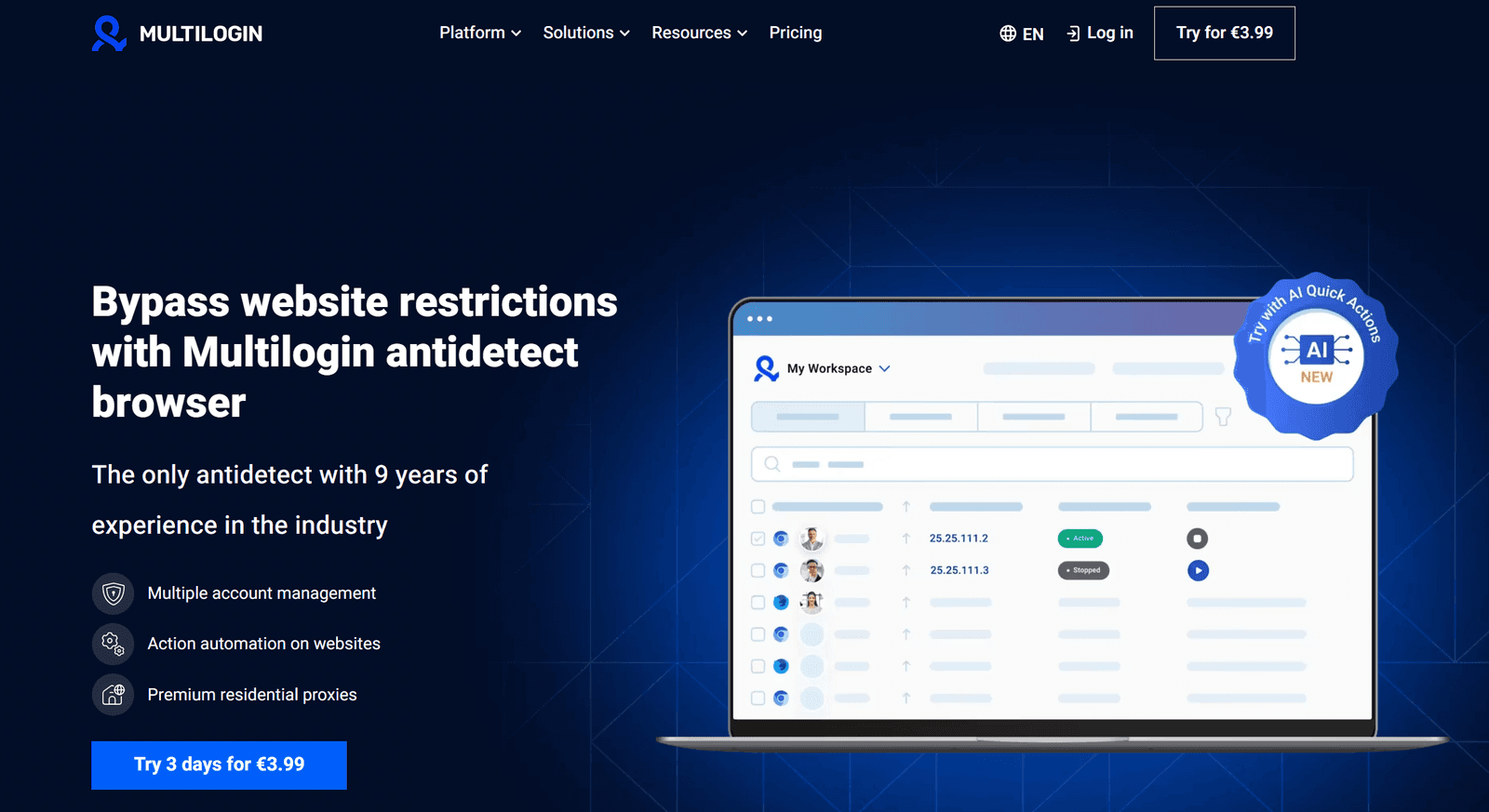
5. Multilogin: Best Advanced Fingerprint Spoofing
Key Features
Advanced Fingerprint Spoofing: More sophisticated than basic noise addition.
AI-Powered Automation: Bulk profile creation and data population.
Cookie Manager: Secure import/export for easier transitions.
Routing Integration: Supports multiple IPs per profile.
External Spoofing Engine: Connects other browsers to Multilogin.
Cloud Storage: Incognito AWS Cloud for profile data.
Show detailsHide details
Who Is It For? Multilogin is designed for professionals who need exceptional identity management and automation tools for their web activities. Perfect for affiliate markets, e-commerce entrepreneurs, web scrapers, crypto traders, and everyone who would benefit from being able from the following:
Running multiple ad accounts without being discovered.
Leveraging automation tools.
Maintaining multiple exchange accounts securely.
Controlling multiple client accounts.
Compatibility I’ll be brief since compatibility is far from the most impressive feature of this antidetect Android browser. It supports:
Operating Systems: Windows (all Windows versions), macOS, Linux.
Automation Frameworks: Selenium, Puppeteer, Playwright.
Mask IPs: Supports residential, mobile, and datacenter proxies and most VPNs.
Costs Multilogin doesn't provide a free trial, and that might be a downside for some folks. However, it’s great that they accept PayPal, credit cards, and even crypto payments for more flexibility. Here’s an overview of the current prices:
Plan | Monthly Price | Yearly Price |
Starter | $32 | $252 |
Solo | $88 | $780 |
Team | $176 | $1584 |
My Verdict After spending more than enough time with this Android browser, I can say this: if you're looking into multi-account security, automation, and keeping your fingerprint hidden, you should definitely check out Multilogin. Sure, it’s on the pricier side, but that advanced spoofing engine and AI-driven automation make it more than worth it. While not having a free trial is a bit of a bummer, the cloud storage, anti-detecting features, and more obvious perks set this antidetect browser apart for heavy-duty users such as myself.
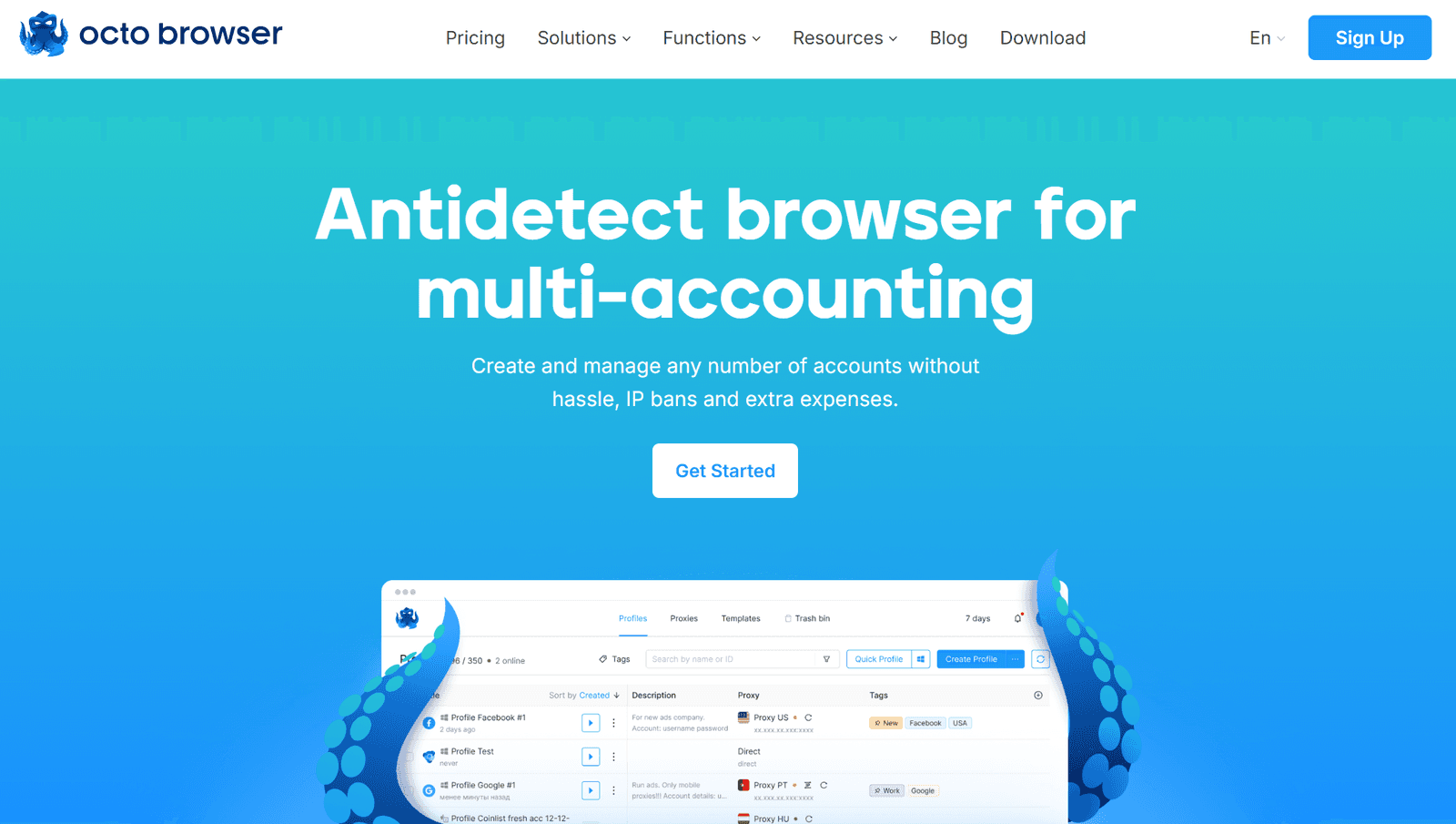
6. OctoBrowser: Best for Multi-Accounting with High Anonymity
Key Facts
Unlimited Multi-Accounting: Run as many profiles as your device allows.
Real Device Fingerprints: Ensures undetectable activity.
Advanced Integration: Bulk upload and automated proxy switching.
API Automation: Automate actions with custom scripts.
Privacy-First Design: Blocks tracking, avoids detecting, and passes fingerprint tests.
Show detailsHide details
Who Is It For? In this day and age, you just know that many people would benefit from this one. Multi-accounting with a high degree of anonymity is a huge selling point for affiliate marketers, e-commerce sellers, and web scrapers. Here are some of the examples of what you can do with this antidetect browser:
Running multiple storefronts.
Automating bounty hunting and free airdrop farming
Extracting data, free from detecting or rate-limiting.
Using multiple casino and betting accounts risk-free.
Compatibility This antidetect browser was designed for maximum compatibility with:
Operating Systems: Windows (all Windows versions and browsers), macOS (Intel & M-series), and Linux Beta (Chromebook Linux).
Proxy Support: Works with all major types, supports bulk import/export.
VPN Integration: Fully compatible with chief VPNs for added security.
Costs This antidetect browser doesn't have a free plan for browsers. You can pay with bank cards or crypto, if you're interested. The pricing for plans depends on how many profiles you need, whether you want API access and certain features for your team.
Plan | Monthly Price | Yearly Price |
Starter | €29 | €252 |
Base | €79 | €672 |
Team | €169 | €1428 |
Advanced | €329 | €2772 |
My Verdict If you want to scale multiple accounts and keep things under the radar, OctoBrowser is definitely the way to go. This browser has got it all, from real device fingerprints to bulk proxy managing, making it perfect for multi-accounting with exceptional anonymity. But, you know, the more I tested, the more I realized that it’s not really aimed at casual users. The absence of a free trial and the higher price tag could be a bit of a drawback.
Tips to Choose Best Antidetect Browser for Android
Rather selfishly, I believe that using my line-up is the best way to choose your new favorite antidetect browser for Android. However, if you want to do this on your own, here are a few tips to pinpoint the right one:
Fingerprint Protection. Look for advanced spoofing to avoid being discovered;
Free Trial. Trying an antidetect browser for free can be the deciding factor;
Multi-Account Support. Ensure you can manage multiple profiles easily across browsers;
Proxy Compatibility. Works with mobile proxies for better anonymity;
Customization Options. Ability to tweak fingerprint features and other antidetect settings;
Low Resource Usage. Runs smoothly on Android without lags;
Regular Updates. Frequent and free security patches and feature upgrades;
No Root Required. Works without modifying your device.
Conclusion
In 2025, more and more people are looking for ways to stay anonymous online, which has made antidetect browsers super important for many Android holders all over the globe. Mobile users can easily bypass geo-restrictions, manage multiple accounts, and keep their digital identities safe with options like GoLogin, AdsPower, and GeeLark.
GoLogin really shines with its cloud-based profiles and budget-friendly pricing, starting at only $49 a month. AdsPower’s precision lets users pick their Android versions, making it perfect for social media sites. In the meantime, GeeLark’s automation tools make it easier for businesses to manage their workflows. These browsers made up my top 3 and I really believe that there aren’t any better options on the market right now.
FAQ
How does an antidetect browser work on Android?
Antidetect software works in pretty much the same ways as anywhere else – by altering internet browser fingerprints (such as IP address, user agent, and more) to keep you on the safer side.
What features should I look for in an Android antidetect browser?
Look for features like robust fingerprint management, VPNs support, and customizable user agents to protect your identity. Also, make sure your antidetect software handles cookies and local storage well, and includes some solid security measures.