Best Static Residential Proxies in 2026: Where to Buy Static ISP IPs
Static residential proxies give you an IP registered to a real internet provider that stays the same for as long as you rent it. We explain how they differ from rotating and datacenter proxies, what to check before you buy, and which providers sell static ISP IPs today.
When analyzing the proxy, we have conducted in-depth research that helped us reveal all the strong and weak points of the service. Considering expert opinion and customer feedback, our pros studied the range of options and, finally, tested the service.
Analyzing the customer feedback
We have visited several forums devoted to proxy discussion and even participated in it. We have studied reviews on reliable resources with only one purpose – to make our review precise.
Getting to know the expert opinion
We have communicated with experts in the proxy industry. To uncover some hidden pitfalls, we asked professionals about its key features. In our review, we will tell you everything you need to know about the strong and weak points of the proxy provider.
Studying Terms & Conditions
At this point, experts have studied the legal basis. They have touched upon the place of registration, owners, achievement, reputation, and so on.
Exploring proxy types
To understand the quality of services the company provides, we test each of the proxy types it offers. The range of proxy types can vary as well as their quality.
Evaluating the quality of support
The support team reflects the reliability of the company hence it is essential to check it. We pay attention to response time, the communicative skills of managers, and the usability of the service.
Testing the service
We have checked the proxy provider backwards and forwards. To make our research full and deep, we have tried out all proxy types offered there.
Comparing
Our experts have compared this proxy with other popular services — pricing, features, and characteristics. You can find more in the Comparison section of the website.
+1 moreShow less195 countries – residential proxies
Protocols
SOCKS5
HTTP
HTTPS
Show detailsHide details
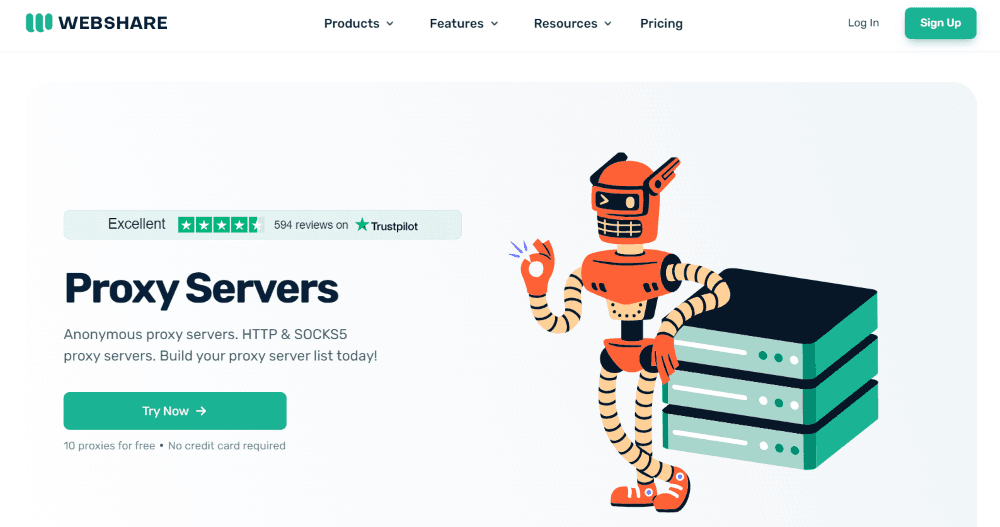
Webshare proxies are the #1 choice for individuals and enterprises seeking lightning-fast yet cost-effective proxy solutions for web scraping, SEO, and streaming.
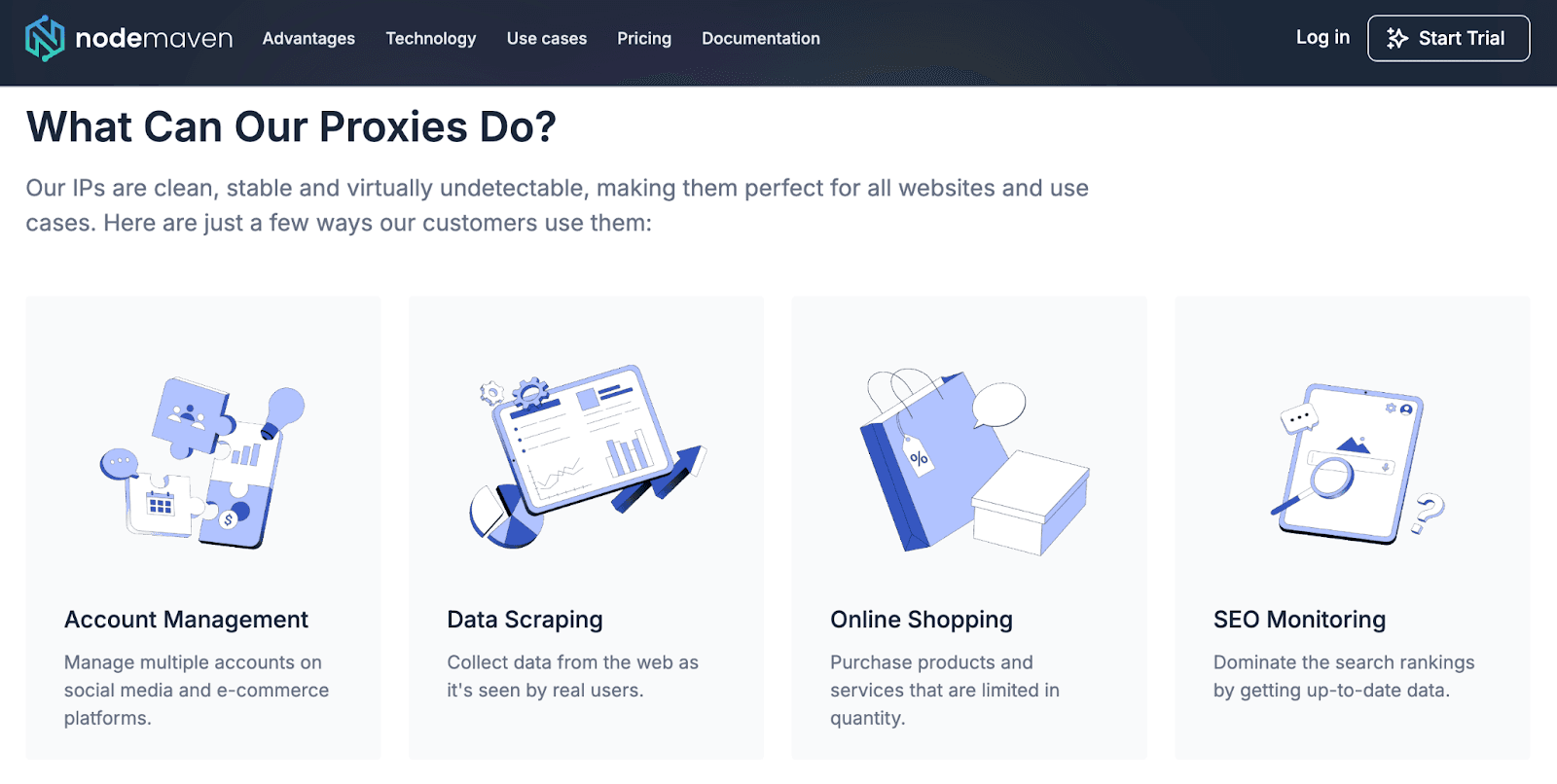
I tried NodeMaven because I needed a proxy network I could rely on for security work. What I needed was predictable performance for geo checks, OSINT collection, and tough targets that block fast when fingerprints drift.
On this page, I break down my impression of this provider. I’ll tell you about the quality of proxies you get, how the dashboard behaves, how the traffic model affects the work, and what my testing showed.
5Users feedback
5Experts evaluation
5Proxybros rank
Positive aspects
99.99% uptime, which seems to be true;
The 4.5 out of 5 rating on Trustpilot;
The IP quality filter concept + pre-checking posture;
Quality guarantee with $1 worth of bonus traffic for each confirmed blacklisted proxy;
Sticky proxy connections up to 24h;
Residential, mobile, and ISP proxies available under one account;
Supports HTTP, HTTPS, and SOCKS5 (good coverage for tooling);
Precise targeting (city + ISP + country layers);
No domain restrictions (fewer arbitrary blocks);
Unlimited concurrent sessions;
The provider documentation is detailed and of high quality.
Negative aspects
Smaller locations can be uneven in depth;
The demo version is not a true free trial in the usual sense;
High-volume web scraping at scale can get expensive fast under a traffic model.
Regular residential proxies give you a new home IP every few minutes. That is great for scraping, but terrible when a site expects you to come back from the same address tomorrow. Datacenter proxies keep the same IP, yet many websites spot and block them on sight. Static residential proxies sit in the middle: you get an IP registered to a real internet provider, and it stays yours for as long as you pay for it.
This page explains how static residential proxies work, when they are worth the extra cost, what to check before you buy, and which providers sell them today.
At a Glance
Bright Data — shared and dedicated static IPs in about 50 countries, plus a free trial without a card
Decodo — shared IPs from $0.27 each, dedicated plans and a free 3-day trial
Oxylabs — shared and dedicated static IPs in 28 countries
IPRoyal — dedicated static IPs in 40+ countries with discounts for 60- and 90-day rentals
Webshare — shared, semi-dedicated and dedicated static IPs at a low entry price
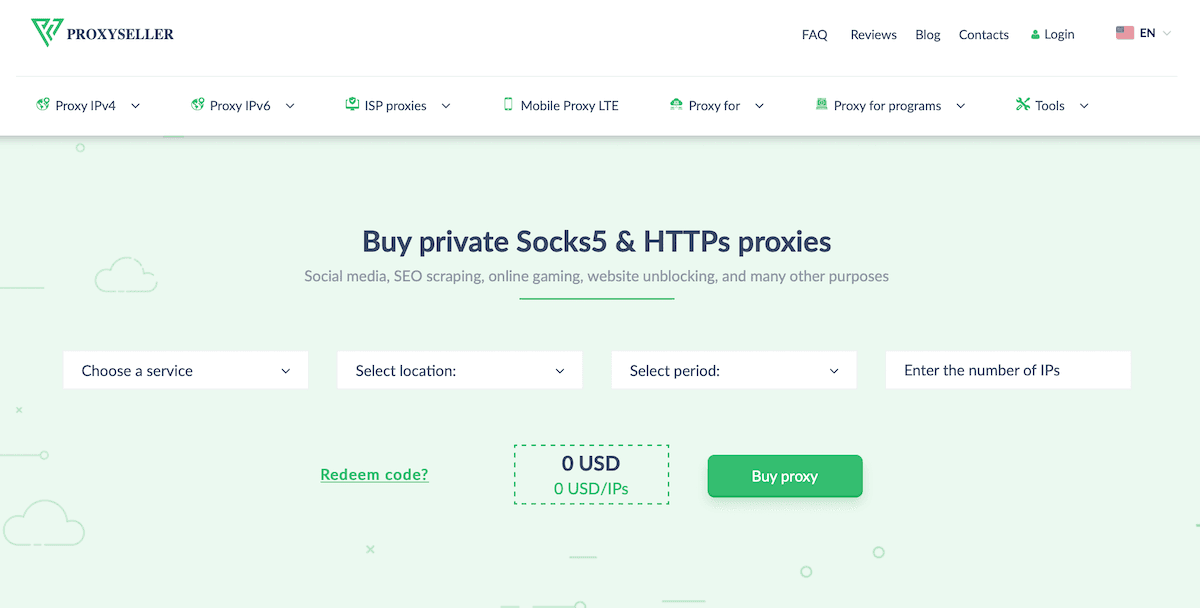
Proxy-Seller — dedicated static IPs by the piece in 20+ countries
NodeMaven — dedicated static IPs that pass an IP quality filter
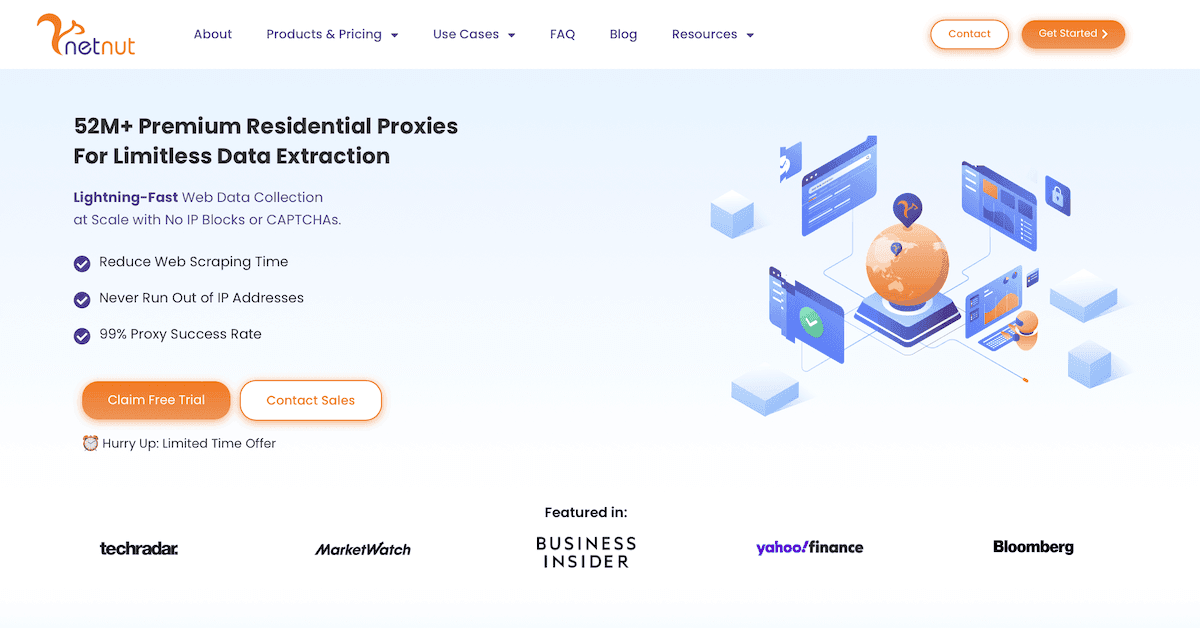
NetNut — static IPs routed straight through ISP connections
SOAX — 2.6M+ US ISP proxies that can stay static for up to 24 hours
Rayobyte — shared and dedicated static IPs, plus rotating ISP traffic billed per GB
What Is a Static Residential Proxy?
A static residential proxy is an IP address that belongs to a real internet service provider, such as Comcast, Verizon or Deutsche Telekom, but is hosted on a fast server in a data center. Websites see a normal home connection. You get server-level speed and an address that does not change.
You will also see them called ISP proxies or static ISP proxies. In practice, these names mean the same product: a residential-looking IP that you keep for days, weeks or months.
Static vs Rotating Residential vs Datacenter Proxies
Proxy type
IP changes?
How websites see it
Typical price
Good for
Static residential (ISP)
No, you keep it
Home internet user
Per IP per month, sometimes per GB
Accounts, logins, long sessions
Rotating residential
Yes, per request or every few minutes
Home internet user
Per GB of traffic
Scraping, price checks, large data jobs
Datacenter
No
Server or hosting company
Per IP, cheapest
Fast tasks on sites with weak protection
The short version: if a site needs to recognize you as the same person over time, pick a static IP. If you need thousands of different IPs for one big job, pick rotating residential proxies.
When You Need a Static Residential IP
Managing accounts. Social media, marketplaces and ad platforms get suspicious when one account logs in from a new country every hour. One static IP per account looks like a regular user.
E-commerce and seller accounts. Amazon, eBay and Etsy sellers use static IPs to keep each store tied to one stable location.
Ad verification and local SEO. A static IP in a specific city lets you check ads and search results as a local user, again and again from the same spot.
Sneaker and ticket drops. Checkout pages often break when the IP changes mid-session. A fast static IP keeps the session alive.
Whitelisting. Some services only let in IP addresses you have added to an allow list. A static IP lets you add it once and forget about it.
Remote work and geo access. A fixed address in another country is handy for testing localized versions of a site or using services that are tied to a region.
Shared vs Dedicated Static IPs
Shared static IPs are used by a few customers at once. They are cheaper, often under $1 per IP, but someone else's behavior can get the address flagged on the sites you use.
Dedicated static IPs belong to you alone. They usually cost $2–5 per IP per month, and nothing that happens on the IP is outside your control. For account management, dedicated IPs are the safer choice. For lighter tasks, shared IPs are often enough.
What to Check Before You Buy
Real ISP origin. Ask which internet providers the IPs come from, and check a few addresses in an IP lookup tool. You want an ISP name, not a hosting company.
Locations. Most providers cover 10–50 countries, much fewer than rotating pools. Make sure the countries and cities you need are actually in stock.
Pricing model. Per-IP plans usually include generous or unlimited traffic. Per-GB plans can be cheaper for light use but get expensive for heavy tasks.
Replacement policy. Find out whether you can swap a blocked or slow IP, and how often.
Protocols. HTTP(S) is standard. If your software needs SOCKS5, check that it is supported.
Trial or refund. Static IPs are hard to judge from a sales page. A trial or short refund window lets you test them on your own sites.
How We Picked These Providers
Every provider below has a full review on ProxyBros, so each one has been tested by our team. For this list we looked only at their static residential (ISP) products: country coverage, shared and dedicated options, pricing model, protocol support and trial terms. Prices were checked on the providers' websites in November 2026 and may change.
Static Residential Proxy Providers in 2026
1. Bright Data — Best for Wide Static IP Coverage
Key Features:
Shared and dedicated static residential (ISP) IPs
Coverage in about 50 countries with city-level options
HTTP, HTTPS and SOCKS5 support
Static IPs can be combined with rotating ISP traffic in the same account
Proxy Manager for routing rules, logs and IP replacement
Show detailsHide details
Shared plans start at about $18 for 10 IPs, dedicated plans at about $35 for 10 IPs
Per-GB billing is also available
Free trial without a credit card
Bright Data covers more countries with static IPs than most providers on this list, which helps when one project needs addresses in many regions at once.
Best Suited For: teams that need static IPs in many countries and want proxies, scraping tools and analytics under one account.
One IP per account. Do not share a static IP between accounts on the same platform. It defeats the purpose.
Match the location to the account. An account registered in Texas should log in from a Texas IP, not from Germany.
Pair IPs with a clean browser profile. An antidetect browser keeps cookies, fingerprints and the proxy together for each account.
Do not hammer a site. A static IP builds trust slowly and can lose it quickly. Keep request rates close to normal human use.
Check IPs before you use them. Run new addresses through a proxy checker and a blacklist check, and ask for a replacement if one is flagged.
Watch your renewal dates. If a plan expires, the IP goes back to the pool, and you may not get the same one back.
FAQ
What is a static residential proxy?
It is an IP address registered to a real internet service provider that stays the same for as long as you rent it. Websites see it as a normal home connection, while you get the speed and stability of a server.
Are static residential proxies the same as ISP proxies?
Yes, in most cases. Providers use both names for IPs that come from internet service providers but are hosted on servers. Some brands use "ISP proxies" for the product page and "static residential" in marketing.
How long can I keep the same static IP?
As long as your plan is active. Most providers rent IPs by the month, and some offer discounts for 60- or 90-day terms. If you let the plan expire, the IP usually goes back into the pool.
Are static residential proxies the same as sticky sessions?
No. A sticky session keeps a rotating residential IP for a limited time, usually from a few minutes to 24 hours, and the IP can still drop if the device goes offline. A static residential IP is assigned to you and does not change.
Should I buy shared or dedicated static IPs?
Shared IPs are cheaper and fine for light tasks like browsing or checking local results. For managing accounts, choose dedicated IPs, because nobody else's activity can affect their reputation.
Do static residential proxies have unlimited bandwidth?
It depends on the provider. Many per-IP plans include unlimited or very large traffic allowances, while per-GB plans charge for every gigabyte. Check the plan details before you buy.
Where can I buy cheap static residential proxies?
Shared static IPs are the cheapest option and can cost under $1 per IP at some providers. Compare per-IP and per-GB plans against your real traffic, and start with a trial or a small order before buying in bulk.
Bottom Line
Static residential proxies are the right tool when a website needs to see the same trustworthy address over time: account management, seller accounts, ad checks and whitelisted access. They cost more per IP than datacenter proxies and cover fewer locations than rotating pools, so the choice comes down to the countries you need, shared or dedicated IPs, and per-IP or per-GB pricing. Whichever provider you pick, test a few IPs on your own target sites before you scale up.