Proxy review
IPRoyal Review 2026: Proxy Types, Extras & Performance Tests
I first ran into IPRoyal when reviewing incident reports tied to automated abuse. Since bad traffic often behaves differently by country and ASN, I needed a decent proxy provider to reproduce what the target sees (and provide consistent access). This review reveals which proxies I used, what extras IPRoyal offers, and what my experience showed for the quality and block rates.

Summary rank
How we score?Show detailsHide details
When analyzing the proxy, we have conducted in-depth research that helped us reveal all the strong and weak points of the service. Considering expert opinion and customer feedback, our pros studied the range of options and, finally, tested the service.
Analyzing the customer feedback
We have visited several forums devoted to proxy discussion and even participated in it. We have studied reviews on reliable resources with only one purpose – to make our review precise.
Getting to know the expert opinion
We have communicated with experts in the proxy industry. To uncover some hidden pitfalls, we asked professionals about its key features. In our review, we will tell you everything you need to know about the strong and weak points of the proxy provider.
Studying Terms & Conditions
At this point, experts have studied the legal basis. They have touched upon the place of registration, owners, achievement, reputation, and so on.
Exploring proxy types
To understand the quality of services the company provides, we test each of the proxy types it offers. The range of proxy types can vary as well as their quality.
Evaluating the quality of support
The support team reflects the reliability of the company hence it is essential to check it. We pay attention to response time, the communicative skills of managers, and the usability of the service.
Testing the service
We have checked the proxy provider backwards and forwards. To make our research full and deep, we have tried out all proxy types offered there.
Comparing
Our experts have compared this proxy with other popular services — pricing, features, and characteristics. You can find more in the Comparison section of the website.
What is best suited for?
- WAF and bot-defence checks, login flow verification, monitoring, and unlimited data collection.
We liked
- An extensive IP pool
- Premium quality – 99% average uptime and quick response time (~0.5-0.8s)
- Up to 7 days for sticky sessions
- Popular connection types covered (incl. HTTP, HTTPS, SOCKS5)
- Less time wasters on dead IPs with the checker and tester tools
- Lots of payment options supported
We didn’t like
- Final proxy prices depend on add-ons and volume (most plans show “from” tags)
- Careful targeting and pacing are still needed for some high-risk tasks
Characteristics
- IPv4
- English
- Chinese
- Germany
- France
- Italy
- Netherlands
- Spain
- Albania
- Algeria
- Andorra
- US
- Brazil
- India
- Mexico
- Argrentina
- Turkey
- UK
- Canada
- Japan
- Belgium
- Czech Republic
- Lithuania
- Portugal
- Denmark
- Hungary
- Romania
- Greece
- South Korea
- Sweden
- Finland
- Switzerland
- Norway
- Poland
- Cyprus
- Malaysia
- Singapore
- Indonesia
- Australia
- China
- Egypt
- Philippines
- South Africa
- Thailand
- Vietnam
- Ireland
- New Zealand
- 195 countries worldwide
- Datacenter Proxies
- Residential Proxies
- Mobile Proxies
- ISP Proxies
- Enterprise Proxies
- SOCKS5
- HTTP
- HTTPS
- PayPal
- Alipay
- Apple Pay
- Google Pay
- Credit Card
- Cryptocurrencies
- 650+ tools supported + integrations hub + help-center integration tutorials
- Proxy Tester for bulk validation of IP lists
- Proxy Checker to scan for dead addresses
- Browser extensions for Chrome and Firefox (profile switching, per-protocol option)
- AI-powered Unblocker for harder targets where household IPs get challenged
- Video Scraping IP to deal with media-heavy online platforms
- An integrations hub with detailed setup guides
To see whether proxies meet my needs, I throw real failure modes at them. These are TLS oddities on strict HTTPS endpoints, geofenced login checks, and rate-limited search pages.
IPRoyal landed in my rotation because it offers me multiple ways to set everything up. I can go for raw endpoints for tools that support them, or I can use their Tester or Checker tools to clean up lists before I feed them into automation. That alone saves tons of time.
The other reason I kept using this provider is operational control. Sticky sessions help a lot when you’re validating account protections or reproducing a report that depends on continuity. Pure rotating IPs are fine for broad data scraping pulls, but they can break stateful flows. With the IPRoyal platform, I could pick the mode based on the job I was doing.
Featured
Residential Proxies
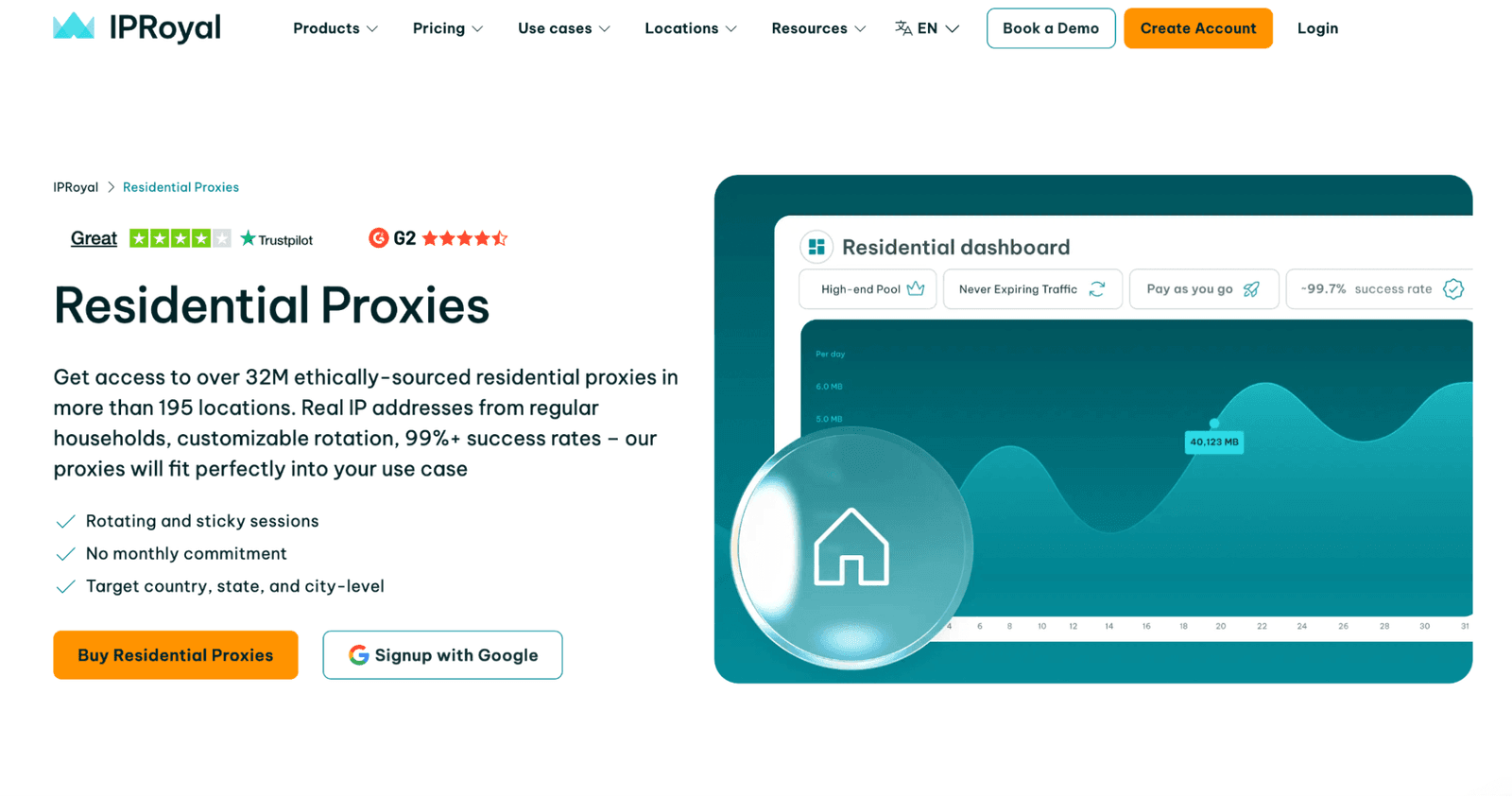
The residential pool from this provider stands out with its breadth. 195+ locations provide you room to reproduce geo-specific issues, and the 99%+ success rate means the service won’t let you down.
I utilized real-user endpoints for two patterns. First: broad monitoring, where I need distributed IPs and an acceptable average latency. Second: controlled checks against login and signup flows, where a target silently increases friction when it sees a risky region. The sticky mode made those flows testable without the proxy changing mid-step.
In my security work, I could easily check why access to a certain page was blocked, or if a CDN served a different JS bundle somewhere. The quality of these premium proxies was always on top, and I liked that you can choose either a subscription or pay-as-you-go plan (more on that later on).
ISP Proxies
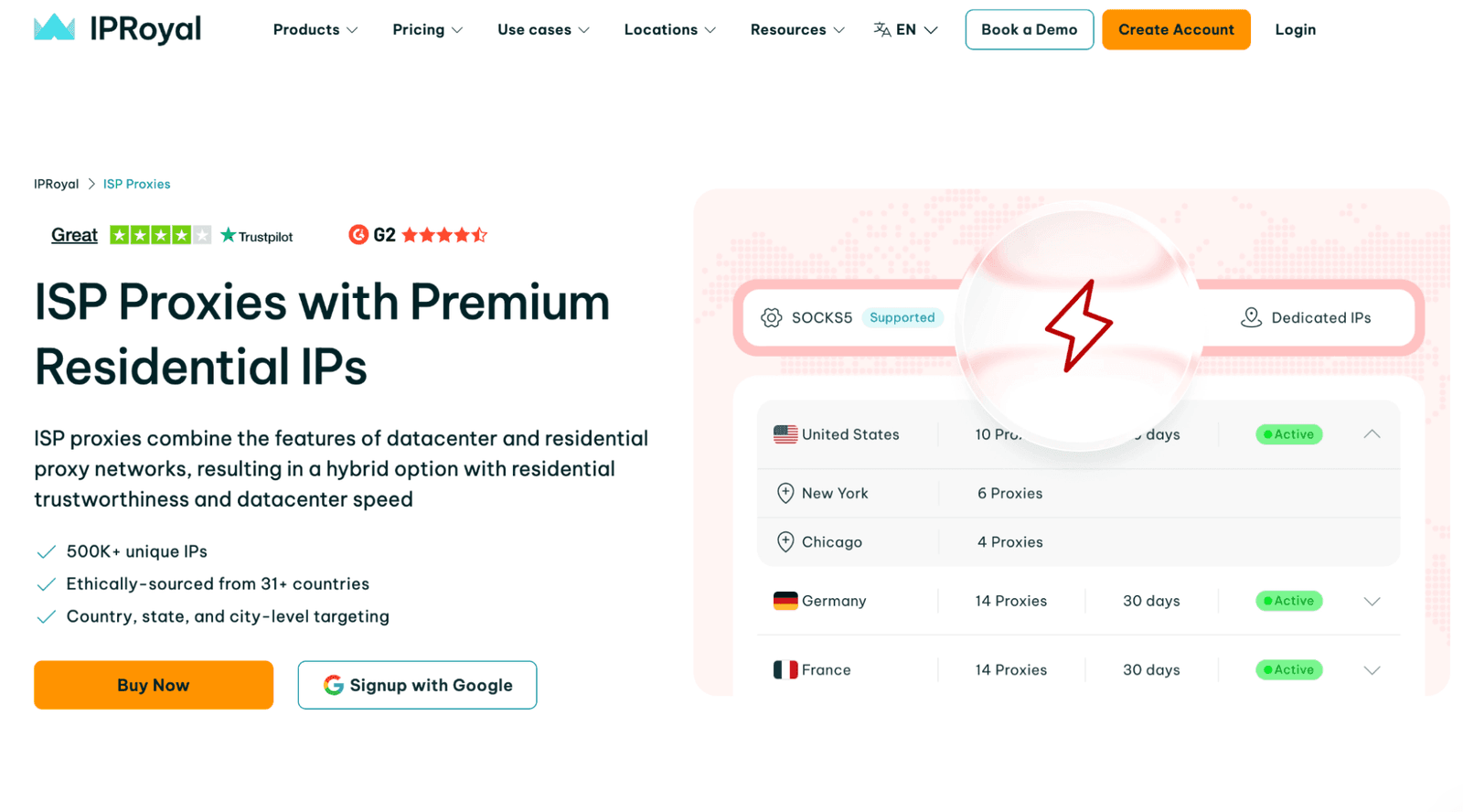
ISP proxies behave more like stable consumer addresses, but with datacenter-like predictability. For me, they were suitable when I needed a consistent posture for multi-hour activities. These were tasks like monitoring a set of endpoints, repeating auth checks, or validating a sequence of encrypted HTTPS requests.
The network consists of 500K+ premium ISP IPs, and I liked them for their “quiet” verification. Some targets trigger more challenges on mobile ranges, while others distrust cheap datacenter blocks. In my experience, ISP endpoints behaved like long-session IPs that didn’t attract extra friction. Thus, I spent less time fighting blocks and more time collecting consistent data.
On top of that, the provider offers unlimited traffic on this line. This way, security teams can scale their activities without watching a bandwidth meter.
Datacenter Proxies
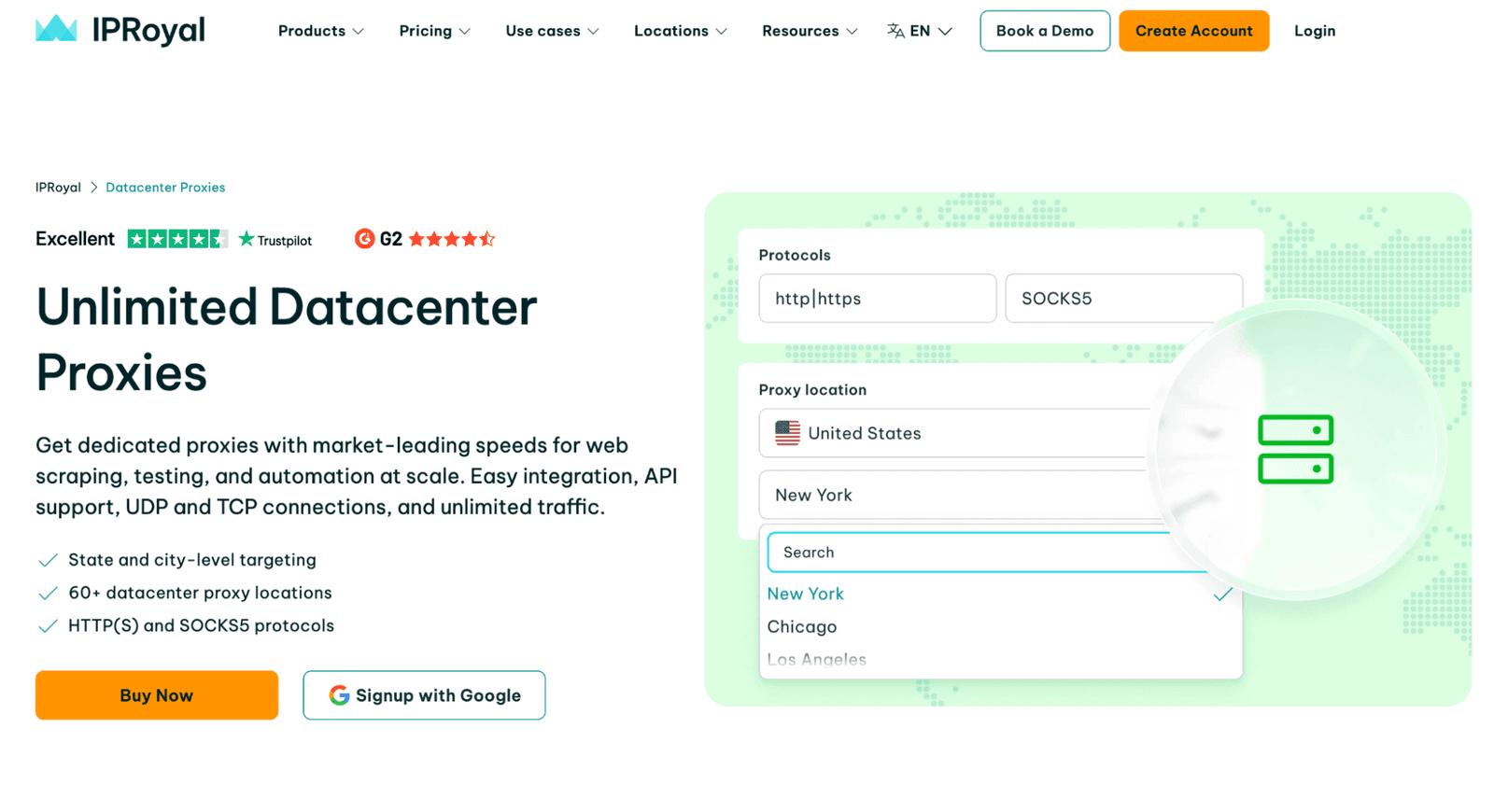
Datacenter proxies by this provider are fast and cheap per endpoint, and (importantly) they’re dedicated, so you’re not sharing the same exit IP with a random crowd. They’re great when you need unlimited traffic for scraping without paying per GB. I used these IPs when dealing with repetitive fetches of public data or heavy assets.
In my lab, I found these services best suitable for internal tooling checks and lower-friction targets. For example: testing a monitoring script, validating response parsing, and confirming a pipeline works end-to-end before I switch to the household pool. But note that on hardened sites, datacenter ranges are often the first to get challenged.
Mobile Proxies
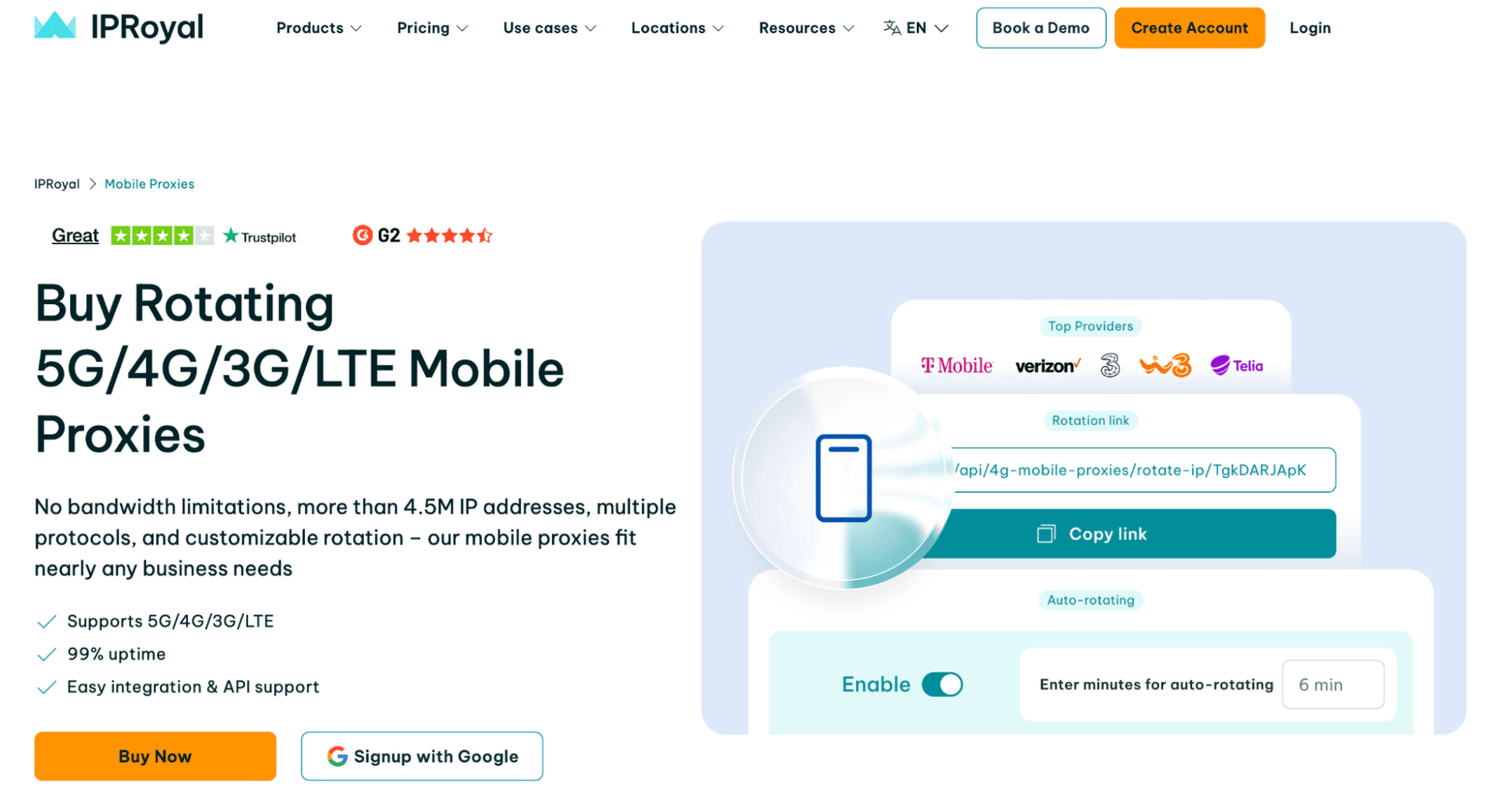
Mobile endpoints are for when a carrier’s reputation defines the outcome. I used these premium proxies to validate mobile-specific flows and reproduce “works on phone, fails on desktop” reports where the real factor was the IP class. With IPRoyal, you can run exits on 3G, 4G, and 5G ranges, which helped me compare how the same target behaves across carrier profiles.
The provider shares the average uptime (99%) and response-time expectations (~0.8s) on the product page, and my real-world encrypted HTTPS requests landed in that same ballpark. It wasn’t datacenter-fast, but it was stable enough to run long sequences.
Config is also a strong quality point. The online proxy management platform lets you tune rotation (fast changes vs longer connection), use auto-rotation, or keep IP changes manual. You can also choose between HTTP, HTTPS, or SOCKS5, depending on your tooling.
Enterprise Proxies
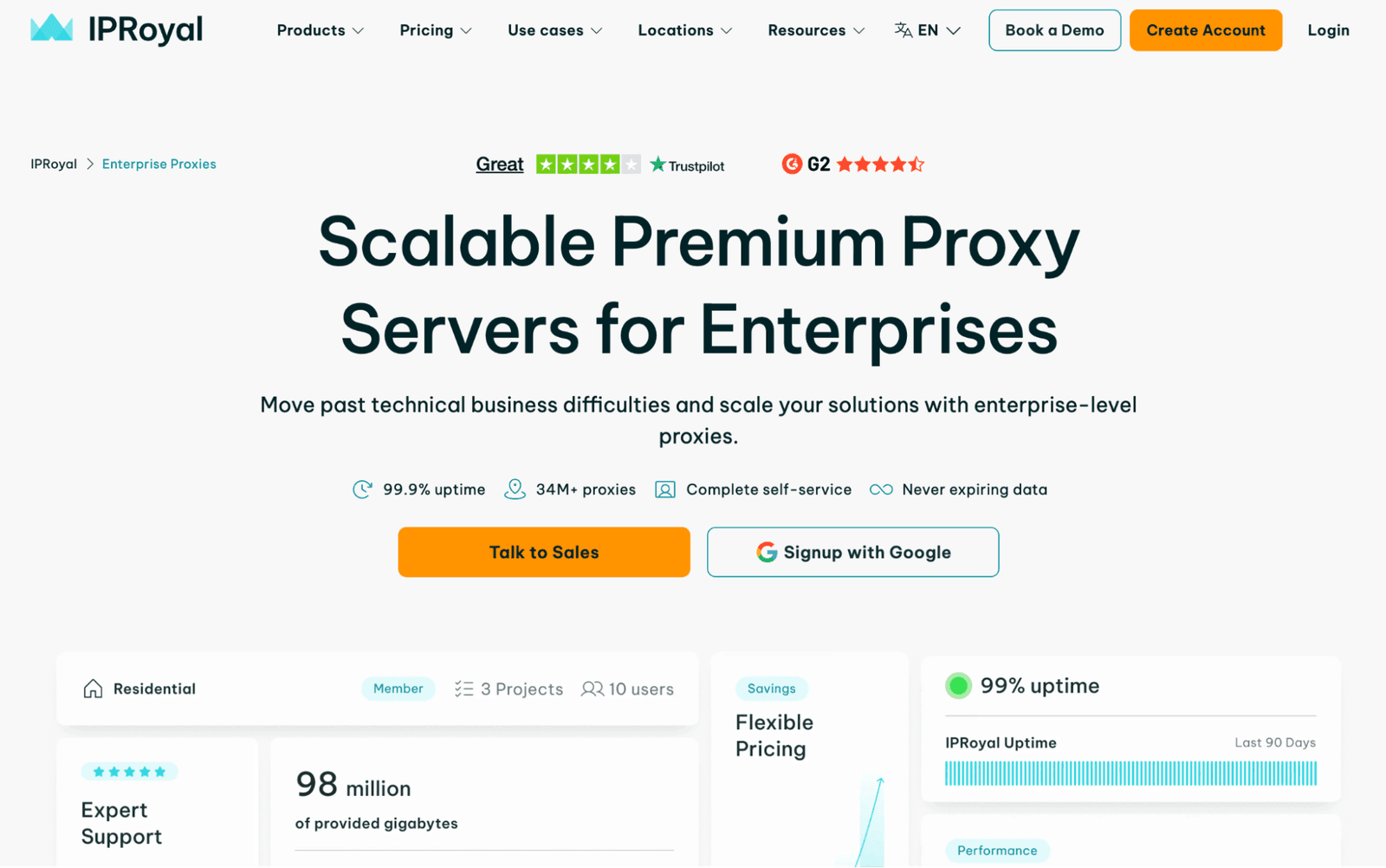
For teams that need more IPs and more country options, IPRoyal has enterprise services to offer. The value here is operational: the provider advertises a 34M+ proxy pool and complete self-service.
Flexibility in pricing is another big win. IPRoyal has per-IP tariffs with unlimited traffic (good for steady monitoring and long HTTPS or SOCKS5 sequences) and per-GB plan options where data never expires.
What I also appreciated was how they talk about sourcing and network hygiene, because that impacts quality and risk. The provider site explicitly mentions ethical sourcing, rigorous network monitoring, and protection against possible cyber threats.
Web Unblocker
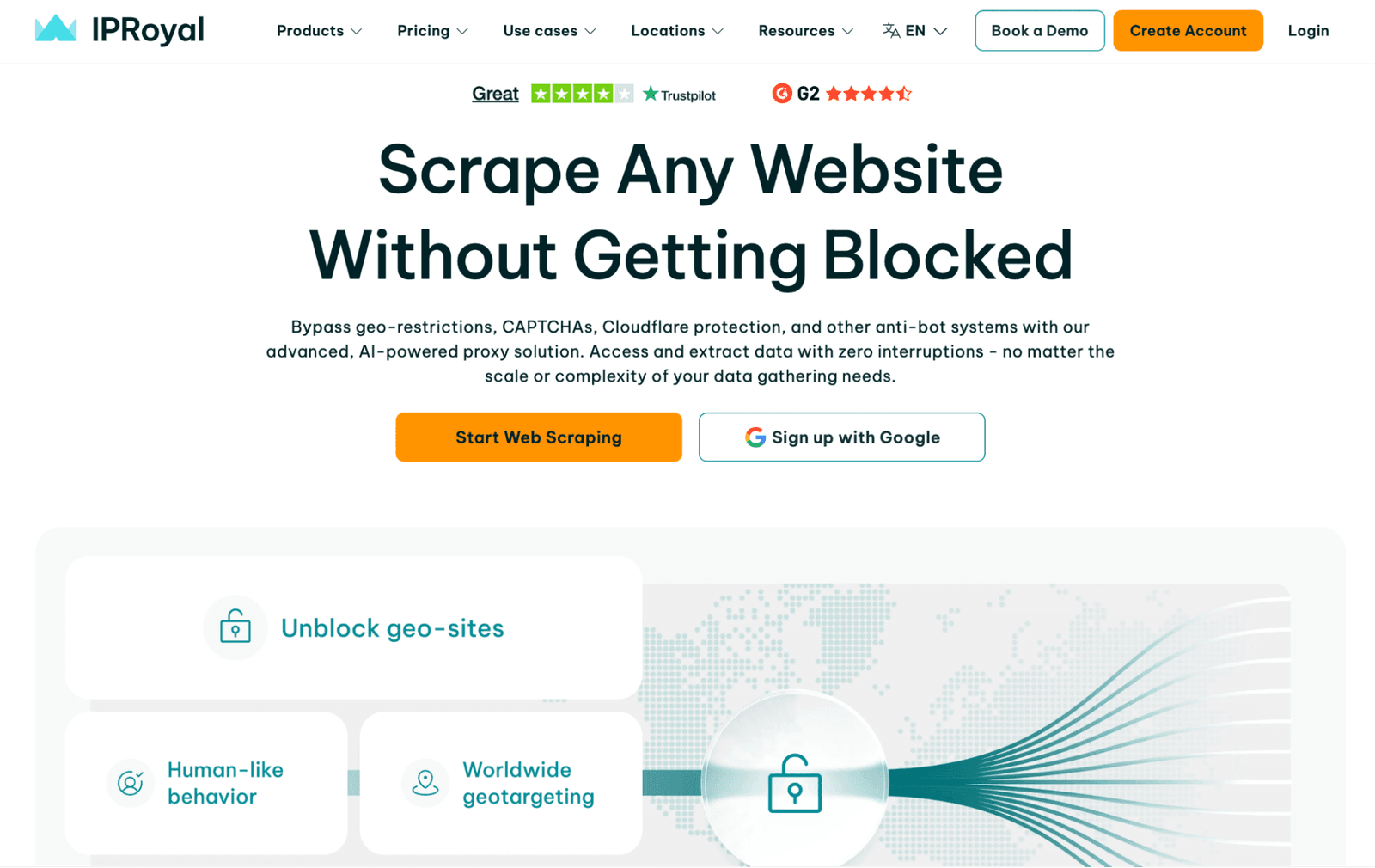
Those who don’t feel like managing their proxies themselves might find the Unblocker tool useful. It’s basically an AI-powered unblocking layer that tries to get you access to the online page, even when the target is doing the usual defensive stuff.
The Unblocker from this provider can bypass geo-restrictions, handle rate limits, and deal with challenges like CAPTCHAs and Cloudflare-style protections. It also runs automatic retries in the background. If a request fails, it quietly re-attempts with a different combination of IP, headers, cookies, and browser parameters.
The human-like behavior is the second half of the story. The Unblocker uses dynamic fingerprinting logic to pick headers and session context that look organic. I noted that it can also do dynamic country selection so the exit location matches what the target expects. In practice, that means fewer dead ends when you’re checking how a site behaves in this or that country.
Video Scraper IP
Video-heavy pages are nasty for automated collection. They’re large, dynamic, and most of them are properly protected. A Video Scraper API can help you with that. This add-on by IPRoyal is positioned as a YouTube-focused API that turns selected video content into downloadable files and can provide them for downstream processing.
For bulk jobs, the key advantage is that you don’t have to manage rotating sessions, cookies, headers, and retries on your side. In my tests, the biggest win was consistency: the same request pattern returned the same kind of output across runs.
A Video Scraping API is designed for scaling, including bulk downloads and save-to-cloud workflows (handy when the traffic volume is high). I also appreciated the compliance-first approach this provider follows. It’s relevant when collecting data for research or internal analysis, and responsible usage is a priority.
Proxy Tester
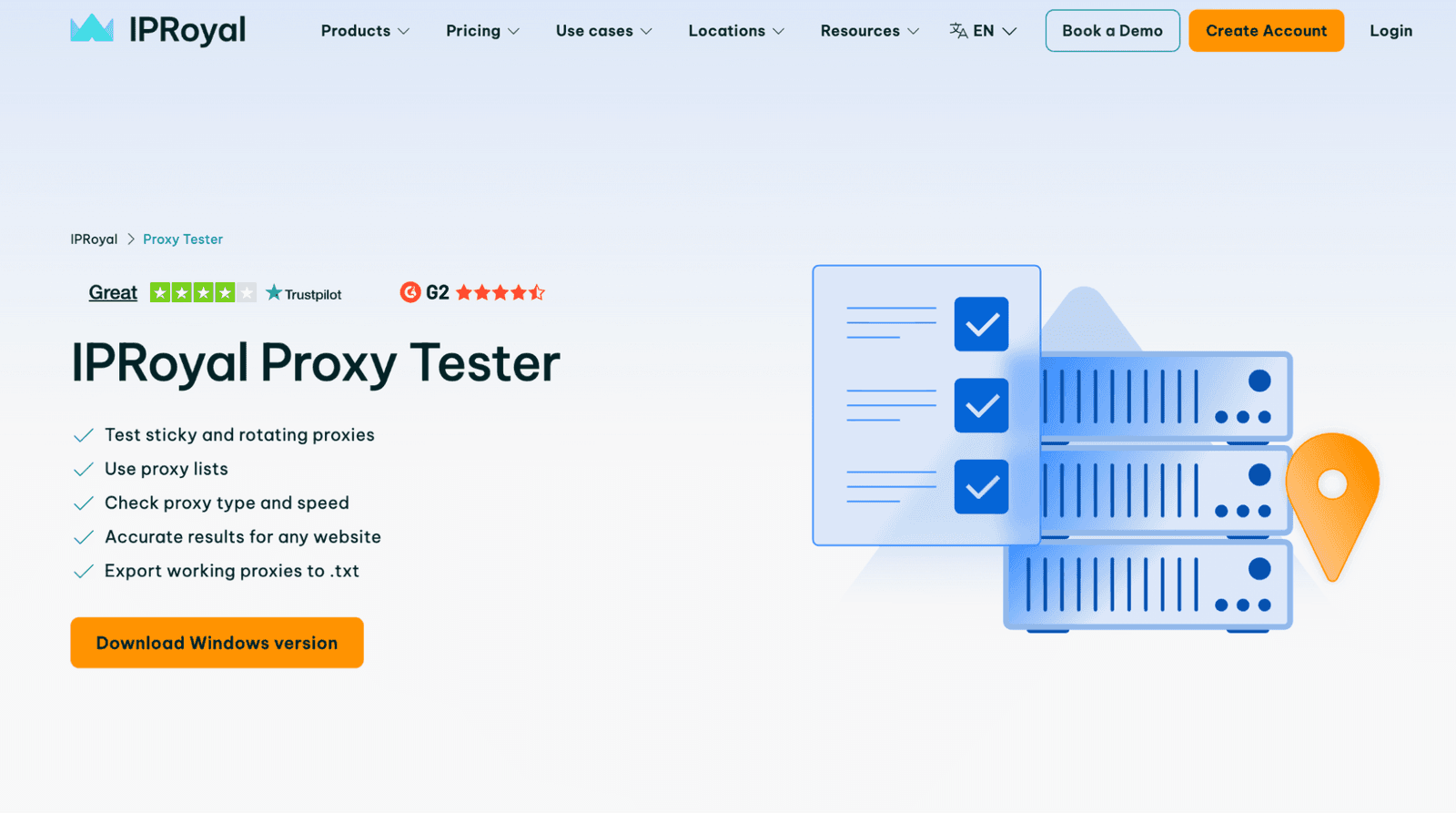
Bulk testing is where most people waste time. They copy a list of proxies, run it, and then spend hours figuring out which addresses are dead, which require auth, and which are blocked on the target.
Proxy Tester lets you paste a proxy list (one per line), choose sticky or dynamic behavior, and set a target URL. I also like the export flow. Getting “working only” exported to .txt is a feature that saves a big time in automation pipelines.
Proxy Checker
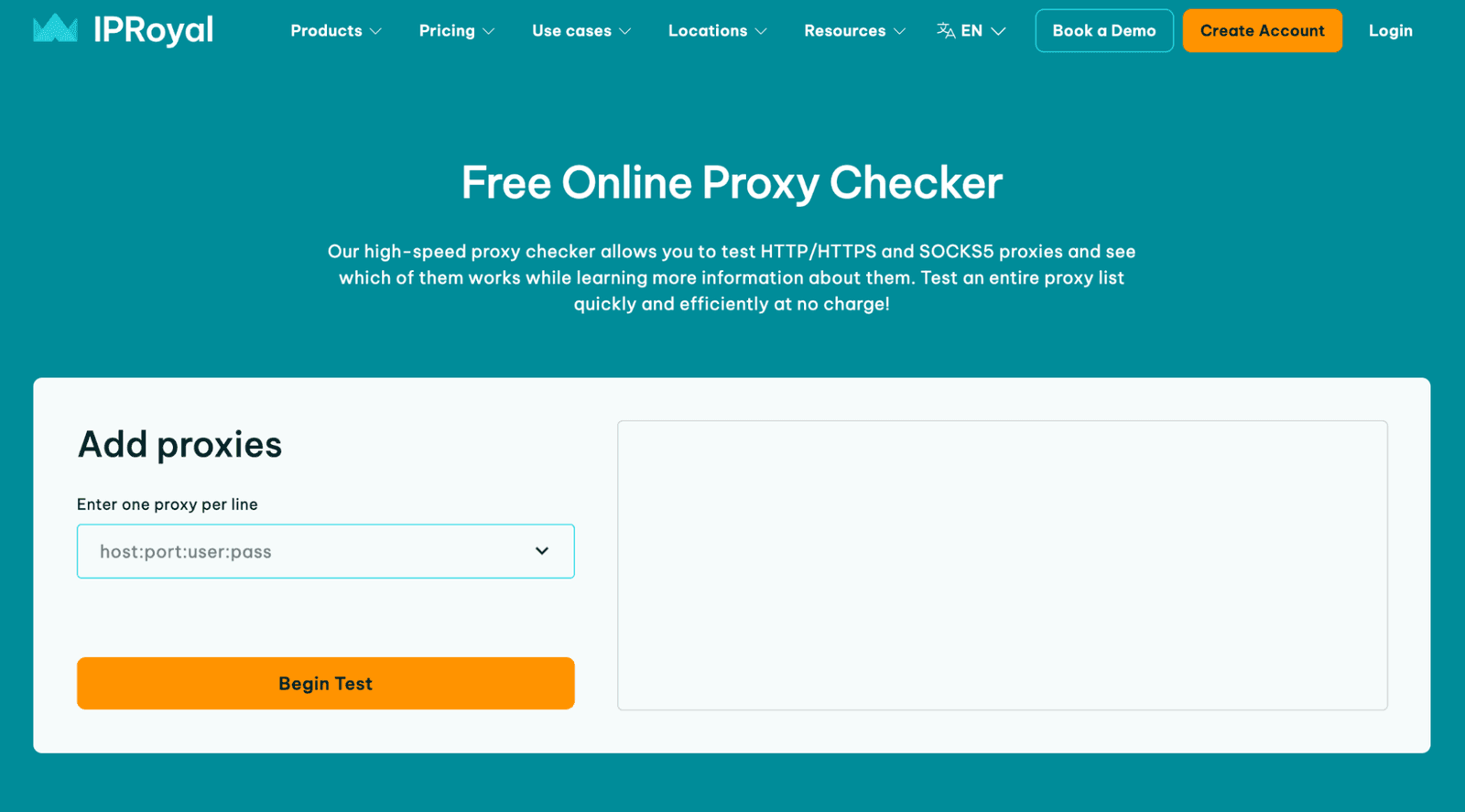
A Proxy Checker is a no-cost tool that lets you see whether the services are functional. You input your proxy list into the interface and see which ones work, and the checker can also provide extra insights about their quality.
The checker output also helps when you’re trying to figure out where the failure comes from. A 407 Proxy Authentication Required means the proxy rejected your login. A 403, in turn, means the target blocked the request. Those status codes help you decide what to do next: rotate IPs, fix credentials, or switch country targeting.
Browser Extensions
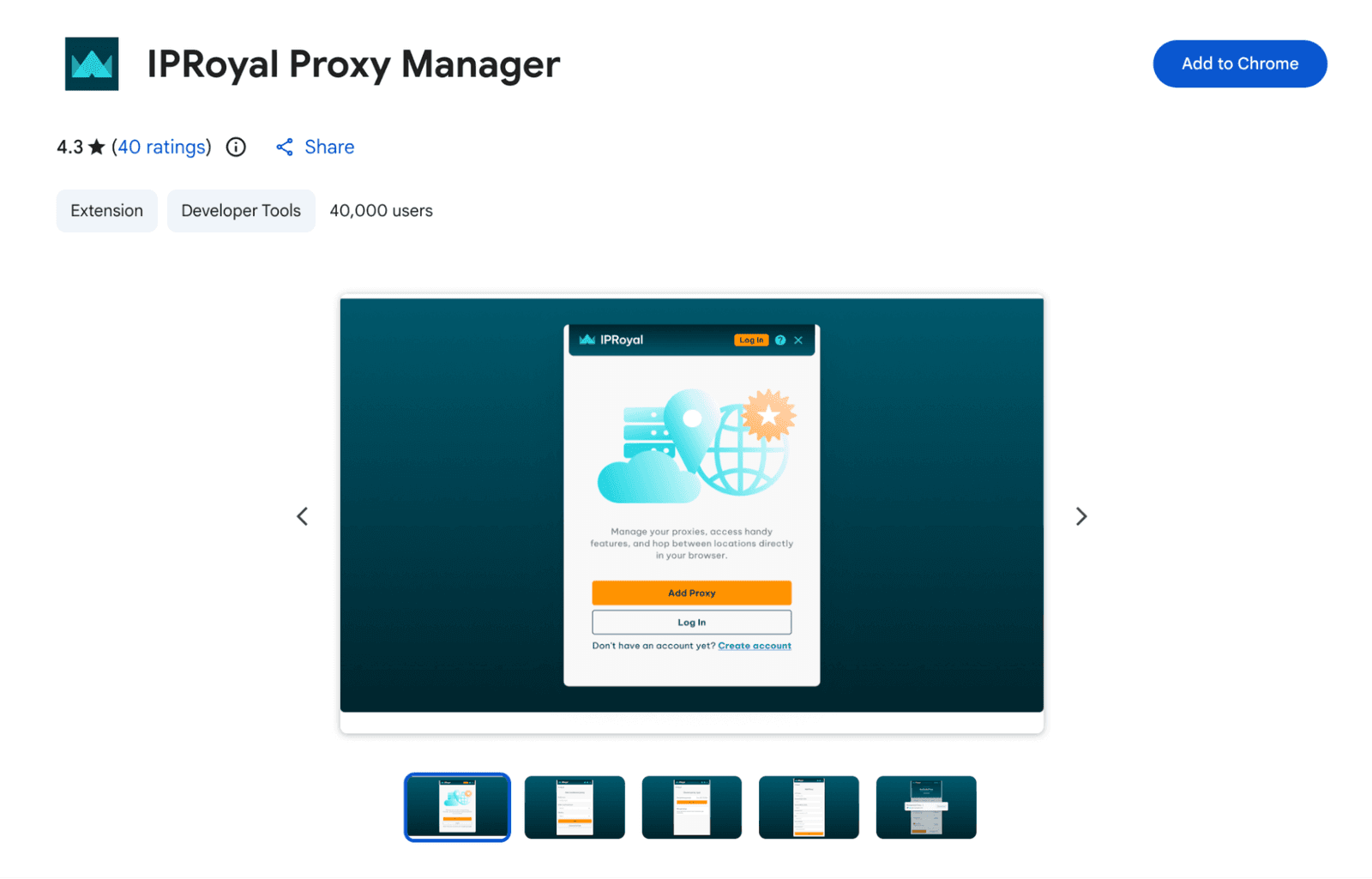
Browser extensions are useful for analysts who need quick switching without touching OS-level settings. For short tasks (like checking how a page renders in another location, verifying a geo-gated service, or reproducing a report), this is faster than reconfiguring the whole machine.
One caution: older write-ups about proxy extensions sometimes mention per-protocol setups that include FTP. Modern browsers have reduced or removed FTP usage. So treat the extension as a tool (HTTP/HTTPS) first, and confirm what’s suitable for your browser.
How to Use IPRoyal
To get better results with the IPRoyal proxies, I’d treat the purchase as a deployment. The best practice is to pick the right product type, generate clean endpoints, and verify them against your targets. Then you can safely integrate the solution with your tools using detailed setup steps.
Register
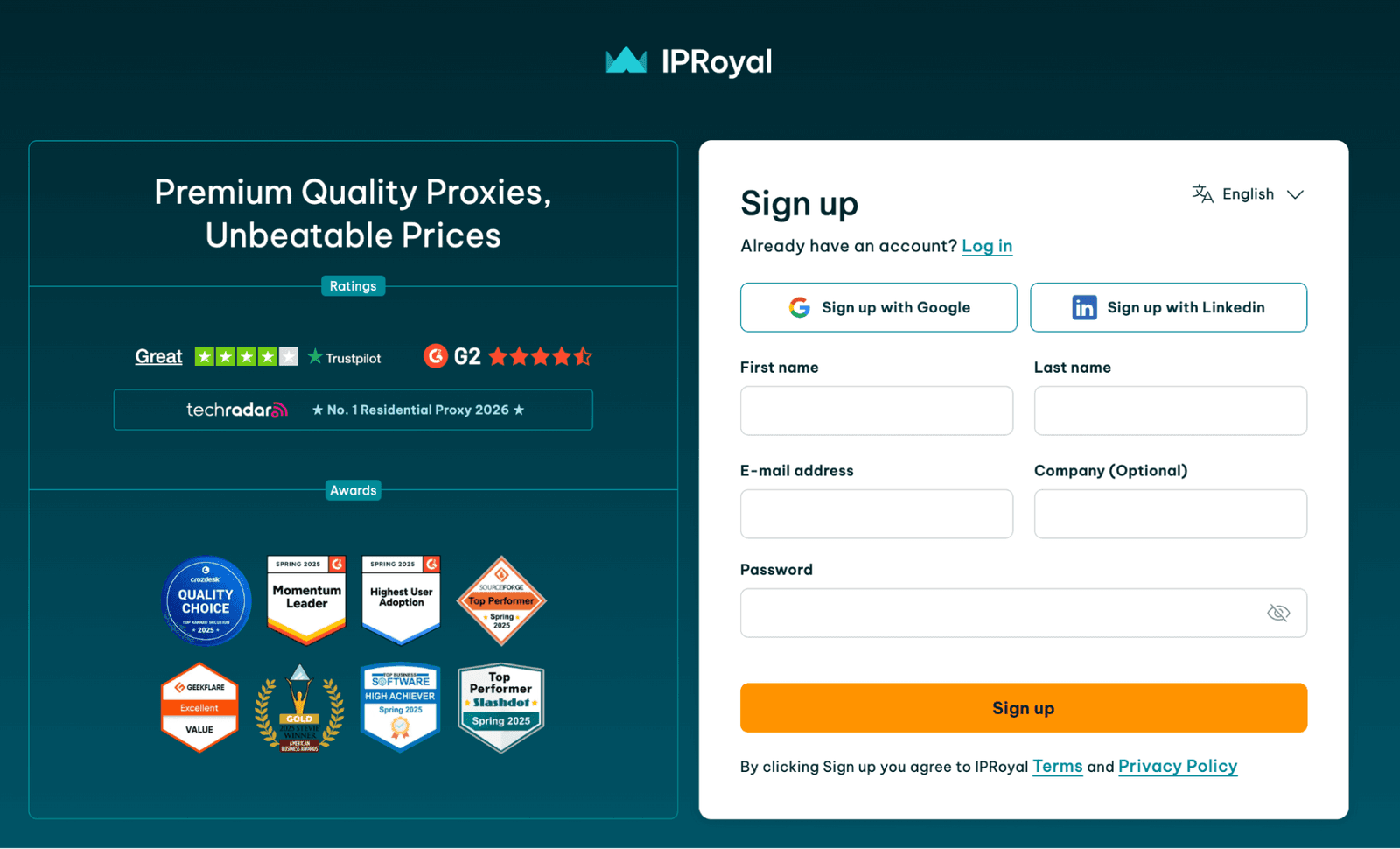
Click “Create Account”, complete the form, and verify the sign-up. Optionally, you can book a demo with the provider team.
Choose a product and plan
Pick household, ISP, datacenter, or mobile proxies based on what’s suitable for your task. Also, select the way you prefer to get charged (by traffic or IP).
Choose authentication (IP allowlist vs user/pass)
Decide whether your tools will authenticate via IP or credentials. The option you choose impacts everything from CI runners to local dev machines. Keep it detailed in documentation.
Configure targeting
Set country or location filters and, where available, narrower targeting. Configure rotation: sticky windows for continuity, rotation for coverage.
Generate your IP list
Use the dashboard to generate endpoints in the format your tools accept. Keep lists separated by purpose (monitoring vs testing vs bulk scraping).
Validate with Proxy Tester
Paste the list into the Proxy Tester, set your destination URL, and check status codes. Export working-only addresses to .txt for immediate use.
Integrate into your tools
Add the server to your browser profile, scraping, or automation tool. Start with a small request batch and review logs. Then scale.
Monitor usage
Track traffic patterns and failures. If a target starts returning soft blocks, adjust pacing and rotating rules. Watch the billing and renewal settings.
Integrations
IPRoyal claims 650+ supported tools, and the part I care about is whether the docs are usable. The Integrations hub and help center guides are detailed enough that you can hand them to someone on your team and expect consistent setup.
In my case, I used these proxies with common automation stacks and browser-based workflows. The same endpoint formats worked across multiple platforms, and the docs supplied by the provider covered the annoying edge cases.
Performance Testing
I ran my tests in two layers:
A basic throughput check to see what overhead the proxy adds to my connection.
Real scraping request batches against encrypted HTTPS targets from multiple locations, measuring success rate, response time, and block signals.
My rig was in the EU, targeting a global CDN where the location influences which edge node responds. Results will vary by your ISP, route, and target behavior.
Target / Gateway | Proxy Type Used | Success Rate | Average Response Time | Median Response Time | P95 Response Time | HTTPS/TLS Success |
United States | Household | 99.2% | 0.78 s | 0.66 s | 1.42 s | 99.6% |
United Kingdom | ISP | 99.4% | 0.62 s | 0.54 s | 1.10 s | 99.8% |
Germany | ISP | 99.5% | 0.57 s | 0.49 s | 1.02 s | 99.8% |
Netherlands | Datacenter | 99.6% | 0.21 s | 0.18 s | 0.46 s | 99.9% |
Japan | Household | 98.7% | 1.03 s | 0.89 s | 1.95 s | 99.2% |
Brazil | Mobile | 98.9% | 0.93 s | 0.80 s | 1.71 s | 99.3% |
Mixed “hard” targets | Web Unblocker | 95.8% | 1.28 s | 1.05 s | 2.45 s | 99.1% |
For the EU and the UK, the response times I saw were close to what I’d call the premium quality. Sub-second often, and stable. AU and IN were slower (expected), but still usable for security validation and monitoring.
Usability
The dashboard platform is user-friendly enough, and I found it easy to run repeatable workflows from there. Inside it, I could see my active services, generate and re-generate lists on demand, rotate credentials, watch traffic stats, and tweak settings like rotating vs sticky sessions.
What helps user experience most is the detailed documentation the provider has taken care of. As I said, the Integrations section and help-center guides are written like real setup manuals. Here, you’ll find clear steps, examples, and quality screenshots that visualize the process.
Pricing and Payment Methods
Pricing at IPRoyal is split by product logic. Household proxies and the AI-style add-ons are usually metered by traffic or requests. ISP, datacenter, and mobile lines are closer to a lease model per endpoint, often with unlimited traffic options. Most pages show “from” numbers, but the final prices depend on term length, volume, and any add-ons you enable.
Proxy Type / Product | Billing model | Tier | Price | Unit / Allowance |
Residential | Subscription (5% off) | 1 GB | $7.00 | per GB |
Residential | Subscription (5% off) | 2 GB | $5.95 | per GB |
Residential | Subscription (5% off) | 10 GB | $5.25 | per GB |
Residential | Subscription (5% off) | 50 GB | $4.90 | per GB |
Residential | Pay As You Go | 1 GB | $7.35 | per GB |
Residential | Pay As You Go | 2 GB | $6.25 | per GB |
Residential | Pay As You Go | 10 GB | $5.51 | per GB |
Residential | Pay As You Go | 50 GB | $5.15 | per GB |
Residential | Bulk / Custom packages | High-volume | from $1.75 | per GB |
ISP | Time-based lease | 24 Hours | from $1.80 | per proxy |
ISP | Time-based lease | 30 Days | from $2.70 | per proxy |
ISP | Time-based lease | 60 Days | from $2.55 | per proxy |
ISP | Time-based lease | 90 Days | from $2.40 | per proxy |
Datacenter | Time-based lease | 30 Days | from $1.57 | per proxy |
Datacenter | Time-based lease | 60 Days | from $1.48 | per proxy |
Datacenter | Time-based lease | 90 Days | from $1.39 | per proxy |
Mobile | Subscription | 24 Hours | $10.11 | per day (unlimited bandwidth) |
Mobile | Subscription | 30 Days | $130.00 | per month |
Mobile | Subscription | 60 Days | $123.50 | per month |
Mobile | Subscription | 90 Days | $117.00 | per month |
Web Unblocker | Requests-based | 1,000 requests | $1.00 | per 1,000 requests |
Web Unblocker | Requests-based | 5,000 requests | $0.90 | per 1,000 requests |
Web Unblocker | Requests-based | 50,000 requests | $0.80 | per 1,000 requests |
Web Unblocker | Requests-based | 100,000 requests | $0.70 | per 1,000 requests |
Enterprise services | Custom | Enterprise | Custom | varies |
Video Scraper API | Custom | API plans | Custom | varies |
For payments, you can use cards, PayPal, Apple Pay, Google Pay, or Alipay. If you’re into crypto, the site accepts 25+ popular coins.
A free trial period doesn’t come by default: as stated on the site, you might qualify if you represent a company and want an enterprise option.
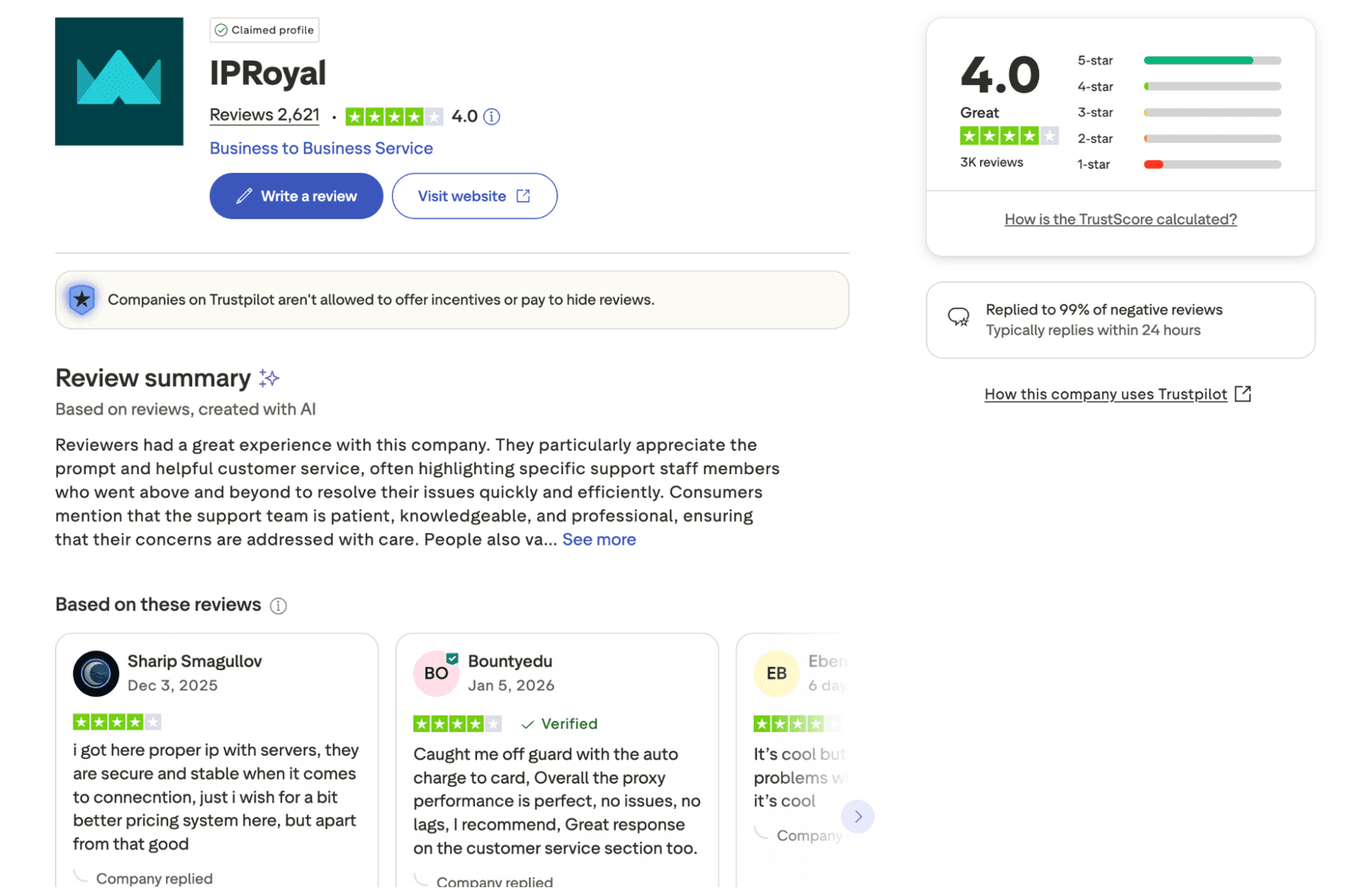
To save a bit, watch for time-bound discounts that show up during campaigns. Also, set billing alerts. One Trustpilot review mentions being caught off guard by an auto charge.
Customer Service
Support is available via live chat and email, and each option behaves like a real operations desk. My questions covered authentication edge cases, rotation behavior, and how certain endpoint formats map to different protocols. In all cases, the helpdesk could provide quality guidance.
If you browse through the provider reviews at Trustpilot, you’ll see that most of the users praise the customer care team. I also noted that IPRoyal replies to the vast majority of negative feedback (typically within a day). That matches what I saw: fast responses and direct answers.
Our Verdict
My experience has shown IPRoyal as a worthy all-round proxy provider. The premium real-user and ISP services are the ones I’d keep in a security toolkit, especially when you need geo-based validation and stable connections. With an ISP or enterprise plan, you can get unlimited bandwidth, which is a real plus for long-running jobs. The Proxy Tester and Checker extras are genuinely useful, too.
What felt somewhat missing is the upfront transparency on the “from” pricing (final costs can shift from the initial plan once you start scaling traffic and sessions). But once you map the right product to the right job, IPRoyal delivers stable encrypted HTTPS execution, clean tooling, and quality docs. With all that at hand, your proxies will work predictably.
FAQ
What social networks is IPRoyal suitable for?
IPRoyal works well for public-facing checks across multiple networks when you need different locations. For security work, it helps verify geo-based access rules and reproduce block behavior. Always follow the rules of the platform and avoid abusive automation.
Does IPRoyal offer a free trial service?
There is a trial concept, but it’s governed by their Terms (Section 6). Notably, you’ve got to qualify for free access (it’s decided when negotiating with the sales team). Also, the traffic and period for the approved trial may vary.
What games can I play with IPRoyal?
I don’t recommend using proxies to bypass geo-restrictions or terms for online gaming platforms. From a security lens, the legitimate use is testing. Use the provider to verify how a game site behaves by geo, check HTTPS flows, and validate account protections. Stay compliant with the site’s rules.