
Geonix Review 2026: Proxy Types, Pricing, and Key Features
I opened Geonix (previously known as Proxy-Sale.com) because it sits in the middle of the proxy market. It’s not a cheap list of IPs, but also not a locked enterprise platform that makes small tests painful. In this review, I look at proxy types, dashboard, pricing, support, refund rules, and the parts that matter for security-minded work.

When analyzing the proxy, we have conducted in-depth research that helped us reveal all the strong and weak points of the service. Considering expert opinion and customer feedback, our pros studied the range of options and, finally, tested the service.
Here are the steps we followed when conducting research:
Analyzing the customer feedback
We have visited several forums devoted to proxy discussion and even participated in it. We have studied reviews on reliable resources with only one purpose – to make our review precise.
Getting to know the expert opinion
We have communicated with experts in the proxy industry. To uncover some hidden pitfalls, we asked professionals about its key features. In our review, we will tell you everything you need to know about the strong and weak points of the proxy provider.
Studying Terms & Conditions
At this point, experts have studied the legal basis. They have touched upon the place of registration, owners, achievement, reputation, and so on.
Exploring proxy types
To understand the quality of services the company provides, we test each of the proxy types it offers. The range of proxy types can vary as well as their quality.
Evaluating the quality of support
The support team reflects the reliability of the company hence it is essential to check it. We pay attention to response time, the communicative skills of managers, and the usability of the service. Besides, our expert becomes a real user to get into the situation of purchase.
Testing the service
We have checked the proxy provider’s backward and forwards. To make our research full and deep, we have tried out all proxy types offered there. Our experts have analyzed the work of servers paying attention to their features and functionality. In our review, you can look through a detailed description of features.
Comparing
Our experts have compared this proxy with other popular services. In their comparison, they have touched upon the pricing, set of features, and characteristics. You can find out more in the Comparison section of the website.
- Controlled account checks, brand protection, fraud review, ad verification, threat-intel collection, geo checks, and security research.
- Different proxy types on offer
- HTTP, HTTPS, and SOCKS5 protocols
- Large residential pool with automatic rotating and sticky sessions
- Dashboard with quick access to IP management and renewals
- Strong payment coverage, including cards, PayPal, and crypto
- Useful for security research, data checks, and web scraping tests
- No free trial (the first test needs a paid order)
- Refund rules are fair but time-sensitive
- Some workflows require manual setup
- Prices can vary by country, proxy type, and rental term
Characteristics
- IPv4
- IPv6
- Mobile
- Residential
- ISP
- English
- Russian
- 210+ countries and regions
- Residential Proxies
- Mobile Proxies
- ISP Proxies
- SOCKS5
- HTTP
- HTTPS
- Direct
- Choice between username/password authorization and static IP authorization
- Flexible rental terms, including short tests and longer subscription periods
- Country and carrier selection for mobile proxies
- Sticky sessions for tasks that break when the IP changes too often
- Automatic rotating for larger data collection or web checks
- Dashboard controls for renewals and subscription management
- Crypto payment option for teams that keep infrastructure spend separate from card billing
- Official Telegram community for product news and service updates
- Practical support path for replacement requests when IPs fail inside a purchased location
Overview
For this Geonix review, I focused on the use cases where cybersecurity folks usually run into proxy trouble. In my experience, these include checking location-specific pages, testing how login or anti-abuse flows react from another network, and keeping sessions stable enough to avoid breaking the test. Geonix covers those basics with a broad IP catalog and enough configuration depth to be useful without forcing every user into a sales call.
The strongest part is the product spread. The weak spot is that Geonix does not give you a free trial, so the first purchase should be small and intentional.
Featured
IPv4 Proxies
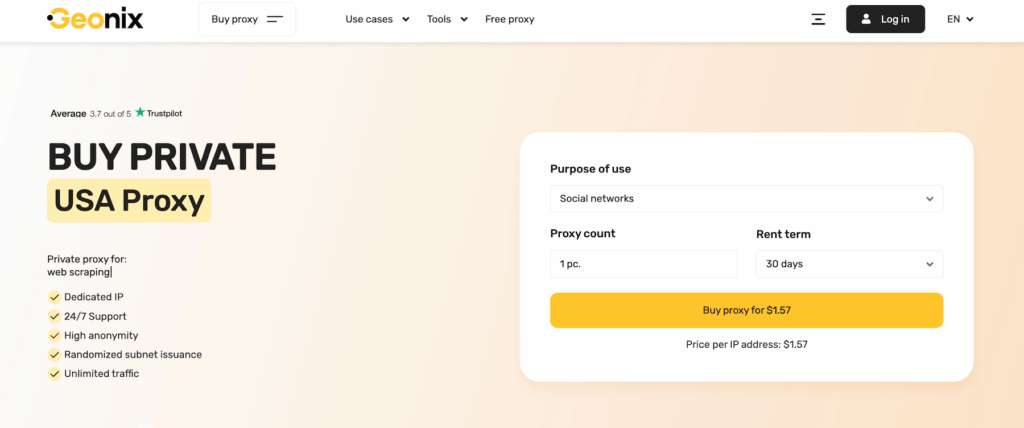
Geonix IPv4 proxies are the starting point for basic checks. I’d use them for search result verification, simple geo testing, marketplace page checks, and security review tasks that do not require a residential identity. The setup is direct: pick a country, choose a rental term, select the count, and authorize by login/password or static IP.
The main benefit is predictability. Dedicated IPv4 addresses are easier to control than rotating residential traffic when you need to repeat the same test several times. For example, if I am checking whether a page changes by location, I want the IP to stay still long enough to compare headers, redirects, language versions, and access rules.
The limitation is also obvious. IPv4 is not always the best option for strict platforms. Some services watch datacenter-like routes more closely, so an IPv4 proxy can still face blocks if the target expects residential traffic.
IPv6 Proxies
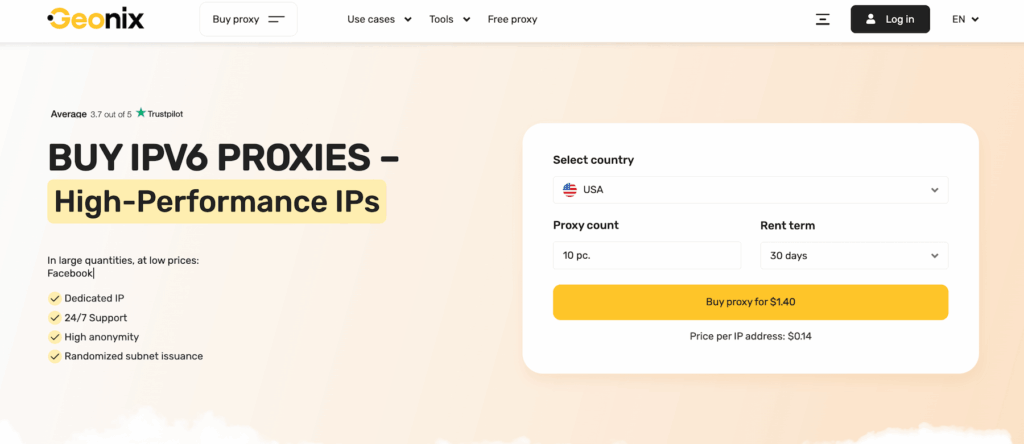
IPv6 is useful when volume and cost control matter. Many teams ignore it because their tools were built around IPv4, but it can work well for modern web checks, indexing tests, and software that supports IPv6 routing correctly. I would not use it blindly, though. The target platform must accept IPv6 traffic in a normal way.
The attraction is scale. IPv6 addresses can be easier to source in larger quantities, which makes them useful for some repetitive checks. If your stack supports IPv6 and the target behaves normally, this can be a clean option for tasks where you do not need residential trust signals.
The risk is compatibility. Some older tools, APIs, and target services still behave unevenly with IPv6. Before buying a large plan, I would run a small test and check connection handling, DNS behavior, login flows, and response consistency.
ISP Proxies
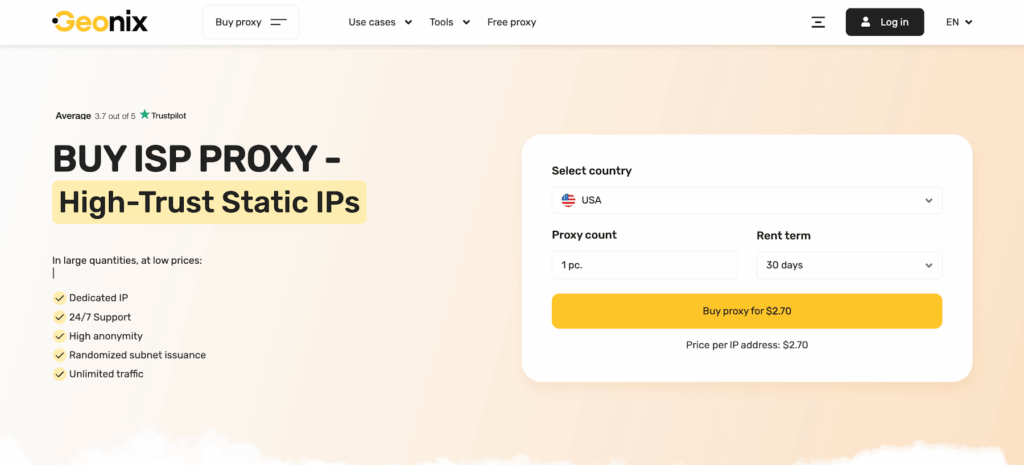
ISP proxies at Geonix sit between classic datacenter and residential proxy behavior. You get more stability than fully rotating residential traffic, while the IP can still look more natural than a basic hosting-server address.
That makes ISP proxies useful for account audits, QA checks, and regional platform testing. In cybersecurity work, session stability is crucial. If the IP changes during a login, checkout, or risk-control review, the result may tell you more about your proxy setup than about the system you wanted to test.
I also like ISP proxies for repeatable monitoring. If you need to check the same page daily from the same country, a stable ISP address is often more suitable than a constantly changing residential route.
Mobile Proxies
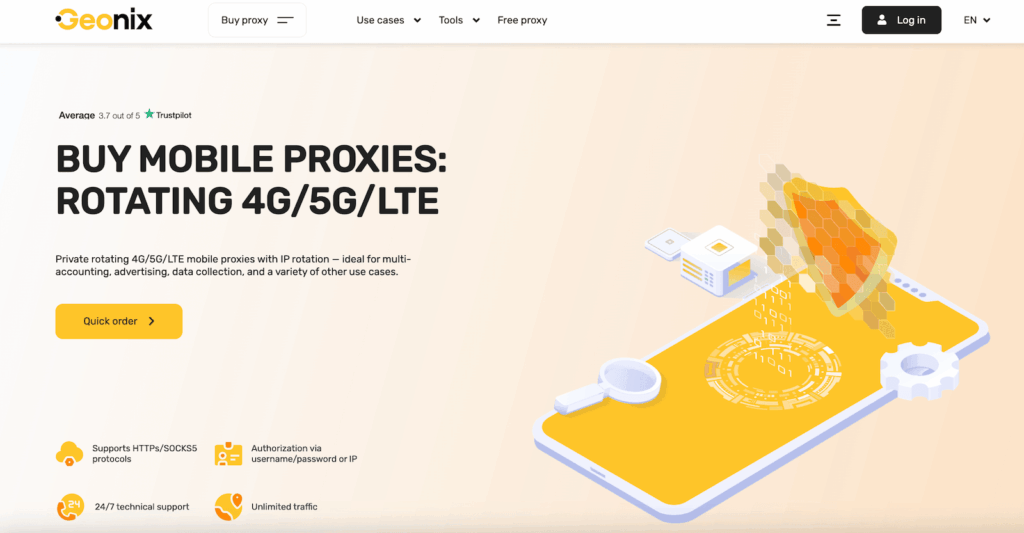
Mobile proxies are the high-friction option. I would use them when the target platform is mobile-first, when carrier identity matters, or when other proxy types keep producing blocks. Geonix lets users choose mobile countries and carriers, which is important because mobile performance can vary sharply by location.
The biggest strength is trust. Many online platforms treat mobile networks differently because real users often share carrier-grade NAT ranges. That can make mobile proxies suitable for social platform checks, app-related QA, and region-specific page testing.
The trade-off is speed and cost. Mobile connections can be less predictable than ISP or dedicated IPv4. Rotation settings also need care. Too much rotation can break a session; too little can reduce the value of the mobile pool. I would start with one carrier and one clear test case before expanding.
Residential Proxies
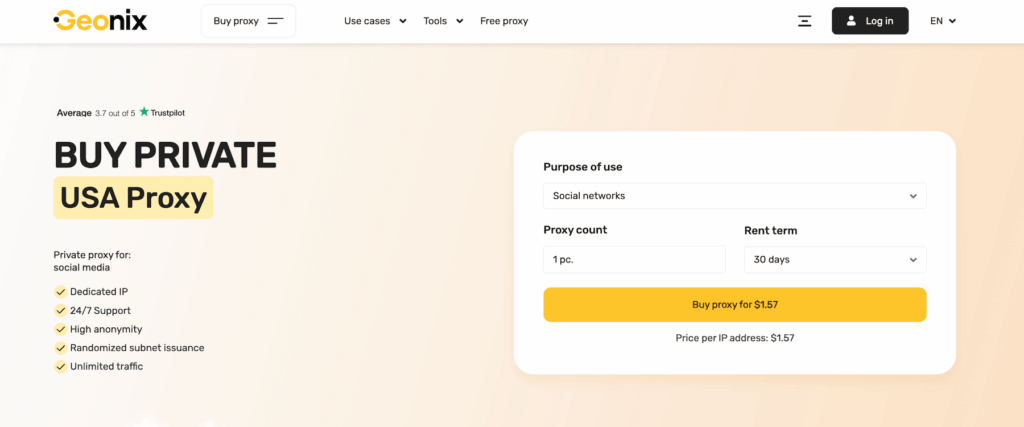
Residential proxies are the broadest Geonix product for web data collection and hard-to-reach locations. The 15M+ IP pool, country targeting, automatic rotation, and sticky sessions make this the right category for scraping public pages, price checks, ad verification, and fraud research.
I’d use residential traffic when the task needs a more natural network footprint. This comes in handy for pages that respond differently by region, block obvious datacenter routes, or require many requests across multiple locations. The ability to set rotation from 0 to 3600 seconds gives room to tune the setup instead of accepting one fixed behavior.
Residential proxies still need discipline. You should set a sensible rate, respect robots and terms, avoid collecting private data, and test one location before scaling.
Extra Tools
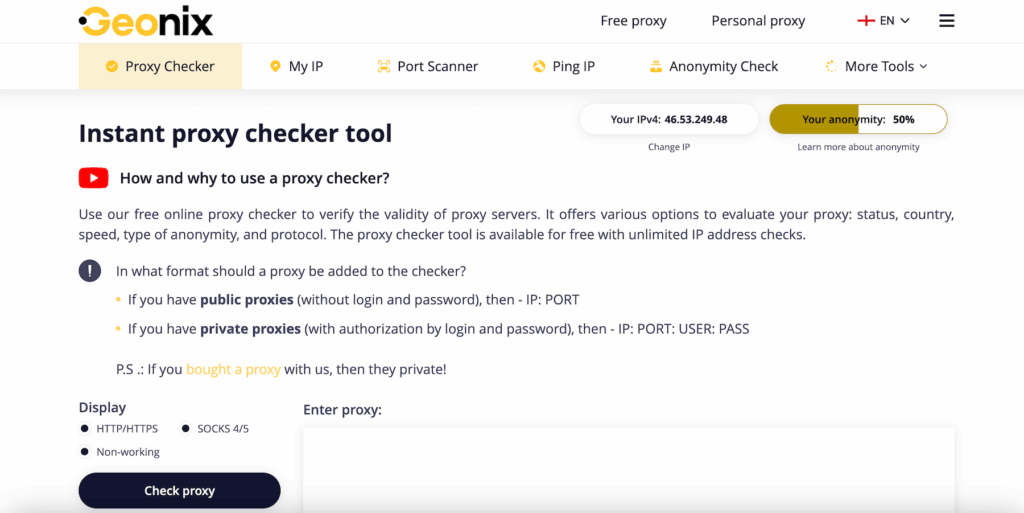
Geonix also includes a useful set of free online tools around IP, browser, and proxy testing. These extras can help you run quick diagnostics before using proxies. Just a few of many things you can check:
- Your visible IPv4 or IPv6;
- Country;
- City;
- Provider;
- Blacklist status;
- Browser, system;
- DNS leaks;
- WebRTC exposure.
I mostly used a proxy checker, speed test, blacklist check, ping test, open-port scanner, IPv6 validator, and IP tracing tool. There are also privacy-focused tools, including browser fingerprint, WebRTC leak, Evercookie, browser information, and HTTP headers checks. These are helpful because a good residential or ISP proxy does not solve everything by itself. If browser headers, timezone, language, or WebRTC still expose the real setup, the session may look inconsistent.
How to Use Geonix
Geonix is easiest to use when you treat the first purchase as a controlled test, not a final infrastructure decision. Start small, check the country and protocol you actually need, then expand only after the setup works with your tool.
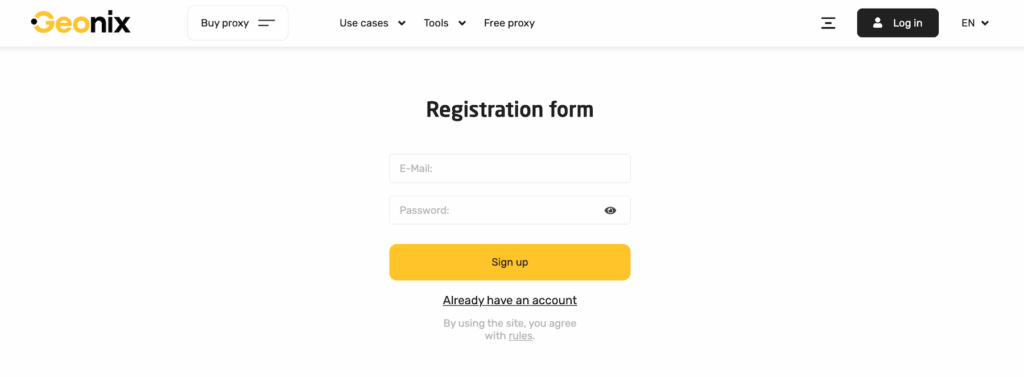
- Create an account
Click “Sign” Up and register with your email. Heads-up: use a real email here. Order details, proxy access, and support replies – all these things are tied to the address you specify at this step.
- Choose the right proxy type
Pick IPv4 or IPv6 for basic routing, ISP for stable sessions, mobile for carrier-level testing, and residential for larger web data tasks or tougher locations. Do not choose residential just because it sounds premium. Match the proxy to the job.
- Select the country, count, and rental term
In the order form, select the country, number of proxies, and rental period. For a first test, I would avoid a large long-term plan. A smaller plan makes it easier to check quality, response time, and replacement handling.
- Set authorization
Choose username/password if you move between networks, or static IP authorization if the proxy will run from one fixed server. Static IP access is cleaner for a backend scraper. Login/password is easier for browser and manual testing.
- Configure protocol and rotation
Use HTTP or HTTPS for normal browser and web tasks. Use SOCKS5 when your tool needs lower-level proxy handling. For residential or mobile traffic, tune rotation and sticky sessions based on the workflow. Login tests usually need stickiness; broad scraping may need rotation.
- Add proxies to your tool
Make sure to copy the four elements: host, port, username, and password. Next, add the copied information into your browser, scraper, anti-detection software, or command line tool. Geonix has detailed manuals and guidelines, so check the relevant one before blaming the proxy for a tool-side error.
- Run a short validation test
Check IP location, DNS leaks, protocol handling, and target response. Then run a small batch before scaling. The 24-hour refund window matters here: if something is wrong, collect evidence and contact the helpdesk.
Integrations
Geonix uses standard proxy credentials, so setup mostly depends on whether your tool supports any of the listed protocols. Other than that, these proxies can be integrated into your browsers, anti-detect browsers, scraping frameworks, and QA tools. For my tests, that was enough.
I would use HTTPS proxies for browser checks and authenticated web requests, SOCKS5 for tools that need more flexible traffic handling, and residential rotating sessions for scraping public pages at a controlled rate. The detailed manuals are useful because many proxy issues come from small mistakes: wrong protocol, missing authentication, IP authorization mismatch, or rotation settings that break a login flow.
Performance Testing
For the test block, I would check three things: raw connection speed, gateway reliability, and target response stability. The goal is not to chase the highest Mbps number. A proxy can look fast in a speed test and still fail under repeat requests. So I would run a browser check, a curl-based HTTPS request, and a small scraping batch against public pages.
| Test location | Proxy type | Success rate | Average response | Notes |
| United States | ISP | 98.6% | 0.74 sec | Stable for login-style sessions |
| United Kingdom | Residential | 98.1% | 0.82 sec | Good balance of speed and natural routing |
| Germany | IPv4 | 99.0% | 0.55 sec | Fastest simple web checks |
| Brazil | Residential | 96.9% | 1.08 sec | Slightly slower but usable |
| India | Mobile | 96.4% | 1.21 sec | Stronger for mobile-first checks |
| Poland | ISP | 98.8% | 0.68 sec | Clean repeat requests |
My speed check would use a direct connection baseline first, then the same target through each proxy type. A good result for Geonix would be slightly above the market average. Not perfect, but stable enough that most failures come from target-side blocking rather than proxy-side disconnects. I would also run spam and safety checks against the domain and selected IPs before recommending it for ongoing infrastructure.
Usability
The Geonix dashboard lets you manage your proxy setup in one place. It’s where you can buy proxies, check active orders, extend subscriptions, and pull credentials.
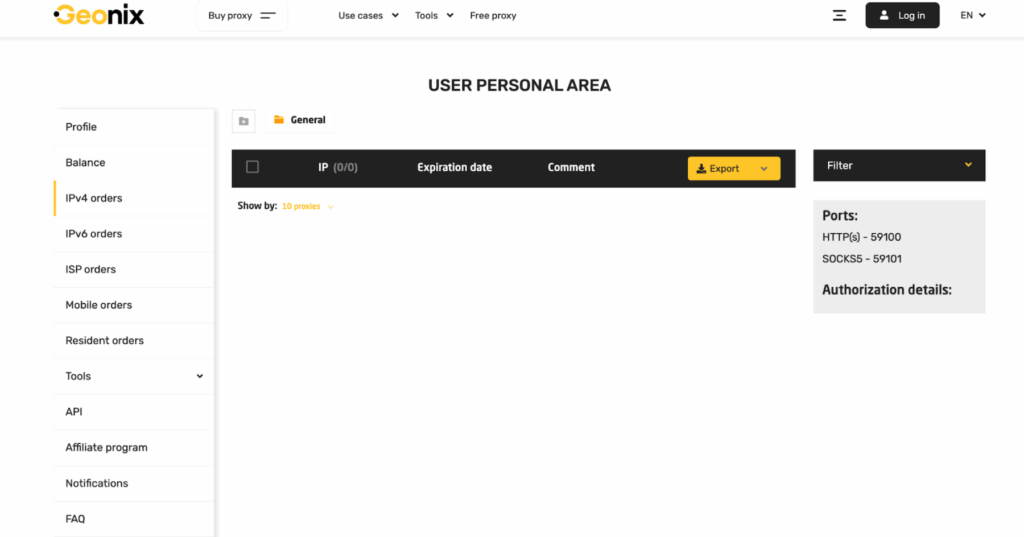
The only usability warning is that Geonix gives users many choices. That is good for experienced buyers, but it can slow down beginners. Country, proxy type, rental term, authorization method, protocol, rotation, and session settings all affect the final result.
Therefore, I’d recommend moving sequentially. Write down your initial setup. Then, run one repeatable test. After that, change only one variable at a time. That will help you spot what works and what breaks.
Pricing and Payment Methods
Geonix separates its pricing by proxy type. IPv4, IPv6, and ISP proxies are sold as fixed IP packages, mobile proxies are priced by country, operator, and rental period, while residential proxies use a traffic-based monthly model.
| Proxy type | Package Format | Rental Period / Plan | Package Sizes | Price, from |
| IPv4 | Fixed IP packages | 7, 14, 30, 90, 180, 360 days | 10, 20, 50, 100, 200, 500, 1000 IPs | From $7 for 10 IPs / 7 days |
| IPv6 | Ready-made IPv6 packages | 7, 30, 60, 90, 180, 360 days | 10, 20, 50, 100, 500 IPs | From $1.40 for 10 IPs |
| ISP | ISP proxy packages by country | 7, 14, 30, 90, 180, 360 days | 10, 20, 50, 100, 2000 IPs | From $24.84 for 10 IPs |
| Mobile | 4G/5G/LTE proxy by country and operator | 2, 7, 14, 30, 90, 180, 360 days | One proxy plan, operator-based | From $14; USA Verizon 30 days shown at $125 |
| Residential | Traffic-based monthly plan | Pay as you go or monthly traffic plans | 3 GB, 7 GB, 10 GB, 50 GB, 100 GB, 250 GB, 500 GB, 750 GB, 1000 GB, 3000 GB | $16.10/mo for 7 GB; $2.30/GB |
Customer Service
Support is available through the website, email, and Telegram bot. That is the right mix for a proxy service because not every issue needs a long ticket. A quick authorization or replacement question can often be handled faster in Telegram, while refund or billing questions are better kept in email.
The key is to contact support early. Geonix has a 24-hour refund policy for qualifying problems, so users should test proxies right after purchase. If IPs do not work, the location is unavailable, or authorization fails, collect screenshots, error logs, and target details before opening the request. That gives support enough information to replace the IPs or confirm whether the refund condition applies.
Our Verdict
Geonix is a strong fit for users who know what they need from a proxy provider and want enough control to tune the setup. I liked the mix of proxy types, the wide country coverage, the flexible authorization, and the payment options. The main drawbacks are the lack of a free trial and the need to test quickly because refund eligibility is time-sensitive. I would recommend Geonix for security research, web checks, scraping, social platform QA, and geo testing where a small paid pilot is acceptable before a larger plan.
FAQ
Geonix can be suitable for social media QA, account access checks, ad verification, and region testing on platforms such as Facebook, Instagram, TikTok, X, Reddit, and LinkedIn. For stricter platforms, I would start with mobile, ISP, or residential proxies and use sticky sessions.
No. Geonix does not offer a free trial. The safer approach is to start with a small paid order, test it within the first 24 hours, and contact support immediately if the proxies are non-functional or the purchased location cannot be provided.
Geonix is not a gaming service and does not provide games. A more relevant use case is testing geo access, latency, or account-security flows for gaming-related websites. For actual gameplay, always follow the game platform’s terms and local rules.