Research note
Residential Proxies in 2025: 9Proxy as a Case Study

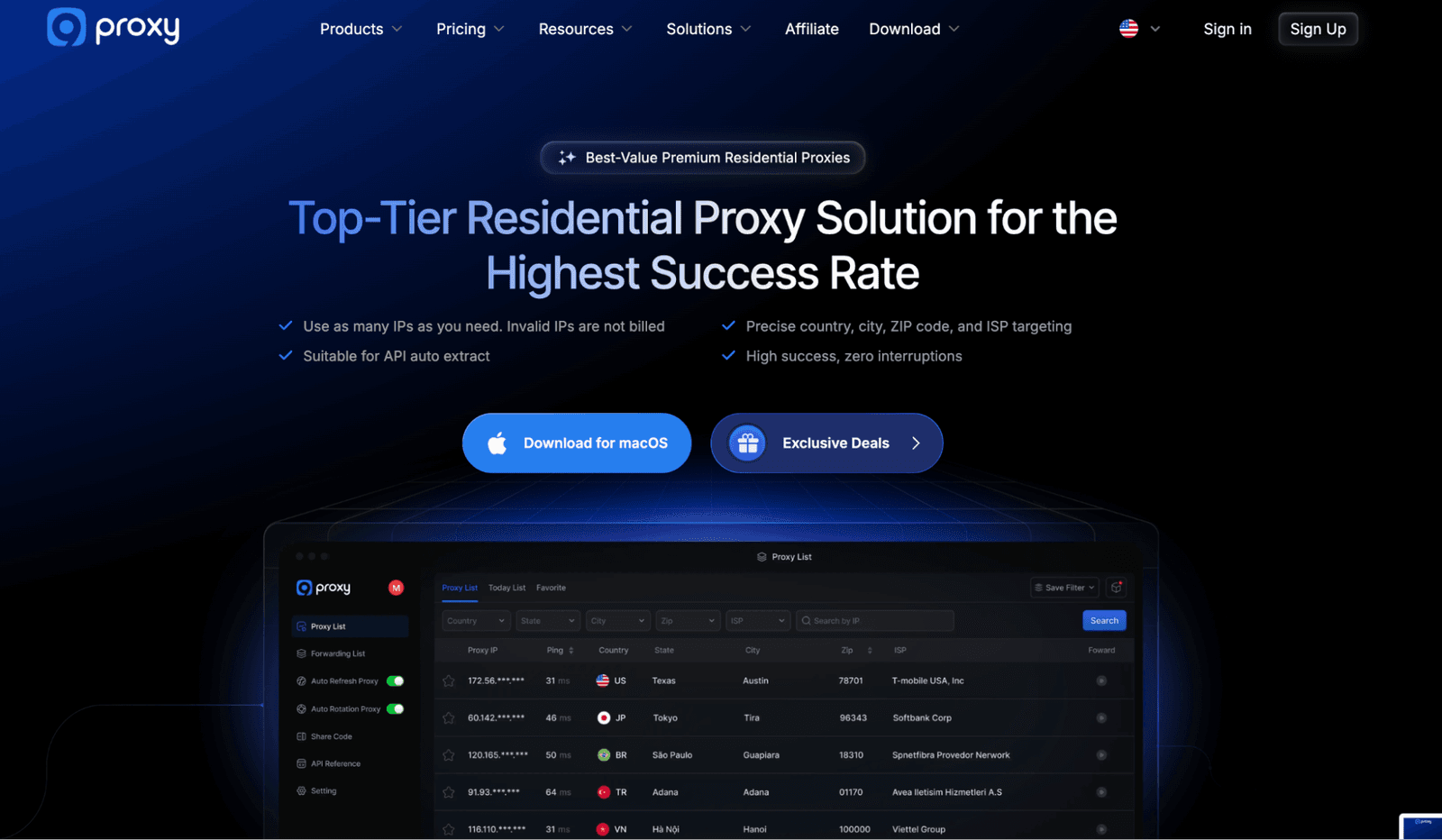
The residential proxy market is loud. Everyone promises zero CAPTCHAs, 100M+ IPs, and AI-optimized success rates. For security people like me, much of that is just noise. If you live in logs (watch threat intel feeds, scraping jobs, and multi-account stacks), you care about different things. What matters more is connection success, ban patterns, and how a proxy fits into your tools.
In this piece, I’ll show how I evaluate residential proxies in 2025. As a working example, I’ve picked 9Proxy – the service I’ve recently put to rigorous tests. It now sells residential access three ways: IP-based with unlimited traffic, GB-based packs, and bundles. I’ll come back to that when we get to pricing.

Where Proxy Marketing Can Be Misleading
If you read through proxy landing pages, you’ll see promises of zero bans, penalties, or CAPTCHAs. Huge IP pools and AI-powered rotation are common claims, too.
In practice, no provider can guarantee zero CAPTCHAs. I’ve never seen a serious operation rely on pool size alone either. When you’re scraping data or monitoring hostile infrastructure, you judge the following:
Success rate over time (not in a demo);
How bans happen (slow degradation vs instant hard block);
How quickly you can react when a region, ASN, or provider starts misbehaving.
Now, does 9Proxy’s marketing line up with reality? On the surface, their USPs look like most other providers. The difference, for me, is where they spend time on specifics.
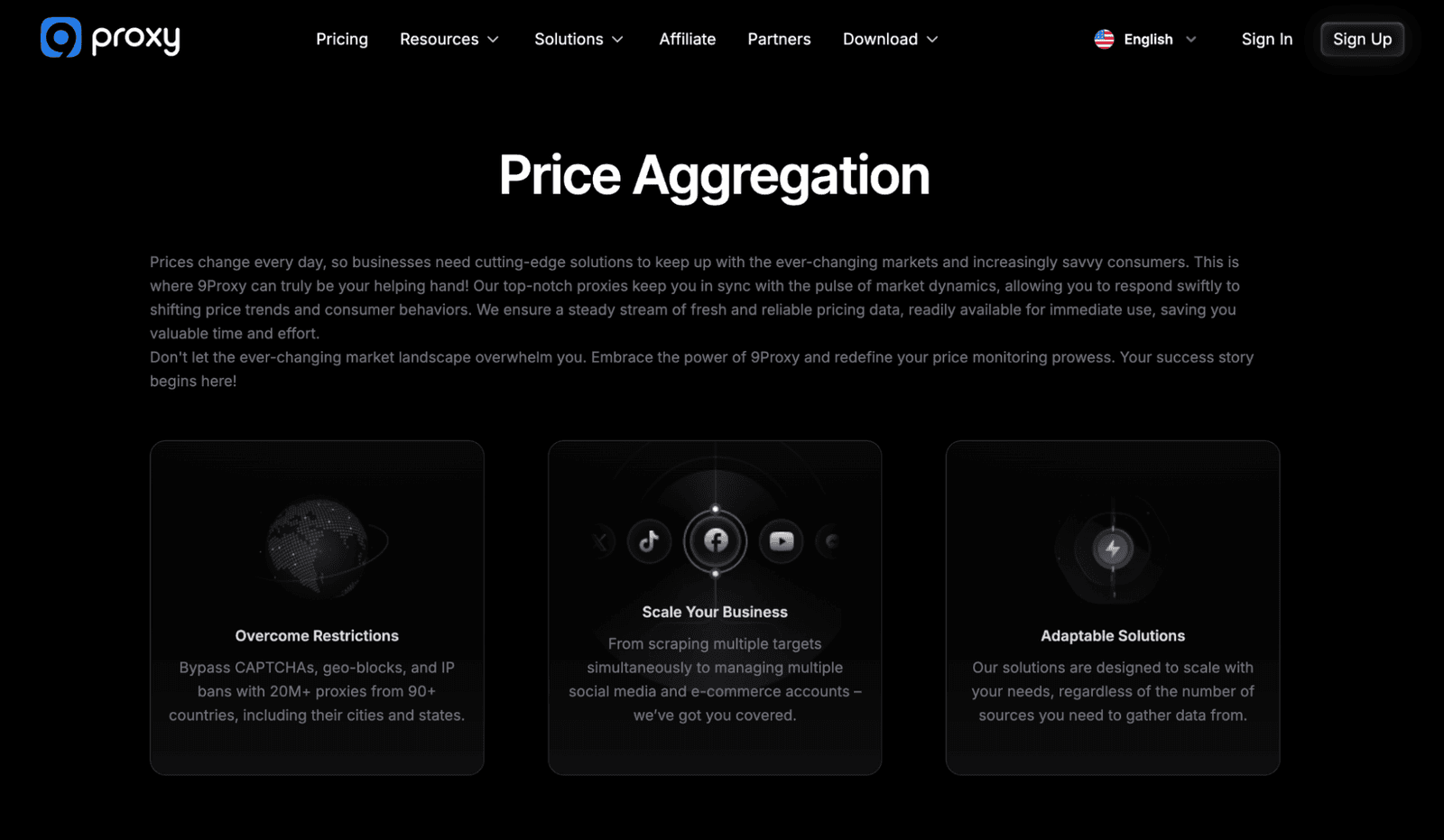
First, they expose real use cases. Proxies come in handy for price aggregation, SERP/SEO, multi-accounting, ad tech, and more.
Second, 9Proxies shows actual partners. Most of us already know these names from the anti-detect world.
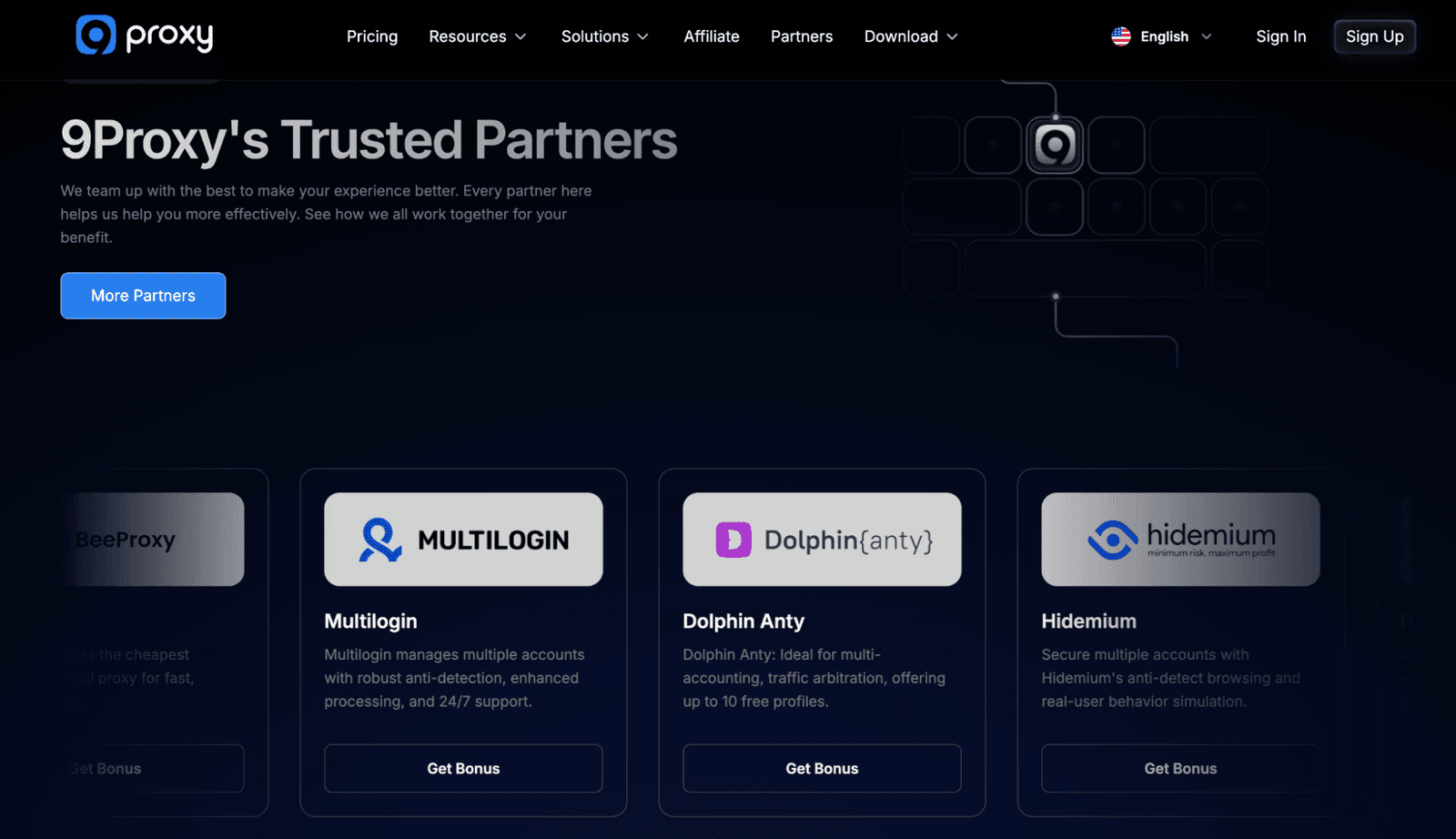
That was my first impression. But that doesn’t mean “trust them blindly.” So, I zoomed into the IP quality automation hooks, and performance under stress. That’s what we’ll unpack next.
How Clean Residential IPs Are?
9Proxy advertises 20M+ real residential IPs across 90+ countries. I don’t care about the exact number (for me, it’s big enough). I care about what it implies technically:
True residential endpoints. IPs sitting on actual home or consumer networks;
Long-acting IPs. Sessions that can stay alive for hours if needed;
Healthy rotation and refresh. IPs should rotate when needed and get taken out of circulation when they go bad.
9Proxy wraps that into 3 ideas:
Long-Acting IPs. Fewer forced rotations, better for logged-in sessions;
Auto-Refresh Proxy. IPs auto-renew when they go offline;
Auto-Rotation Proxy. Scheduled IP changes on ports.
Reality Check
In my tests, those mechanisms mattered more than the “20M+” claim. On a mixed workload (e-com scraping + SERP pulls + some multi-account tests), I saw:
Average success rate: ~99.5% across US, DE, UK, BR, and IN;
Uptime on key routes: ~99.4% measured over a week;
Average response time: 0.6 seconds on heavier pages, faster on plain HTML APIs.
That’s what the folks watching for fraud, replaying attacks, or scraping exposed panels want. You get a pool that refreshes and rotates while you stay inside your SIEM and tools.
Billing Models and Scaling
Most proxy vendors still think in one dimension. They might lock you into either per-GB or per-IP billing and expect you to plan everything around that. Per-GB plans hurt when you:
Run full-page capture on phishing kits or malware panels;
Replay large volumes of attacker traffic for forensics;
Pull heavy API responses from exposed admin or search interfaces.
Per-IP only is the opposite problem. It’s great for heavy, always-on work, but clumsy when a small project needs a bit of traffic.
That’s why I look at how flexible the billing is. With 9Proxy, you’re not stuck with one model. Their core product is still per-IP with unlimited bandwidth. But they’ve recently rolled out straight GB-based pricing and a few IP+GB bundles for teams that prefer to think in traffic instead of IP counts.
Reality Check
On a month-long test with 9Proxy, I pushed:
~12M requests;
Average payload around 40-80 KB per response;
Peaks up to 600-700 requests/min on some targets.
On the IP-based side, I never had to stare at a GB counter. I only watched the success rate per IP and ban curves per region.
IP-based residential plans (unlimited bandwidth)
For these tiers, bandwidth is effectively unlimited. The constraint is how many parallel projects or browser profiles you want to keep cleanly separated.
Plan size | Price / IP | Total | How I’d use it |
100 IPs | $0.20 | $20 | Tiny projects, one-offs, proof-of-concepts |
500 IPs | $0.12 | $60 | Solo operators, light scraping / multi-accounts |
1,000 + 500 bonus | $0.07 | $105 | Small teams, steady workloads |
2,500 IPs | $0.07 | $175 | Growing shops with several verticals |
5,000 IPs | $0.06 | $300 | Agencies, mid-scale price / SEO stacks |
15,000 IPs | $0.04 | $600 | Larger businesses with regional teams |
25,000 IPs | $0.03 | $750 | Resellers / heavy automation labs |
50,000 IPs | $0.025 | $1,250 | High-volume resellers / platform-level ops |
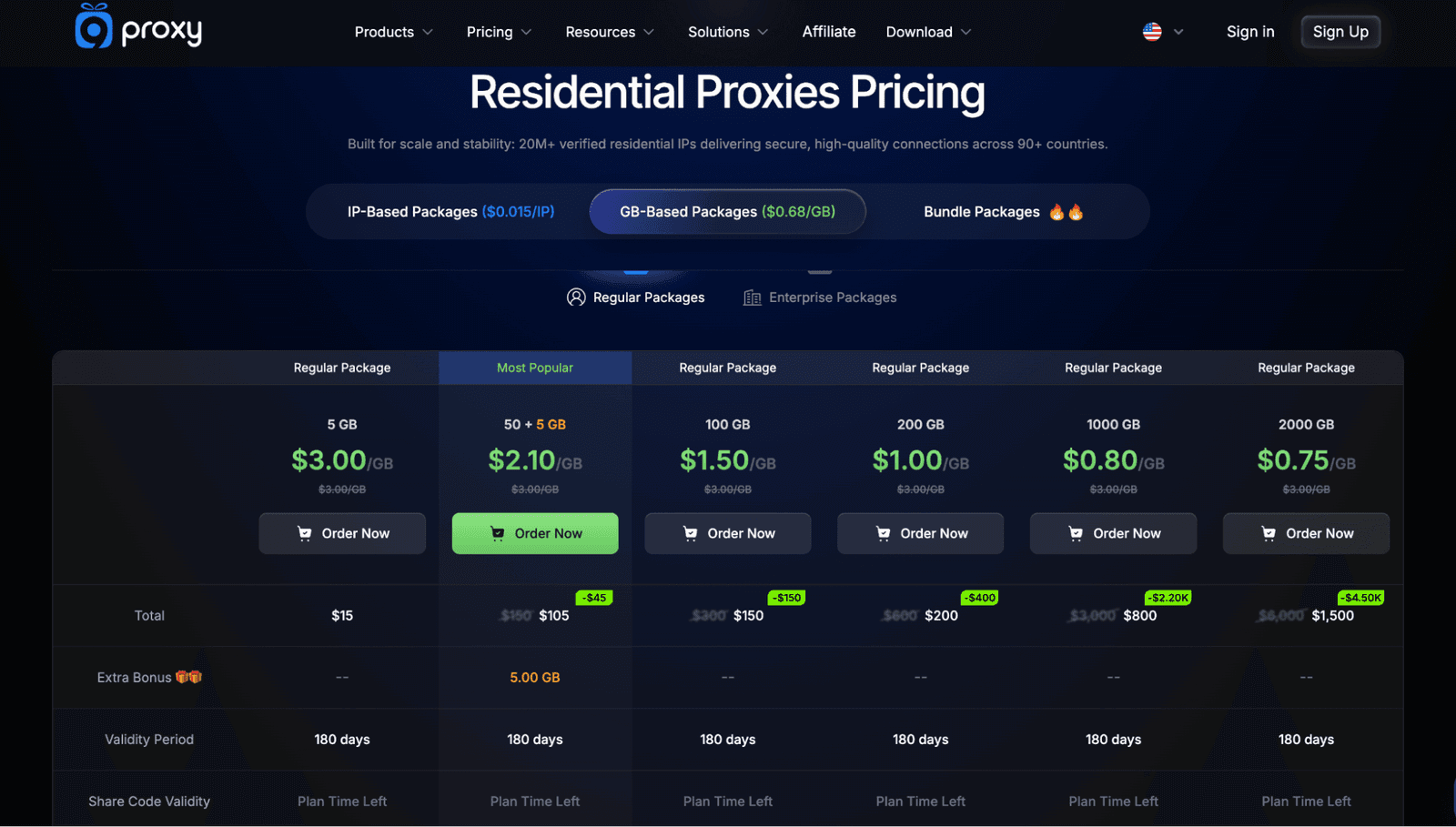
GB-based residential plans (pay-as-you-go)
When a job is bursty or clearly bounded by traffic, it’s easier to think in GB instead of IPs. These GB packs are pay-as-you-go. You only pay for consumed bandwidth, with no limits on threads or sessions. In practice, I’d park browser profiles, SMM tools, MMO tasks, or “spiky” e-commerce monitoring on these plans and track how many gigs the team burns.
Plan | Effective price / GB | Best for |
5 GB | $3.00 / GB | Small tests, one-off checks, quick POCs |
50 + 5 GB bonus (most popular) | $2.10 / GB | Ongoing but light scraping / SEO tools |
100 GB | $1.50 / GB | Regular automation on a few targets |
200 GB | $1.00 / GB | Medium-size scraping / monitoring jobs |
1000 GB | $0.80 / GB | Daily SERP / e-commerce monitoring at scale |
2000 GB | $0.75 / GB | Teams running multiple tools and regions |
Bundle plans (IPs + GB in one package)
For a self-contained pack per project or client, you can grab one of 9Proxy’s bundles. All of them share the same network behavior I saw in my tests – a ~99.5% success rate and ~0.6 s average response time. Bundled traffic is valid for 180 days.
Bundle plan | Package | Price | Discount vs list | Best for |
Starter Bundle | 100 IPs + 5 GB | $25 | $10 off $35 | Small projects, trials, client pilots |
Growth Bundle | 1500 IPs + 50 GB | $150 | $60 off $210 | Agencies / teams with a few active clients |
Pro Bundle | 5000 IPs + 500 GB | $600 | $250 off $850 | Bigger shops that want one “all-in” pack |
Auto Features & Port Configuration
9Proxy is no stranger to automation around IPs. Their Auto-Refresh Proxy:
Automatically swaps IPs on ports when they go offline;
Cuts down on “connection refused” cascades when a segment of the pool misbehaves;
Helps long jobs finish without manual intervention.
In my scraping tests, enabling auto-refresh cut connection-level errors by ~35% on noisier regions. Most of the remaining problems were normal site-side issues (rate limits, application errors).
Next, the provider has Auto-Rotation Proxy. It does the following:
Changes IPs on ports after a set interval;
Lets you mimic “lots of users over time”;
Helps avoid long-session fingerprinting and some IP-based rate limits.
Combined with improved port configuration, you can bind ports to countries, cities, ZIP codes, or ISPs. They also let you align specific ports with specific business rules.
Reality Check
I wired 9Proxy into a security lab setup instead of a generic “scraping stack.” I split ports by task so I could see which traffic broke first:
Ports 10000–10049 → US, mixed ISPs, rotation every 15 minutes. Used for attack-surface scans and probing exposed panels.
Ports 10050–10100 → DE + FR, longer-acting IPs, slower rotation. Used for login/fraud-flow tests and “normal user” journeys.
A separate lab range → More experimental stuff. Replayed attacker traffic, sandbox tests, and noisy automation.
Auto-refresh stayed on for anything tagged as critical. That could be live monitoring, fraud checks, or long-running scans.
On that layout, I saw:
US “scan” pool success: ~98.1%
EU “login/fraud” pool success (DE/FR): ~97.5%
Proxy-side failures: under 2.5% (even when I pushed concurrent HTTPS requests harder than I would in production)
That's what I expect from a serious provider. If something breaks, I can tell whether it’s the target, my tooling, or a specific proxy bucket.
The Wallet System
9Proxy also ships an integrated Wallet. It’s where you pay, renew IPs, and track affiliate earnings. From a security/ops angle, it keeps all proxy spend in one place instead of on random cards across the team. Also, it lowers the chance that a critical job dies because someone forgot to top up a sub-account.
Reality Check
In my case, we tied wallet top-ups into an internal alerting rule. When remaining credits dropped below a threshold, someone got pinged.
Real Use Cases: How Residential Proxies Earn Their Keep
Use cases tell you where a provider expects to be judged. If all you see is “web scraping” and “SEO,” I assume they haven’t dealt with real ops or fraud teams.
9Proxy calls out concrete areas – price aggregation, SERP monitoring, market research, multi-accounting, data scraping, and ad tech. I don’t need all of them, but a few line up well with my world. These are price and product checks on high-risk shops, SERP views around phishing domains, and multi-account / fraud-flow tests.
For the always-on security jobs, I lean on the per-IP, unlimited plans. For lighter SEO/SERP checks, SMM runs, or MMO macro tasks, I park things on a GB-based pack or a bundle.
Reality Check
On the “price aggregation / market research” side, I ran ~3.5M requests against grey-area e-commerce and comparison sites in 6 regions. With residential IPs only and auto-rotation on, I saw the following:
Success rates between 96.8% and 98.4%;
Geo accuracy (country + city) above 98% on spot checks.
Failures: target-side throttling (not proxy drops).
For SERP-style checks around suspicious domains, I pushed repeated queries across US, DE, and BR over 7 days. What I got:
Success rates in the 97–98% band;
CAPTCHA frequency dropped by roughly 30–40% (compared to a datacenter baseline I use for tests).
Multi-account and fraud-flow tests were the harshest. I wired 9Proxy through anti-detect browsers and hit hardened login flows and checkout pages. Over a week, I saw:
95–97% clean session completion;
No mass ban waves tied to specific subnets;
No sudden proxy-wide failures.
Human Support as a Security Control
In production, something always breaks. A region might suddenly get more aggressive with bans. A subset of IPs can start misbehaving. Or, a target may deploy a new anti-bot layer overnight.
When a provider promises 24/7/365 support, I treat that as a hypothesis. So I test it.
Reality Check
Across a few weeks, I contacted 9Proxy on different matters:
Clarification on invalid IP billing;
Questions about port-level ISP/ZIP targeting;
A minor region-specific success drop.
Response pattern? Most replies came within minutes, and answers referenced real network behavior. I wouldn’t settle for pasted marketing lines. And I also noted their willingness to dig into logs and sample IPs.
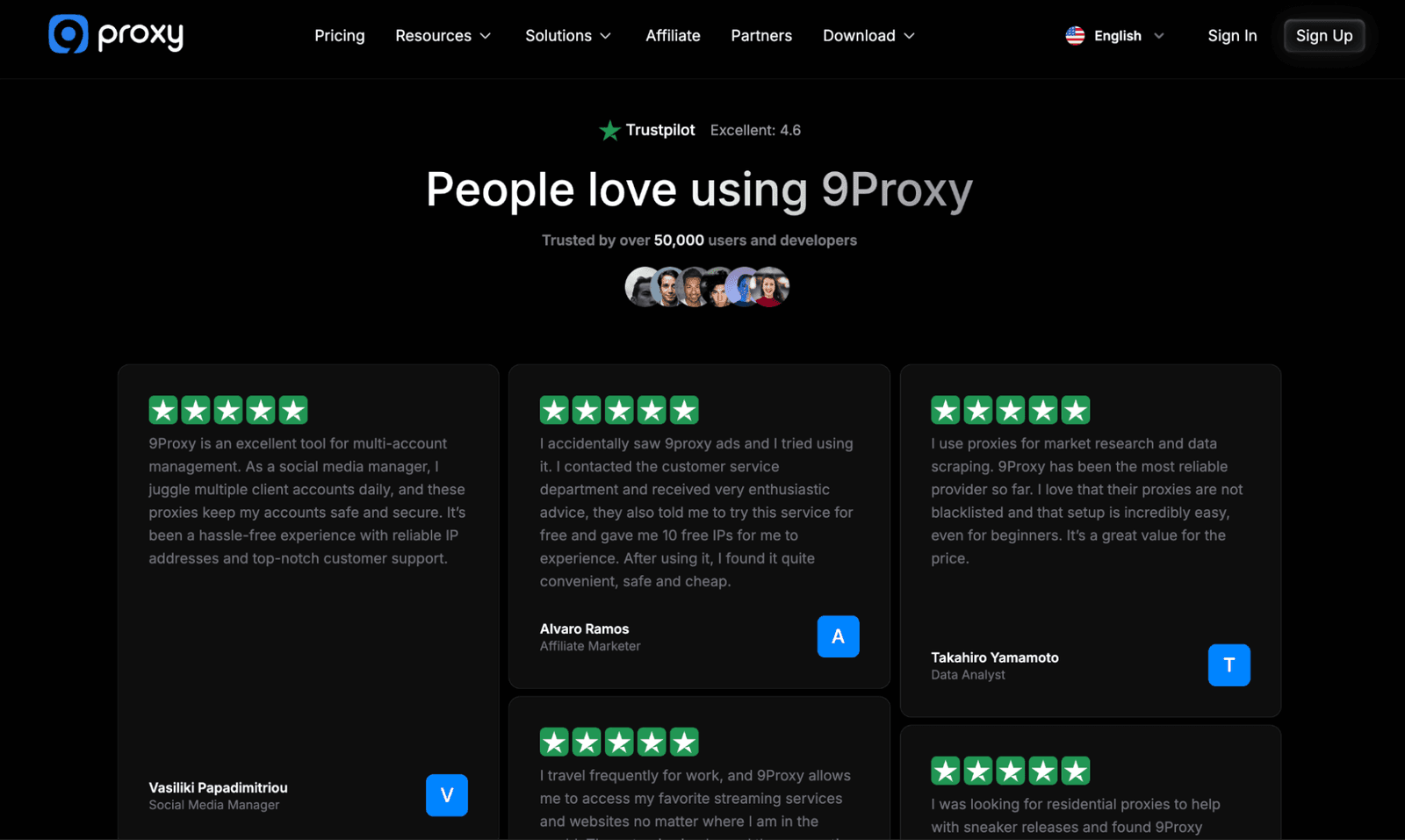
Their Trustpilot rating (4.6) and “trusted by 50,000+ users and developers” claims are nice signals. But the real test is whether a human can talk to you like an engineer when you have a problem.
Checklist Before You Commit to Any Residential Proxy Service
Before I point anything serious at a residential network, I run through a boring checklist. That’s what I do for any provider.
IP Type & Source
Are the IPs truly residential? Do they offer long-acting sessions, and is there an auto-refresh mechanism?
Geo & ISP Precision
Can I target by country, city, ZIP, and ISP? When I test it with IP info tools, does it match what they claim?
Billing Model
Is it clear what I’ll pay as I go from 100 to 50,000 IPs and from a few GB to a few TB of traffic? And if “unlimited bandwidth” or GB packs are offered, is it spelled out exactly how that works?
Invalid IP Policy
Are invalid IPs not billed? Is there a clear replacement window? For example, are IPs that don’t work in the first 60 seconds automatically credited or replaced?
Automation Features
Do I get auto-refresh, auto-rotation, API access, and port configuration that fits my stack?
Client & OS Support
Do they have clients for the platforms my team uses (e.g., macOS)? Or will I have to script everything from scratch?
Security & Logging
What is logged, for how long, and who can access it? Is there any mention of law-enforcement handling, abuse processes, or compliance?
Support Quality
Have I talked to support with a real technical question? Did I get a useful answer?
Partner Ecosystem
Do they integrate well with tools we already use (AdsPower, Multilogin, Dolphin Anty, etc.)? Or will we be the first ones trying?
Plug 9Proxy (or any provider in question) into this list. You’ll see how confident you feel after a day of testing.
Why I Prefer Boring Yet Predictable Proxies Over Shiny Promises
In 2025, everyone in the proxy space can shout. Very few can stay out of your way. 9Proxy is a good example of what I want to see more often:
A pay-per-IP, unlimited bandwidth model that doesn’t punish traffic-heavy tasks
GB-based packs and IP+GB bundles for tasks that don’t favor counting IPs
A massive residential pool with precise targeting (up to ZIP code and ISP level);
Built-in auto-refresh and auto-rotation;
Port-level geo/ISP controls.
As added benefits, I noted an integrated wallet and a macOS client for real-world teams. And their partner stack targets the jobs we run in security and ops. These are multi-account labs, anti-detect browser setups, and large scraping passes against geo-locked targets.
If you ignore the slogans and look at success, stability, and control, you end up choosing the “boring” providers that behave well in your logs. That’s where residential proxies really earn their keep.