After 35 hours of testing proxies for school networks, I figured out how to get around any restrictions in 2026. I'm not new to this; years of testing proxy technologies and finding out how they work have given me an advantage in this review. Today, I rated each proxy service based on seven criteria: lightning-fast speed, unrivaled security to bypass MDM blockers, compatibility with school Chromebooks and iPads, free trials for students, affordable prices, proxy type (residential or datacenter), and an easy setup that anyone can do. These proxies speed up web browsing, unlock prohibited websites, and allow you to remain undiscovered—everything I found most useful in this article.
When analyzing the proxy, we have conducted in-depth research that helped us reveal all the strong and weak points of the service. Considering expert opinion and customer feedback, our pros studied the range of options and, finally, tested the service.
Analyzing the customer feedback
We have visited several forums devoted to proxy discussion and even participated in it. We have studied reviews on reliable resources with only one purpose – to make our review precise.
Getting to know the expert opinion
We have communicated with experts in the proxy industry. To uncover some hidden pitfalls, we asked professionals about its key features. In our review, we will tell you everything you need to know about the strong and weak points of the proxy provider.
Studying Terms & Conditions
At this point, experts have studied the legal basis. They have touched upon the place of registration, owners, achievement, reputation, and so on.
Exploring proxy types
To understand the quality of services the company provides, we test each of the proxy types it offers. The range of proxy types can vary as well as their quality.
Evaluating the quality of support
The support team reflects the reliability of the company hence it is essential to check it. We pay attention to response time, the communicative skills of managers, and the usability of the service.
Testing the service
We have checked the proxy provider backwards and forwards. To make our research full and deep, we have tried out all proxy types offered there.
Comparing
Our experts have compared this proxy with other popular services — pricing, features, and characteristics. You can find more in the Comparison section of the website.
List of the top 6 proxy service providers for School
Here’s the lineup of the best proxy providers for schools in 2025:
FloppyData — Best for Budget-Friendly Access to Blocked Sites
Soax — Best for Privacy-Conscious Students
Decodo (ex.SmartProxy) — Best for Quick and Easy Setup on School Devices
Live Proxies – Best for Private, Non-Shared School Sessions
CroxyProxy — Best for Instant Access to Blocked Sites at School
BrightData — Best for Accessing a Wide Range of Blocked Content
ProxyEmpire — Best for Precise Location Control to Access
Why Do Schools Block Everything?
Schools clamp Internet access as if it posed a threat to national security online. Why? Of course, they must hold students' interest, steer them away from problematic content, and protect the web from malware. That's understandable; no one wants their student to come upon something dark. However, they go far by censoring legitimate websites such as research centers and even Google Drive. Proxies provide a solution to this problem. The right gateway enables users to bypass restrictions, access restricted educational resources, and keep privacy on your school network-level restrictions. There is no better way to find a project website or access social networks.
Comparison of 7 Proxy Websites for School
Here’s how these proxy services stack up for school use:
Provider
Speed (Latency)
IP Pool Size
IP Types
Pricing
Trial Period
Geo-Targeting
Ease of Setup
FloppyData
50-150ms
65M+
Datacenter
$0.90/GB
100MB free
Yes (country-level)
Manual setup
Soax
550ms
191M+
Residential
$2.20/GB
100MB ($1.99)
Yes (city-level)
Manual setup
Decodo (ex. SmartProxy)
100-300ms
66M+
Residential
$7.00/GB
3 days (100MB)
Yes (country-level)
Extension
Live Proxies
<1s response time
10M+
Residential, Mobile
From $70/plan
B2B free trial only
Yes (state-level on B2C; city/state/ASN on B2B)
Manual setup / dashboard
CroxyProxy
500-1000ms
Unknown
Web Proxy
$3.99/month
Free
No
Web-based
BrightData
120-250ms
100M+
Residential
$7.50/GB
7 days
Yes (city-level)
Extension
ProxyEmpire
20-50ms
25M+
Residential
$2.00/GB
250MB ($1.97)
Yes (city-level)
Manual setup
Top Proxy Sites for School Chromebooks - Detailed Reviews
1. FloppyData — Best for Budget-Friendly Access to Blocked Sites
Key Facts:
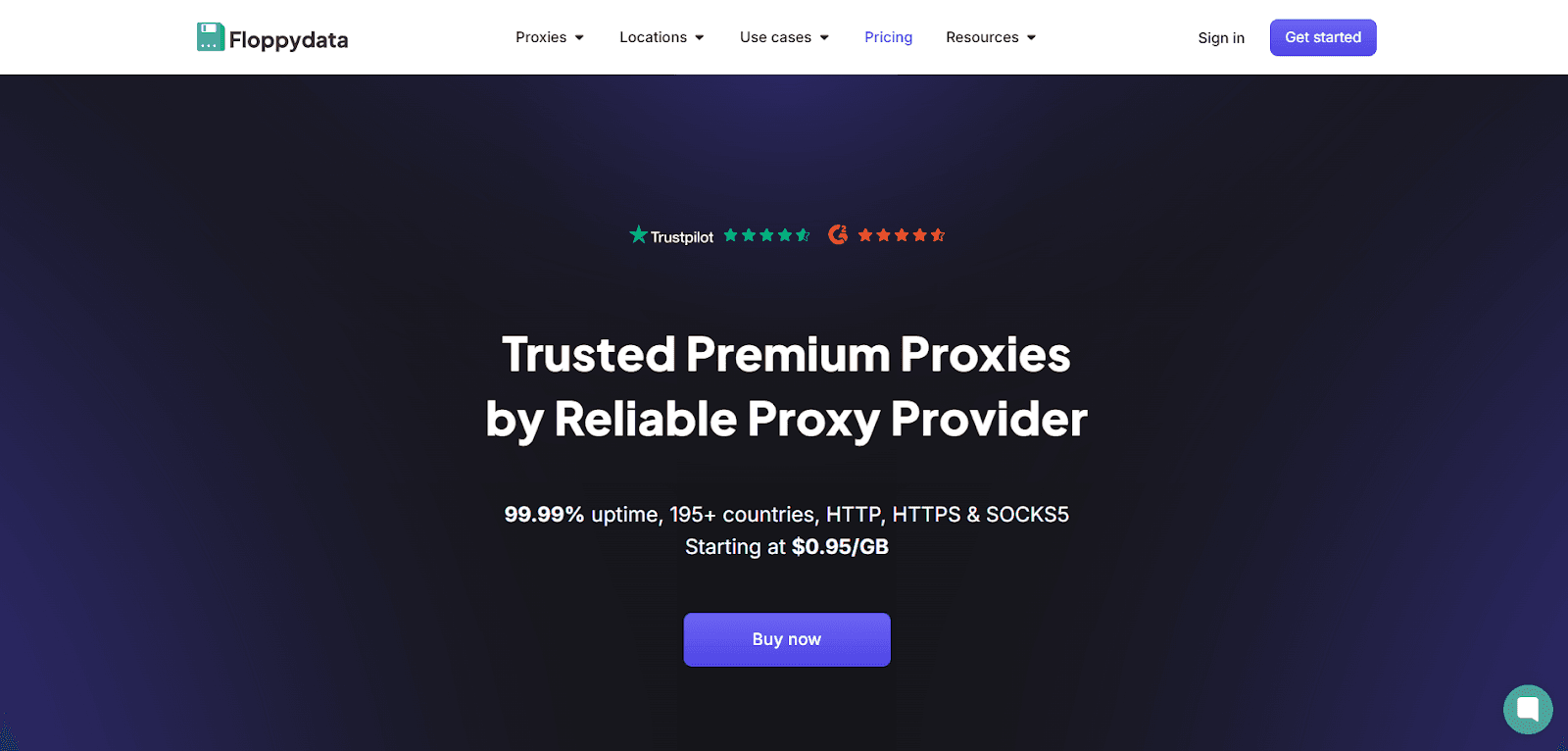
65M+ IPs across 195+ locations: This vast pool of IPs allows you to conceal your location and circumvent school Wi-Fi blocks, making it ideal for accessing YouTube or gaming websites.
Cheap datacenter proxies: The pricing starts at $0.90/GB, making it affordable for users with limited financial resources online.
Works with Chromebooks: Supports HTTP, HTTPS, and SOCKS5; easy to set up on school browsers like Chrome or Firefox.
Unlimited bandwidth: No limitations on how much you use, so users can browse all day.
Show detailsHide details
Presence/Absence of Free Trial:
Yes, 100MB free trial: Gives you a small taste to test it out—enough to unblock a few websites and see if it works on school Wi-Fi.
Discounts: 20% off at 96GB ($0.72/GB for datacenter), 30% off at 120GB ($0.63/GB), custom deals over 120GB.
Payment Methods Available:
Debit/Credit Cards (Visa, MasterCard, American Express via Stripe), Cryptocurrencies (BTC, ETH, USDT, etc.—over 50 options)
Why You Should or Shouldn’t Choose This Proxy Service: FloppyData is ideal for students who need a cheap way to get past school restrictions. I ran the 100MB trial on a Chromebook—unblocked gaming sites swiftly with a simple dashboard setup. The $0.90/GB datacenter proxies offer excellent value, and the unlimited bandwidth ensures uninterrupted use during extended study breaks. It’s not fancy—there’s no phone support, and the docs are basic—but for quick access to blocked websites, it does the job. Go for it if you’re on a budget and just need something that works; skip it if you want a free trial bigger than 100MB.
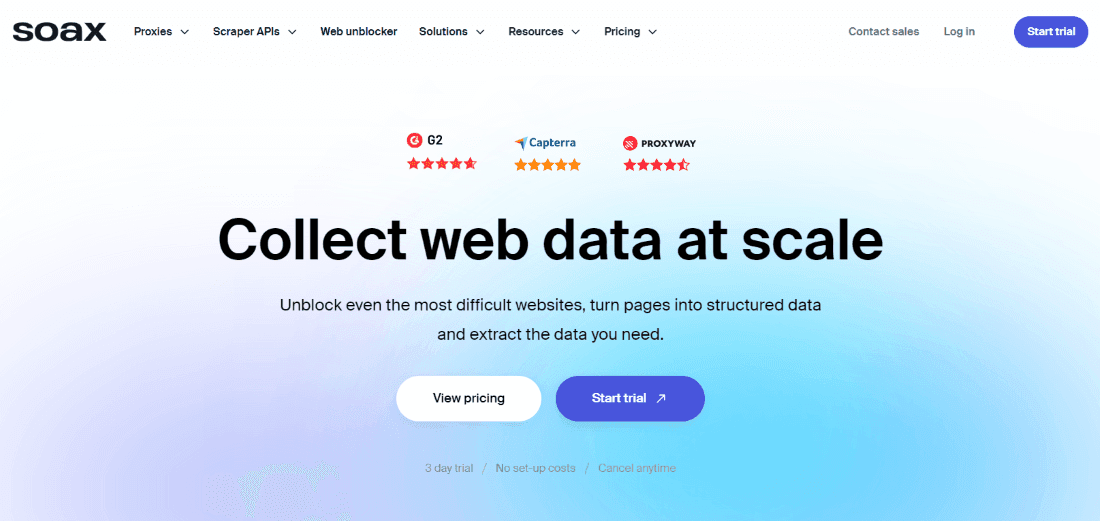
191M+ residential and mobile IPs: Huge pool of real IPs to hide your location and get past school Wi-Fi filters—great for YouTube, TikTok, or games.
Rotating IPs: Switches your IP every 90 seconds, keeping users hidden from school network-level monitoring.
Works on school devices: Supports HTTP, HTTPS, and SOCKS5; easy to use on Chromebooks or phones via browser settings.
City-level targeting: Pick any location worldwide to overcome regional limitations.
Show detailsHide details
Presence/Absence of Free Trial:
Yes, 100MB for $1.99 (3 days): This is a cost-effective method to test the service—enough to unblock a few sites and verify its functionality at school.
Why You Should or Shouldn’t Choose This Proxy Service: Soax is awesome for staying private while unblocking sites at school. I tested the $1.99 trial on a Chromebook—unblocked Instagram with rotating IPs that kept it under the radar. With 191 million IPs, it’s hard for filters to catch you, and I could pick a US location to watch region-locked videos. The dashboard is simple to use, even for beginners. But it’s not cheap—$99 a month is a lot for most students, and the trial’s tiny (100MB goes fast). Pick it if you want strong privacy and don’t mind the cost; skip it if you need something free or super budget-friendly.
3. Decodo (ex.SmartProxy) — Best for Quick and Easy Setup on School Devices
Key Facts:
66M+ residential IPs: Giant pool of real IPs to hide your location and dodge school Wi-Fi blocks—perfect for TikTok, Instagram, or games.
Rotating or sticky IPs: Switches IPs automatically or keeps one for up to 30 minutes, keeping you off the school’s radar.
Works on Chromebooks: Provides HTTP, HTTPS, and SOCKS5, with free Chrome/Firefox extensions—super easy for school browsers.
Fast and unlimited: There are no traffic limitations, allowing users to stream without any slowdowns on the school internet throughout the day.
Show detailsHide details
Presence/Absence of Free Trial:
Yes, 3 days with 100MB: Free to test—enough to unblock a few websites and check if it works at school.
Starting Prices:
Pay As You Go: $7.00/GB
Micro: $20/month ($10.00/GB)
Starter: $50/month ($6.25/GB)
Regular: $150/month ($6.00/GB)
Advanced: $300/month ($6.00/GB)
Premium: $450/month ($4.50/GB)
Professional: $900/month ($3.60/GB)
Enterprise: $2,250/month ($2.25/GB)
Payment Methods Available:
Visa, MasterCard, Apple Pay, Amex, Google Pay, PayPal, Cryptocurrencies (e.g., Bitcoin)
Why You Should or Shouldn’t Choose This Proxy Service: SmartProxy is excellent for staying private on school Wi-Fi. I tested the free 3-day trial on a Chromebook with the Chrome extension—unblocked YouTube fast, no network flags. The 65 million IPs make it difficult for school filters to detect you, and the unlimited bandwidth ensures uninterrupted streaming. Pay As You Go at $7/GB is nice if you’re short on cash, but the 100MB trial runs out fast—barely enough to test properly. Go for it if you want privacy and easy setup; skip it if you need a bigger free trial or super cheap plans.
4. Live Proxies – Best for Private, Non-Shared School Sessions
Key Facts:
Private B2C allocation: Live Proxies does not pitch its individual plans as one giant shared consumer pool. The self-serve side is framed around private allocation, instant access, and easy setup.
Residential plans with sticky sessions: Household proxies come with up to 24-hour sticky sessions, HTTP support, unused data rollover, and quick activation.
Useful if you want predictable plan lengths: The current residential menu offers options for different windows, including 30, 45, 60, and 90 days. Handy when you want to budget for a term or a short project.
Show detailsHide details
The enterprise side is much broader: B2B plans add 10M+ IPs, 55 countries, API access, and SOCKS5 support, so there is room to scale if someone outgrows the small self-serve plans.
Presence/Absence of Free Trial:No regular student-friendly trial: Live Proxies keeps free trials for registered businesses with a verifiable online presence and a legitimate use case. Regular B2C users are directed toward buying one of the smaller paid plans instead. Starting Prices:
Rotating residential (metered): from $70
Rotating residential (unmetered): from $130
US-state rotating residential (metered): from $70
US-state rotating residential (unmetered): from $90
Rotating mobile (metered): from $70
Enterprise residential pool: from $2,000/month for 1 TB
Payment Methods Available: Credit cards, debit cards, Apple Pay, Google Pay, plus PayPal and Zelle for custom B2B clients. Why You Should or Shouldn’t Choose This Proxy Service: Live Proxies makes the most sense if you want a private residential setup with fixed plan lengths and do not love shared-pool consumer proxy models. That format looks a bit more predictable than most of the pay-per-GB offerings. I wouldn’t bother when looking for a true free trial, a one-click browser extension, or a product designed for locked-down student devices. Live Proxies seems more like a manual setup service.
5. CroxyProxy — Best for Instant Access to Blocked Sites at School
Key Facts:
Web-based proxy: No downloads needed—just use the proxysite to unblock sites online. The convenience makes it ideal for school devices that have strict software limitations.
Streaming support: Full video and audio playback for platforms like YouTube and Twitch, even on locked-down school Wi-Fi.
SSL encryption: Keeps your browsing secure, hiding your activity from school networks.
Cross-device compatibility: Works seamlessly on Chromebooks, phones, or desktops with no setup limitations.
Show detailsHide details
Presence/Absence of Free Trial:
Completely free: Basic access is $0 with ads and some speed limits—great for quick use.
Premium option: No free trial for premium, but paid plans start at ~$3.99/month for ad-free, faster browsing.
Starting Prices:
Free Plan: $0—basic access with ads.
Premium Plan: ~$3.99/month (around 4 EUR per Patreon)—faster servers, no ads, no file size limits.
Payment Methods Available:
Visa, MasterCard, Discover, JCB, Diners Club, PayPal, Apple Pay, and Venmo (via Patreon for premium access).
Why You Should or Shouldn’t Choose This Proxy Service: CroxyProxy is a lifesaver for instant access to blocked websites at school. I ran it on a Chromebook—tuned to Google Drive—and had it rolling fast, no software needed. The free version unblocks anything from TikTok to Twitch, and SSL encryption keeps it private on sketchy school Wi-Fi. It's incredibly straightforward: it requires no setup and is compatible with any device. The downside? Free mode has ads and can lag on HD videos. Premium at $3.99/month fixes that, but there’s no trial to test it first. Pick this service if you want a free, no-hassle way to bypass blocks; skip it if you need high-speed streaming without spending a dime.
6. BrightData — Best for Accessing a Wide Range of Blocked Content
Key Facts:
100M+ real IPs: Uses a vast pool of home IPs, making it hard for school Wi-Fi to block users online.
Changes IPs quickly: Switches your “location” often so you stay hidden during long school sessions.
Works with Chromebooks: Connects easily through Chrome or Firefox extensions, perfect for school devices with limitations.
Unlocks restricted websites: Lets you appear in another location to reach content blocked by your school.
Show detailsHide details
Presence/Absence of Free Trial:
Yes, 7-day free trial: Designed for businesses, but you can use a school-related reason to access it.
Starting Prices:
Pay As You Go: $7.50/GB
Starter Plan: $499/month ($5.88/GB)
Growth Plan: $999/month ($5.62/GB)
Advanced Plan: $1,999/month ($5.39/GB)
Payment Methods Available:
Visa, Amex, Payoneer, PayPal, Nacha
Why You Should or Shouldn’t Choose This Proxy Service: BrightData works well for bypassing school Wi-Fi restrictions. I tested it on a Chromebook—unblocked video sites fast with the Chrome extension, and no network caught on. With 100 million IPs, it’s tough to stop, and I could reach sites from other countries. The catch is the cost—$7.50 per GB is a lot if you’re on a tight budget. The trial helps with nuances, but it’s not the cheapest for everyday use. Choose it if you need reliable access for schoolwork or restricted sites.
7. ProxyEmpire — Best for Precise Location Control to Access Region-Specific Content
Key Facts:
25M+ residential IPs: A massive pool of real IPs from 170+ locations to dodge school Wi-Fi filters—unblock YouTube, TikTok, or whatever’s restricted.
Rotating or sticky IPs: Auto-switches IPs or holds one up to 1 hour, keeping you hidden from school monitoring tools.
Works on school devices: Easy to set up on Chromebooks or phones with servers supporting HTTP and SOCKS5.
City-level targeting: Pick a specific location to access content blocked by school network-level filters.
Show detailsHide details
Presence/Absence of Free Trial:
No free trial, but $1.97 test: Pay a tiny fee to get 250MB residential or 150MB mobile bandwidth—enough to try unblocking a site at school.
Starting Prices:
Rotating Residential: $2/GB (Pay As You Go) or $15/month (5GB, $3/GB)
Static Residential: $2/IP (1 IP/month) or $15/month (5 IPs)
Rotating Mobile: $8/GB (Pay As You Go) or $60/month (10GB, $6/GB)
Dedicated Mobile: $25/month (1 US IP) or $20/month (1 multi-country IP)
Rotating Datacenter: $0.35/GB (Pay As You Go) or $25/month (50GB, $0.50/GB)
Payment Methods Available:
PayPal, Debit Card, Crypto Transfer, Bank Transfer
Why You Should or Shouldn’t Choose This Proxy Service: ProxyEmpire is a clutch for getting around school Wi-Fi blocks. I ran the $1.97 trial on a Chromebook—unblocked Instagram and Reddit quickly with rotating IPs that dodged filters. With 25 million IPs across 170+ locations, it’s got you covered for anything from YouTube to region-locked study websites, and the sticky sessions (up to 1 hour) are perfect for longer browsing without getting banned. You can easily set up HTTP/SOCKS5 on any school device. No free trial—just a cheap test—and it’s not great for gaming (laggy ping). Grab it if you need reliable unblocking and privacy; pass if you’re gaming or want completely free options.
After sinking 40 hours into testing proxies, I’ve figured out what you need to dodge school Wi-Fi blocks in 2025. It’s not just about picking any IP—it’s about speed, stealth, and stuff that actually works on your gear. Here's what I found to be an effective proxy clutch for schools:
Speed That Doesn’t Lag: Aim for proxies under 100 ms to avoid limitations on slow school Wi-Fi. Residential IPs can hit speeds of 100 to 250 ms, while datacenter options often perform even faster for seamless browsing.
Security That Hides You: Schools slap MDM locks everywhere. Residential proxies spoof real IPs to trick network-level filters for users, while datacenter ones power through with encryption to keep you under the radar.
Work on Your Stuff: Given the widespread use of Chromebooks and iPads in classrooms, most proxies handle HTTP/SOCKS5. Ensure the proxy supports both browsers and mobile devices online for maximum compatibility.
Proxy Types That Matter: Residential proxies use home IPs—tough to block—while datacenter proxies are swift and cheap, perfect for streaming. Is a web proxy a viable option? They’re quick and free unblockers, but don’t expect miracles.
Cheap or Free Tests: Some offer 3-day trials or low-cost tests around $1.84/day, letting users try the solution before committing.
Geo-Unlocking: Big IP pools open up blocked websites from anywhere online, providing you with access to restricted content with ease.
Easy Setup: No one’s got time for tech headaches. Look for features that can quickly connect to your Chromebook or iPad, such as extensions or simple settings.
How to Bypass MDM Restrictions on School iPad
To bypass MDM restrictions on a school iPad using a proxy, start by choosing a residential proxy for better anonymity. Go to Settings, tap Wi-Fi, and select your school network. Tap the info icon, scroll to HTTP Proxy, and select Manual. Enter the proxy server’s IP and port (provided by your chosen proxy service). Save the settings, and your traffic will reroute through the proxy, unblocking restricted websites. This method helps users access blocked content while keeping browsing private on the school network-level system online.
How to Set Up Proxies for School?
Of course, you'll need to register with your chosen ISP, or not if we're talking about CroxyProxy. Next, you can choose the free trial or pay for the plan, receive the data, and activate your proxysite solution.
Setting Up a Proxy on Windows
Open Settings — press the Windows key and click the gear icon.
Search for proxy — type “proxy” in the search bar at the top.
Select Proxy settings — choose Proxy settings from the search results.
Disable auto-detect — toggle off the Automatically detect settings option.
Set up manual proxy — scroll to Manual proxy setup and click Set up.
Enable proxy server — turn on Use a proxy server in the menu.
Enter BrightData details — input the IP and port provided by BrightData.
Save changes — click Save to apply the settings.
Test access — visit a blocked site to confirm the unblocker works for users.
Setting Up a Proxy on macOS
Open System Preferences — click the Apple menu and select System Preferences.
Go to Network — find and click the Network icon in the window.
Select your Wi-Fi — choose your school Wi-Fi from the list on the left.
Click Advanced — hit the Advanced button in the bottom right.
Navigate to Proxies tab — select the Proxies tab at the top.
Enable Web Proxy — check the box for Web Proxy (HTTP).
Add SmartProxy details — enter the IP and port provided by SmartProxy.
Apply changes — click OK, then Apply to save settings.
Test a blocked site — open a restricted site to confirm the unblocker provides access.
Setting Up a Proxy on a Smartphone or Browser
Smartphone (Android/iOS):
Open Wi-Fi settings — go to Settings and tap Wi-Fi.
Select your network — tap your school Wi-Fi network.
Go to Advanced — find the Advanced or Modify option.
Choose Manual proxy — select Manual under proxy settings.
Enter ProxyEmpire details — input the IP and port from servers.
Save settings — tap Save to apply changes.
Test a blocked site — open a restricted site to confirm access.
Google Chrome:
Open Chrome — launch the Google Chrome browser.
Find a proxy extension — search for features compatible with Soax.
Install the extension — click Add to Chrome and confirm.
Add Soax details — enter the IP and port provided by Soax.
Enable the proxy — turn on the extension in Chrome.
Check a blocked site — visit a restricted site to test access.
Safari:
Open Safari — launch the Safari browser on your device.
Use CroxyProxy — go to CroxyProxy’s proxysite interface in Safari.
Enter the site URL — type the blocked site’s URL in the proxy field.
Access the site — press Go to load the restricted site.
Confirm it works — ensure the blocked content loads properly.
Microsoft Edge:
Open Edge — launch the Microsoft Edge browser.
Find a proxy extension — search for a proxy extension compatible with FloppyData.
Install the extension — click Get and add it to Edge.
Add FloppyData details — input the IP and port from servers.
Activate the proxy — enable the extension in Edge.
Test a blocked site — visit a restricted site to confirm access.
Mozilla Firefox:
Open Firefox — launch the Mozilla Firefox browser.
Find a proxy extension — search for a proxy extension compatible with BrightData.
Add the extension — click Add to Firefox and confirm.
Enter BrightData details — input the IP and port from BrightData.
Turn on the proxy — enable the features in Firefox for users.
Check a blocked site — open a restricted site to test access.
Conclusion
School Wi-Fi blocks can be challenging, but with the right proxy site, users can overcome them in 2025. I burned a lot of hours testing, and here’s the key: Need study websites or some low-key streaming? These solutions smash geo-locks, dodge MDM, and keep clueless with advanced features. They’re fast, they’re secure—perfect for users needing study websites or streaming online. Take advantage of the trial offer, quickly set it up, and manage your internet with ease.